설명
🎥 YouTube Demo : https://youtu.be/xfm1Cd7OrxA
📄 Documentation: https://drive.google.com/file/d/1jzXsL6e8NRyabK_yhbVaUHXDWd764yF4/view?usp=sharing
━━━━━━━━━━━━━━━━━━━━━━━━━━━━━
QUICK SETUP
1. Add StatusEffectComponent to your character (or any Actor).
2. Implement IEffectTargetInterface on the same Actor or one of its components.
3. Assign a DataTable (FStatusEffectRow) to StatusEffectComponent's Status Effect Table.
4. Call ApplyStatusEffect(FName EffectID) to apply an effect.
That's it — no Blueprint logic required. Full setup details in the included PDF guide.
━━━━━━━━━━━━━━━━━━━━━━━━━━━━━
Status Effect System is a Pure C++ gameplay effect framework for Unreal Engine 5.
It provides a flexible way to build Buffs, Debuffs, Damage-over-Time effects, and other
gameplay effects using a Zero-Tick, event-driven architecture, without requiring any
dependency on other plugins.
KEY FEATURES
- Buff / Debuff application with Duration or Infinite Effect support
- Three Stack Policies: Add / Refresh / Replace, with configurable Max Stack Count
- GameplayTag-based effect identification, with Immunity and Cleanse support
- DataTable-driven configuration — add new effects without touching code
- Built-in delegates:
- OnApplied
- OnRemoved
- OnStackChanged
- OnExpired
- OnPeriodicTick
- Compatible with any existing stat, attribute, or health system through
IEffectTargetInterface — no rewrites to your existing systems required
- Periodic effects for damage-over-time, regeneration, and similar mechanics
- Zero-Tick principle — all timing is Timer-based; no Tick function is used
DESIGN PHILOSOPHY
StatusEffectComponent handles all effect logic — applying, removing, stacking, and timing.
Your existing stat/health system only needs to implement IEffectTargetInterface to receive
modifier values; StatusEffectComponent never touches your attribute storage directly. This
keeps the plugin fully standalone and easy to integrate into any project structure.
WHAT'S INCLUDED
- Full C++ source (no Blueprint-only logic)
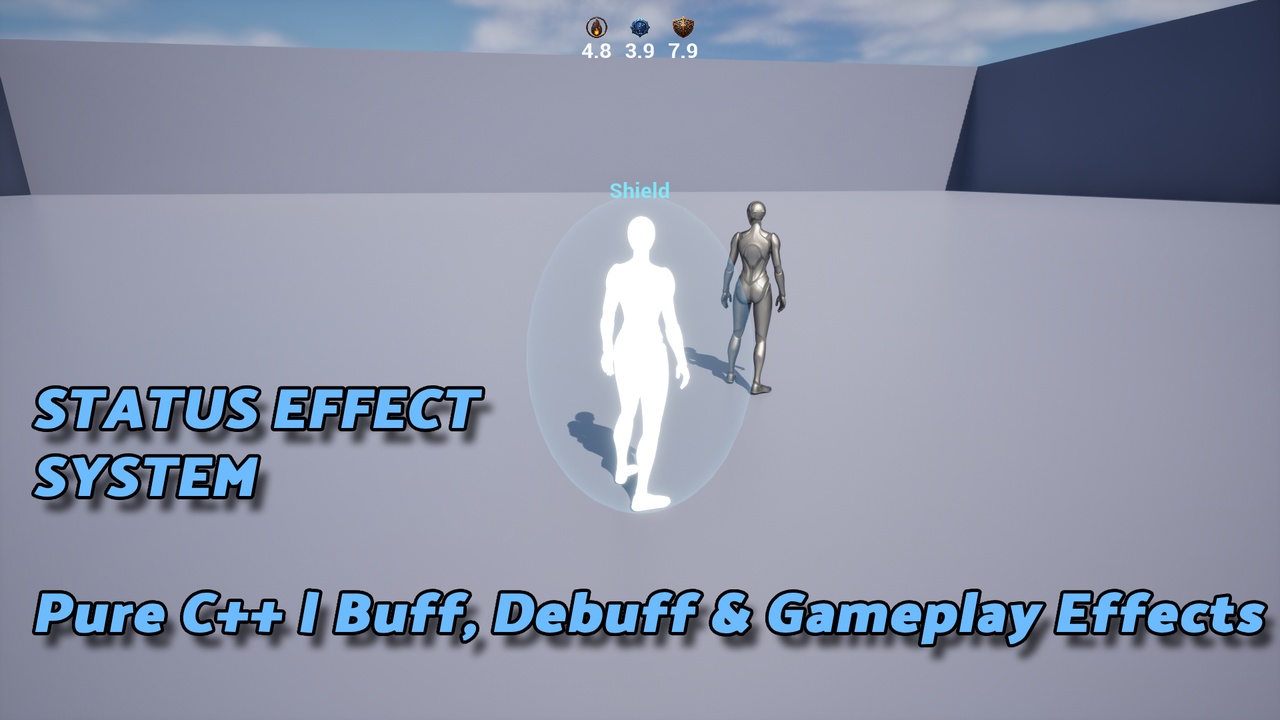
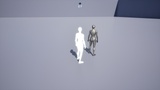
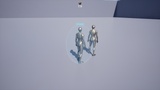
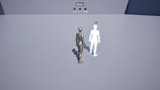
- Fully playable demo level: Player & Enemy, a targeting system, floating damage text,
and example visual feedback demonstrating effect application
- A pre-configured DataTable with 3 example effects (Burn, Slow, Shield)
- Step-by-step Setup Guide PDF
REQUIREMENTS
- Unreal Engine 5.4 – 5.8
- Win64
- C++ project (or Blueprint project with C++ support enabled)
NOT INCLUDED IN v1.0 (planned for v1.1)
- Niagara / Sound / Animation hookups (left for you to wire into your own project)
- Multiplayer Replication (current version targets single-player / local listen-server)
- Visual effects are intentionally left to the user through the provided delegates —
the demo's glow/flash/barrier visuals are example implementations, not shipped plugin features