説明
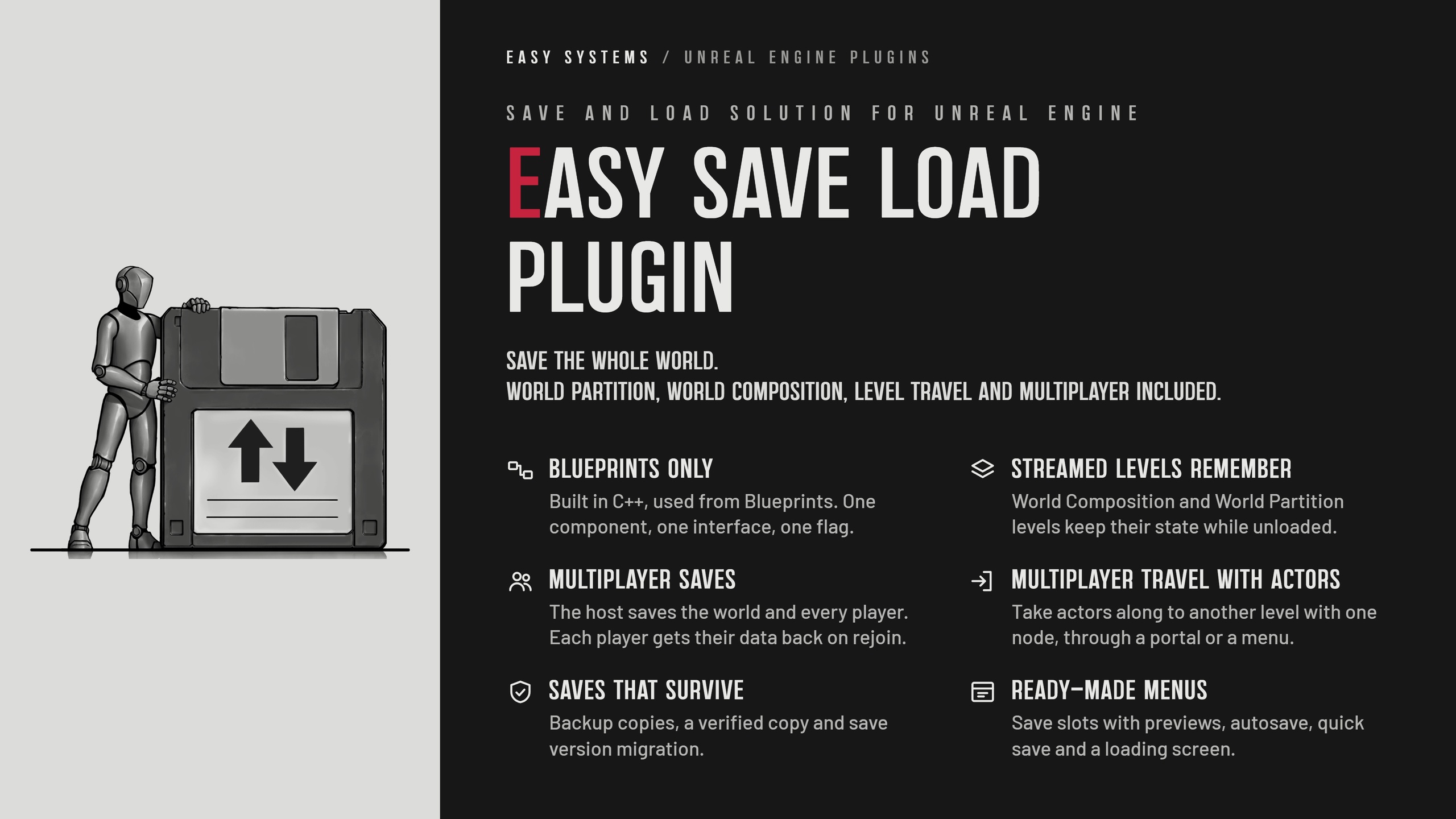
⚡Save the whole world. World Partition, World Composition, level travel and multiplayer included.
Easy Save Load Plugin is a complete save/load solution for single/multiplayer Unreal Engine games. Add one component and one interface, tick SaveGame on the variables you need, and the plugin takes care of placed, spawned and destroyed actors, every player, Game State, Game Mode and Level Blueprints.
🧩 No C++ required. One component, one interface and the SaveGame flag.
🌍 World Partition and World Composition. Streamed levels keep their state while unloaded, and one save holds every level the player visited.
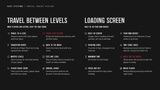
⚙️ Multiplayer travel with actors. Take actors along to another level with one node, through a portal or a menu.
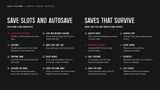
🛡️ Saves that survive. Compressed, CRC-checked files, backup copies with automatic fallback, a verified copy and save version migration.
🏆 Production-proven. From the creators of Easy Survival RPG and Easy TopDown Template.
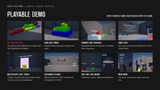
[Play Demo] · [Watch Trailer] · [Own ESRPG or ETDT?] · [Documentation] · [Join Discord] · [Play ESRPG + ESLP Demo] · [Play ETDT + ESLP Demo – Soon]
Saving the world is our job. Building it is yours.
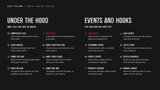
Key Features Include:
Blueprints only
Built in C++ to do what Blueprints alone can’t, with no code on your side. Set it up in a couple of minutes.World Partition (UE5), World Composition (UE4) & Level Streaming
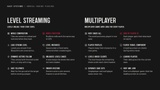
World Partition cells, World Composition tiles, Load Stream Level and Load Level Instance with a fixed name. Levels keep their state through unload and reload, so one save holds every visited level.Multiplayer saves
The server saves the whole world and every player. Player data is stored by player ID, player profiles carry characters into new games, and the Player Travel Component shows the loading screen on clients.Backups & Recovery
Main, Backup, Backup2 and Verified copies of every slot, with automatic fallback if a file is damaged. Compressed, CRC-checked files are written in the background, without stopping the game.Painless updates
Save versions with a migration event, plus redirects for renamed actor Blueprints and SaveGame variables.Safe teleports
Nodes load the streamed ground at a teleport target and tell you when it is ready, so you move the player only then.Built-in loading screen
Use it or plug in your own widget through an interface. Rotating hints, a minimum time on screen, Movie Player support and an optional key press to continue in singleplayer. The screen closes as soon as the ground under the player is ready, and the built-in one adds two-stage fades.Save slots with previews
PNG or JPEG thumbnails, name, date and play time read without loading the save, rotating autosaves, quick save and Continue.Setup and debug tools
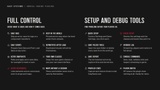
Factory Settings and Demo Settings buttons, a Check Setup validator, save reports, verbose logging and 11 console commands.
What Gets Saved:
Placed actors get their values back, spawned actors respawn, destroyed actors stay destroyed.
Every player’s pawn, Player Controller and Player State, plus Game State, Game Mode and Level Blueprint variables.
Component variables, component transforms through save tags, ragdoll poses, and game settings in their own file.
References between saved actors survive a load, even inside arrays, sets, maps and structs, and RepNotify functions run afterwards.
Only values that differ from level or class defaults are written, so saves stay small.
Level Streaming:
Levels that were loaded at save time stream back in before actors are restored, and a level’s restore can be spread over several frames to avoid hitches.
Spawned actors unload with the level under them, or stay in the persistent level with a tag.
In multiplayer, the server keeps the levels under each client loaded through the Player Travel Component.
Saves and Files:
Separate save sets per game mode, for example Singleplayer and Multiplayer, and per Windows user.
Up to 20 rotating autosave slots, filled on a timer and on every travel with the plugin’s travel nodes.
Save, load and streaming events to hook your own logic into.
For Programmers:
Exported C++ classes and native event interfaces.
Use your own save game classes or your own save interface.
A helper class to change player IDs, user folders and the play time format.
Actor data nodes to capture, apply and spawn actor state, for example to reset a room.
Everything listed here is included in the plugin.
Save it. Load it. Ship it.