Beschreibung
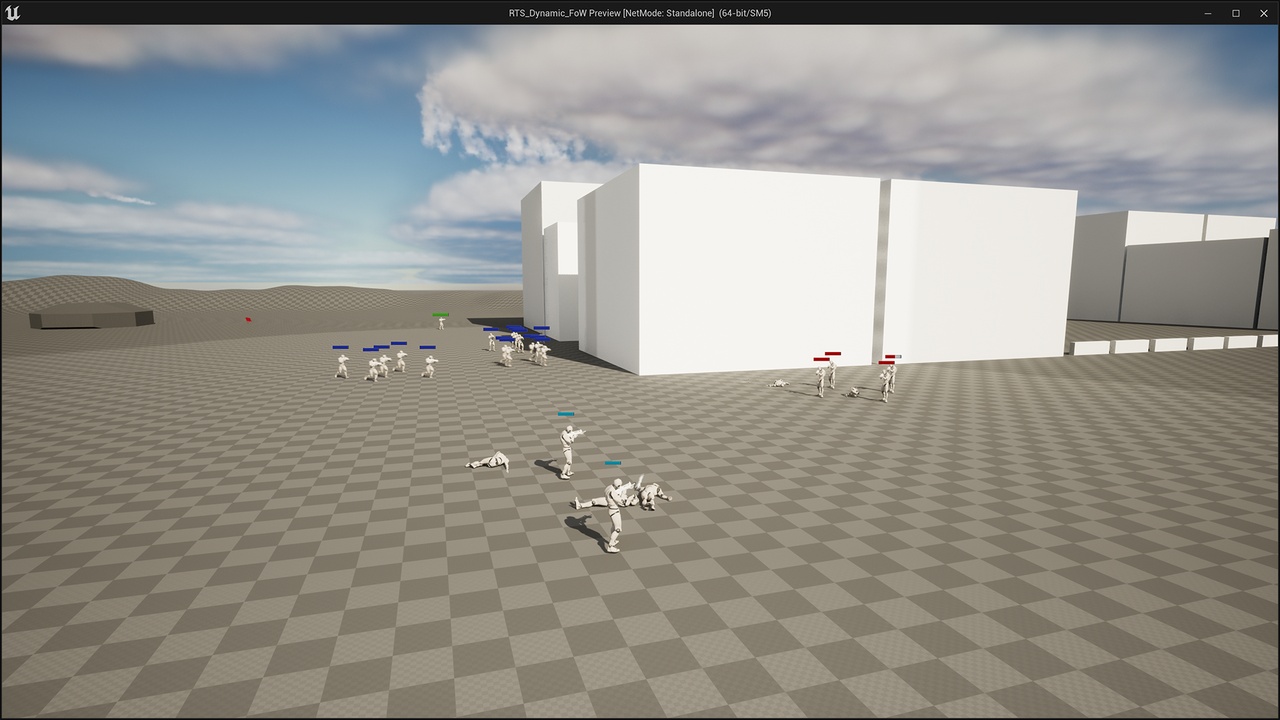
This product is a kickstart for anyone looking at making a Real-Time Strategy game using Unreal Engine. This asset consists of modular elements that allows for any developer to easily modify and add to in order for them to jump in and start creating a game. To get a better idea of what that mean, please take a look at the documentation series as well as the listed features of this product.
Here are some changes we've made through the years of the release of this product:
Utilizes the modern input system for Unreal Engine (UE Enhanced Input System)
Support for all modern UE versions (5.3 and above seem to have better lighting and smoother camera pan, 5.7 & 5.8 is even better)
Many code revisions, some additions, and the removal of overly complicated systems (streamlining/refactoring)
Videos:
Key Binds:
Tab - Open and close the Build Menu
Q - Stop units
F - Unit abilities
WASD - Camera Movement
Alt + Left Click + Move Mouse - Change camera orientation
Mouse Wheel - Zoom in and out the camera
Backspace - Return the camera to its original position, press it again to return to its original zoom
About:
This system is easily altered with a few variable to enable to developer to adjust how the system works. There is a slight curve of vision on the obstructions that occur, this along with the distance of the unit's sight, the curve, height, and angle of the vision trace, can all be manipulated via variables. The system can be altered and moved depending on who and what you want to do the calculating.
Updates for this project are still coming, but the project is no longer in active development. Updates are relegated to keeping the project available for future engine versions and platforms.
The other systems within the project can be altered as well, and these systems include:
Health
Animation
Weapon/Projectile
Detection
Production
Camera Controls
Unit Hotkeys (Stop, Abilities)
Teams
Spawners
"Aleron Font" by Sora Sagano is licensed under CC0