Description
Documentation | Github
The Advanced Logging System is a complete debugging ecosystem for Unreal Engine designed to make logging easier, faster and more powerful for both Blueprint and C++ workflows.
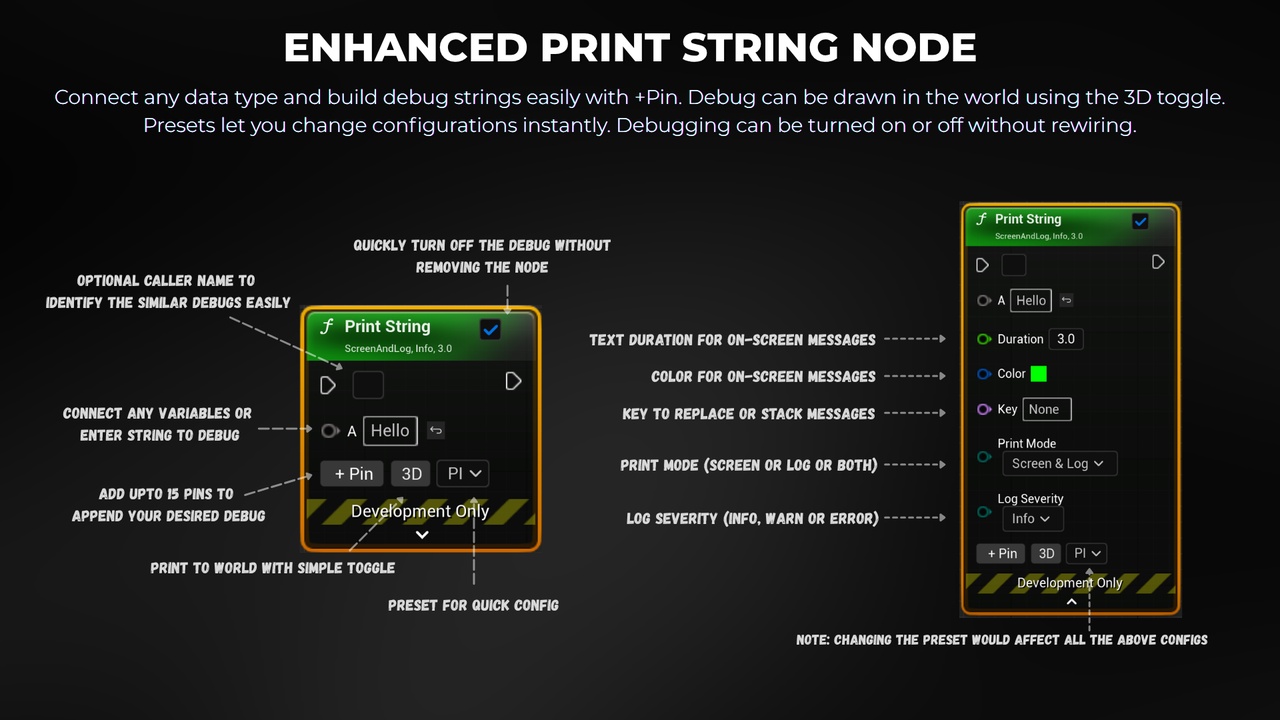
ENHANCED PRINT STRING NODE
Connect any data type without conversion hassle
Add Pins to build string like Append node
Configurable preset dropdown to change (key, color, duration, severity, outputmode) instantly
Turn on/off debugging without removing the node
Draw Debug easily with 3D toggle
Select mutliple nodes and manage them in detail panel
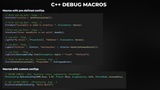
C++ DEBUG MACROS
Pass variadic arguments of any type.
Simply add "ALS" module in you project dependency and Include ALS_Macro.h to access debug Macros
Example:- UE_LOG(LogTemp, Warning, TEXT(%s), *GetActorLocation()->ToString()) to LogWarn(GetActorLocation())
Configurable preset for each macro linked to the plugin settings
Add more/custom macros easily in ALS_Macro.h file
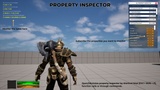
PROPERTY INSPECTOR
Monitor in-game actor properties or variables.
Open Inspector Widget by Shortcut [Ctrl + Shitf + P] or by OpenPropertyInspector() or by 'alsproperty'
Search by object or by variable, subscribe the properties you want to debug, minimise and play the game.
Shortcut keys are modifiable in plugin settings.
Depending on your target platform, modify the widget size and interaction accordingly.
This is an experimental feature, Currently Tested on Windows and Android.
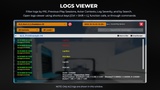
LOGS VIEWER
File Log and filter by Play Instances, Previous Play Sessions, Actor Contexts, Severity, or by Search.
Open Logs Widget by Shortcut [Ctrl + Shitf + L] or by OpenPropertyLogs() or by 'alslogs'
Easy to differentiate logs of different worlds, instances and process id easily for multiplayer debugging.
Shortcut keys are modifiable in plugin settings.
Depending on your target platform, modify the widget size and interaction accordingly.
This is an experimental feature, Currently Tested on Windows and Android.
Note: Only logs from ALS Print String, ALS C++ Macros, ALS Property Inspector, and ALS Blackboard Logging are captured and displayed.
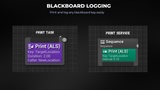
BLACKBOARD LOGGING
Log any Blackboard keys easily by service or task nodes.
Print Task Node logs messages when the task is fired.
Print Service Node logs messages based on the interval and logs only when the value changes to avoid spam.
Both nodes have configs to change (color, severity, outputmode, duration)
Easy to debug behavior tree blackboard key values
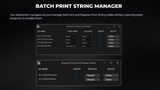
BATCH PRINT MANAGER
Batch modify all Print String nodes per blueprint across your project
Easily delete print strings per blueprint with preserving execution pins
Easily replace regular print strings with ALS print strings per blueprint
Easily toggle ALS print strings per blueprint to avoid clusting logs
PLUGIN SETTINGS
Visit Documentation for updated plugin settings and its use cases.