







Descrizione
Runway & Studio for Digital Fashion
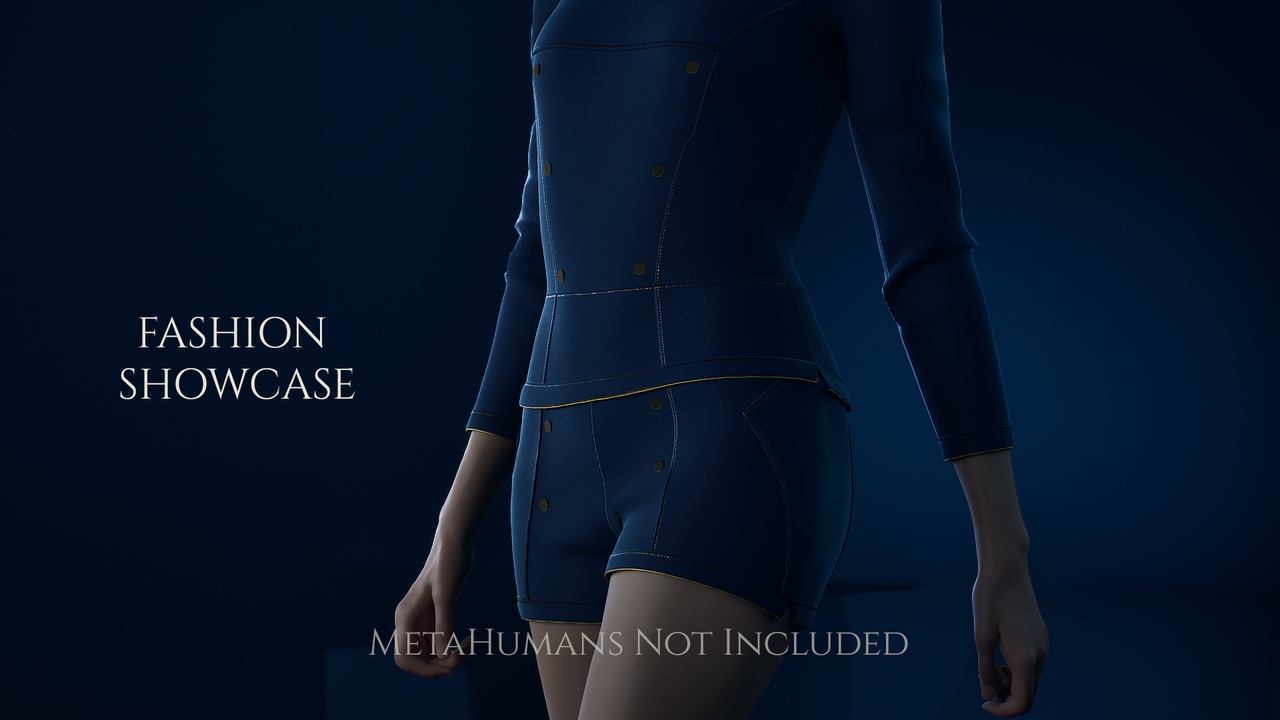
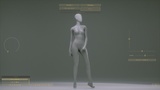
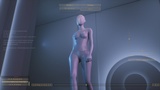
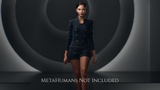
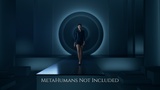
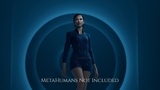
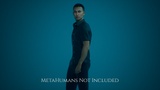
Fashion Showcase is a complete presentation environment for character and fashion work in Unreal Engine. Bring in a dressed MetaHuman or use the provided Mannequins Elio and Maja. Pick a stage, pick a shot, the cameras, the lighting, and the framing are already waiting for it.
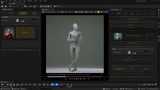
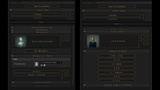
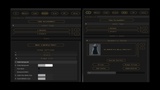
The whole workflow is streamlined through a special Scene Manager Editor Utility Widget.
🎞 Standalone Packaged Demo Build Metahumans
🎞 Standalone Packaged Demo Build Mannequin
🎞 Product Demonstration
Three level types ship ready: a Runway with camera moves that follow the walk, a Studio for portrait, pose, and e-commerce, and a utility export level. Every shot is driven from a single panel - the Scene Manager - with animation variants, aspect-ratio presets, lighting presets, and post-process presets composed on top. Package it as a standalone Windows runtime and hand the whole show off as an interactive app or render movies and stills directly from the Editor.
Additional levels are used as stages using the level streaming feature of Unreal Engine. Stages can be swapped per level type for customization.
Features include:
Compatible with Unreal Engine 5.8
Two ready-made presentation level types — Runway (motion) and Studio (portrait, pose, e-commerce)
An export level type for easy overview of animations and preparation for exporting for garment simulation
Single-panel workflow — Scene Manager (EUW) drives characters, cameras, animations, and shots
Bring your own dressed MetaHuman — the panel auto-detects and lists them
Preset lighting and post-process via the included Character LightRig
Seven aspect-ratio presets, built for every shot
Standalone Windows runtime build — presentation-ready UI, hide/show controls, smooth scrub
Two premade fashion-proportioned mannequins, Elio and Maja included
Notes:
Includes Character LightRig — see its own Fab listing for the full LightRig documentation
Cloth simulation is done in a third-party DCC (CLO3D or Marvelous Designer) for the sim step
Runtime packaging supports Windows only
Sold as a complete project — work in it, not migrate from it
Audio files for button clicks and music NOT included, easily replaceable or leave empty.
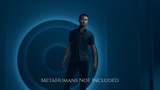
No MetaHumans are included.
43-page PDF documentation and a video tutorial series
Many assets in this project, stage levels, level sequences, character blueprints, character thumbnails among them, are discovered by the Scene Manager through asset tags rather than direct hard references. This is what allows stages, shots and characters to be added by the user and picked up automatically. As a result these assets might appear unreferenced to an automated dependency check, but all of them are load-bearing and none are unused.
## TECHNICAL INFORMATION ##
Scene Manager Editor Utility Widget — seven-tab control panel for the entire workflow
Three level types (Runway, Studio, Export) with swappable, tag-discovered stage levels loaded using level streaming. Swappable in persistent level types.
Essential levels used for holding all required essential actors using level streaming system.
Character swapping for MetaHumans and included mannequins, preserving all scene references for LightRig and sequencers.
Data-table driven animation sets, male and female, per level type.
Inputs : Mouse
Network replicated : No
Documentation Link: https://drive.google.com/file/d/12J9RvUGan1IHb6hudXldAGfb6HLzm20U/view?usp=sharing
Supported Development Platforms : Windows (yes), Mac (No)
Supported Target Build Platforms : Windows (yes), Mac (No)
Required plugin, enabled by default : Virtual Production Utilities
Optional plugins required to follow specific workflows from documentation (Not Enabled by default, base project doesn't depend on them):
MetaHuman Core Tech
MetaHuman Creator
GeometryCacheLevelSequenceBaker
USD Importer
Movie Render Queue
Assets :
Number of Blueprints : 35
Blueprint Classes : 16
Blueprint Interfaces : 2
Blueprint Function Libraries : 1
Widget Blueprints : 12
Editor Utility Widgets : 2
Editor Utility Blueprints : 1
Animation Blueprints : 1
Data Tables : 13
Struct Assets : 14
Enumeration Assets : 7
Curve Assets : 1
Level Sequence Assets : 27
Materials : 5
Material Instances : 21
Material Functions : 2
Material Parameter Collections : 2
Animation Sequences : 12
Skeletal Meshes : 7
Physics Assets : 1
Skeleton Assets : 3
Static Meshes : 8
Geometry Caches : 1
Level Assets : 12
Textures : 81
Collisions setup for all meshes.
Static Mesh Vertex Counts : lowest 4 - highest 32850
Texture resolutions : lowest 128x128 - highest 4096x4096 (virtual textures used)
LODs: Yes
Lumen : Enabled
Virtual Shadow Maps : Enabled
Substrate : Enabled
Hardware Raytracing : Enabled
System specs the project was tested on : Windows 10 pro, 64.0 GB RAM, NVIDIA GeForce RTX 4090, Intel Core i7-8700K @ 3.70GHz
AI used for generating editor only icons, documentation text assistance and video presentation and tutorial voice overs.
For more information check out the Docs and Resources at the following links:
📕 Documentation
🎓 Video Tutorials Playlist
🖐 Discord Community and Support
💡 Character LightRig on Fab
Thank you. The stage is set.