

Opis
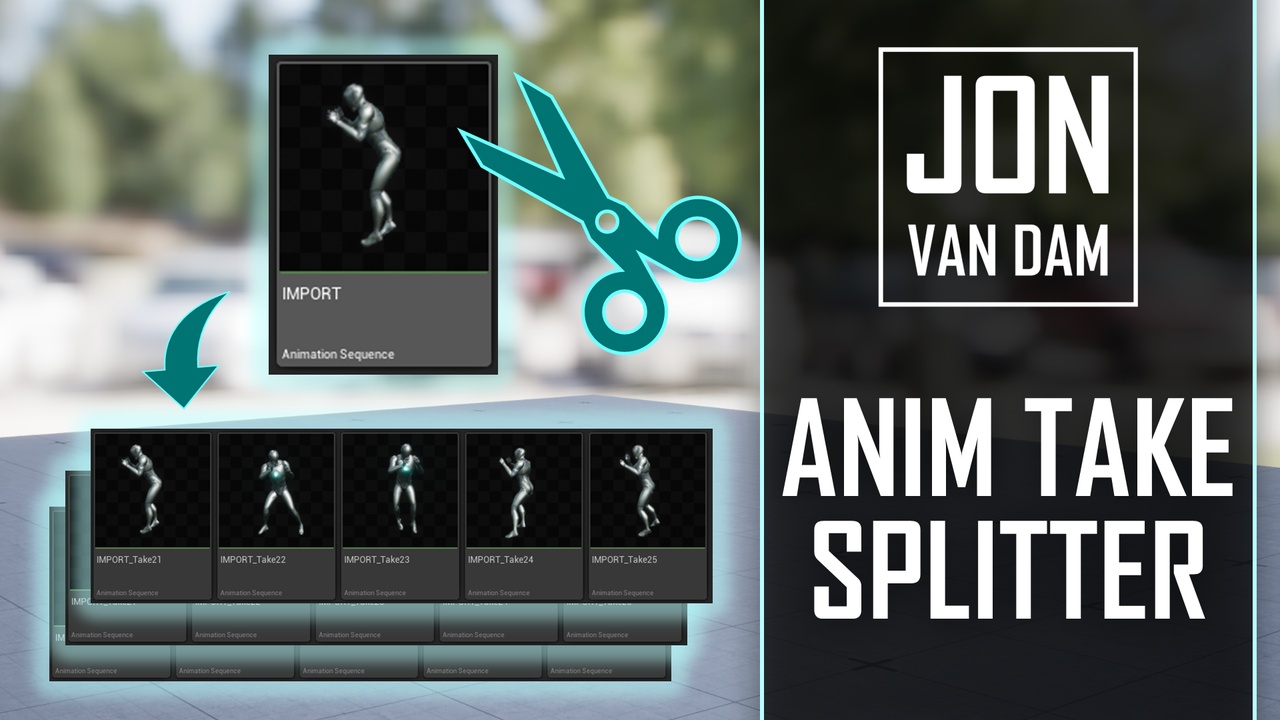
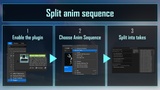
Stop trimming mocap takes by hand. A mocap session or a Sequencer bake usually lands in your project as one long Animation Sequence containing a dozen separate performances, with the character snapping back to the start position between each one. Cutting those apart by hand means duplicating the asset once per take, and re-trimming each copy frame by frame. Anim Take Splitter does it in one pass. Right-click the sequence, check the detected cuts, and click split — you get one clean Animation Sequence per take, named and ready to use.
Find the cuts automatically Two independent detection tests, usable on their own or together:
Root transform jump — catches the character teleporting back to the start position, or spinning to a new facing, between takes.
Pose similarity — compares the full pose, every bone, against the take's first frame. Catches recordings that return to the same rest or T-pose between performances without the root ever moving. Every threshold is exposed, and a minimum take length filters out noise splits.
Preview before you commit Hit Preview Cuts and you get the detected take list with exact frame ranges — nothing is created or modified. Tune the thresholds until the take count is right, then split for real. Select several sequences and the whole batch runs under one progress bar, cancellable part-way.
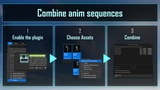
Stitch them back together - Combine Into One Sequence is the inverse: pick any set of sequences sharing a skeleton, frame rate and bone tracks, order them with Up/Down, and combine them into a single new asset. Handy for reassembling a take you split too aggressively, or for joining clips end to end. It can also merge in place, overwriting the first sequence and cleaning up the rest.
Fits your pipeline - Your detection settings are remembered per project. Editor-only — nothing ships in your packaged game, and no runtime module is loaded.
Technical DetailsFeatures:
- Detects takes/cuts inside a baked Animation Sequence and writes out one Animation Sequence asset per take
- Two independent, individually toggleable detection tests: root-bone transform jump (position + rotation thresholds) and full-pose similarity to the take's first frame (position + rotation tolerances)
- Configurable watched bone, per-test thresholds, and a minimum take length in frames
- Non-destructive Preview Cuts pass reporting each take's exact frame range before anything is created
- Batch operation across a multi-selection, with a cancellable progress bar
- Configurable destination folder, defaulting to the source sequence's own folder
- Optional `Enable Root Motion` on every created take
- Combine Into One Sequence: concatenate sequences in a user-defined order into a new asset, or merge in place into the first sequence and delete the rest
- Detection settings persist per user, per project
- Content Browser right-click entries plus standalone entries under the Tools menu
- Blueprint-callable editor functions for unattended batch processing
- Full C++ source included
Code Module:`AnimTakeSplitterEditor` (Editor)
Number of Blueprints: 0
Number of C++ Classes: 7 (2 UCLASS, 2 USTRUCT, 2 Slate widgets, 1 module class)
Blueprint-callable functions: 3 — `Find Take Ranges`, `Split Animation Into Takes`, `Merge Animation Sequences`
Network Replicated: No (editor-only, no runtime module) Supported Development Platforms: Windows
Supported Target Build Platforms: N/A — editor-only plugin, nothing is included in a packaged build
Dependencies: None. No third-party libraries and no other plugins required.
Documentation: https://jonvandam.notion.site/anim-take-splitter
Example Project: n/a
Supported Engine Versions: 5.5, 5.6, 5.7, 5.8
Important / Additional Notes:
Detection needs baked, per-frame animation — the kind that comes out of a mocap solve or a Sequencer bake.
Bone tracks only. Float and transform curves and AnimNotifies are not re-timed or carried across. Split takes inherit whatever the source asset had, untouched; a merged sequence inherits curves and notifies from the first source sequence only.
Before analysis the source sequence's Interpolation is forced to Step, so the exact keyed poses are compared rather than smoothed values; the source is marked dirty if that changed it. Created takes are set to Linear.
Sequences being combined must share the same Skeleton, animation frame rate, and set of bone tracks.