


描述
Most projects carry gigabytes of texture they never needed. A 4K texture on a 15 cm rock. An 8K normal map on a prop nobody gets close to. A hundred textures nothing references any more. You cannot spot those by eye in a Content Browser with a thousand assets - and until now you could not fix them without gambling on your source files.
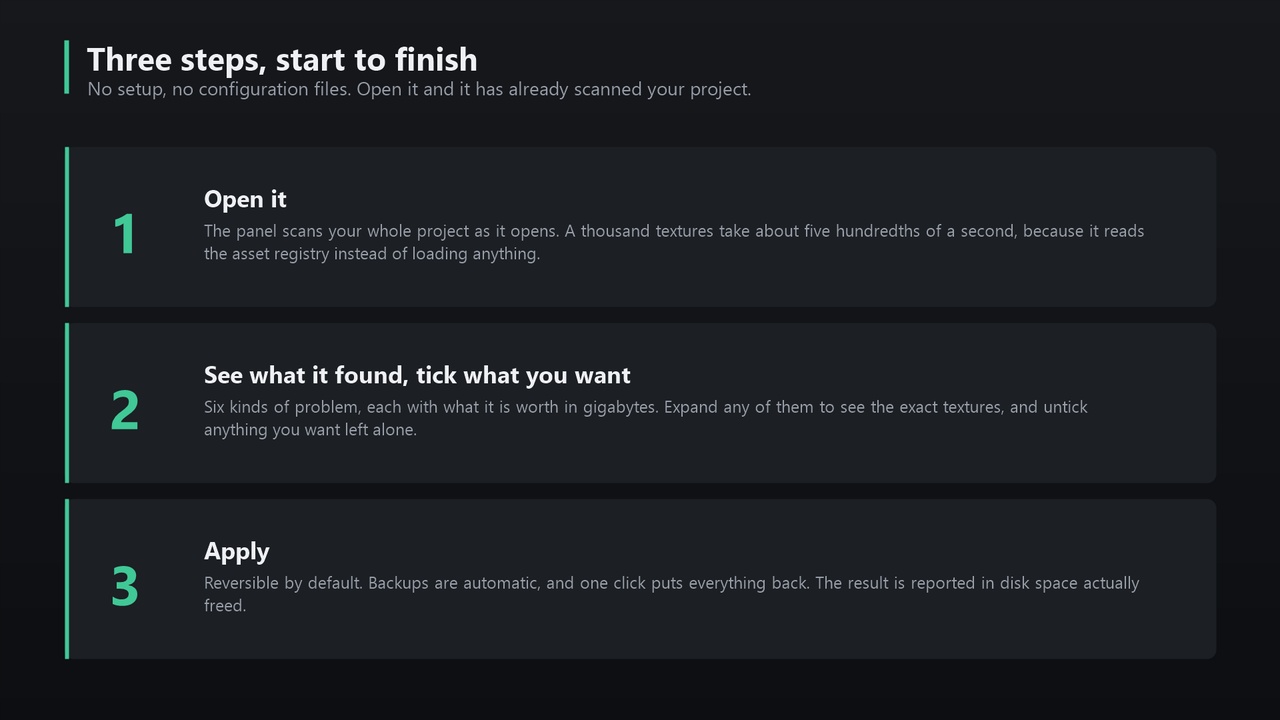
Texel Texture Optimizer audits your whole project in under a tenth of a second, tells you what each finding is worth, and lets you fix it with a safety net.
IT FINDS WHAT YOU CANNOT SEE
- Oversized for its use - using texel density: the texture's resolution measured against the real-world size of the meshes that actually use it. This is the metric studios use to budget resolution, and no manual review will catch it across a thousand assets.
- Unreferenced - nothing in the project refers to them.
- Uncompressed - costing roughly four times a BC format for the same pixels.
- Not a power of two - the engine cannot block-compress or mip these properly.
- 8K and above, and streaming disabled.
IT NEVER GAMBLES WITH YOUR ASSETS
- Reversible by default. The default mode caps resolution via Maximum Texture Size: GPU memory and cooked builds shrink, source pixels stay untouched, and you undo it by setting the cap back to zero.
- Destructive resizing keeps every setting. Compression, sRGB, LOD group, green-channel flip and virtual texturing are read, carried through and written back. A BC5 normal map comes back a BC5 normal map.
- Automatic backups. Every destructive run copies each package first. If a backup cannot be written, that texture is skipped rather than risked. One click restores everything - and reloads the packages, so the editor actually shows the restored version.
- Before/after preview. Compare a texture at the same display size before committing, so you see the detail you would lose.
- Nothing is deleted automatically. Unreferenced textures are reported and handed to you in the Content Browser, because an asset loaded at runtime looks unreferenced to any static analysis.
NUMBERS YOU CAN CHECK YOURSELF
Disk savings are measured from the files before and after, not estimated - verify them in Explorer in five seconds. GPU figures are estimates, and are labelled as such everywhere they appear.
REVIEW BEFORE YOU COMMIT
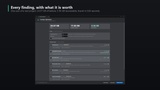
Expand any finding to see exactly which textures are affected, their folder, their texel density and what they would become. Untick anything you want left alone - exclusions survive a re-scan. Export the full audit to CSV to justify the decision to your team.
ALSO
- Scans plugin content in your project - engine plugins are deliberately left alone
- Adjustable texel density target and tolerance to suit your game
- Blueprint and Python scriptable for build pipelines
- Editor-only: nothing ships in your packaged game
Documentation: https://3dtexel.com/downloads/textureoptimizer/