












Description
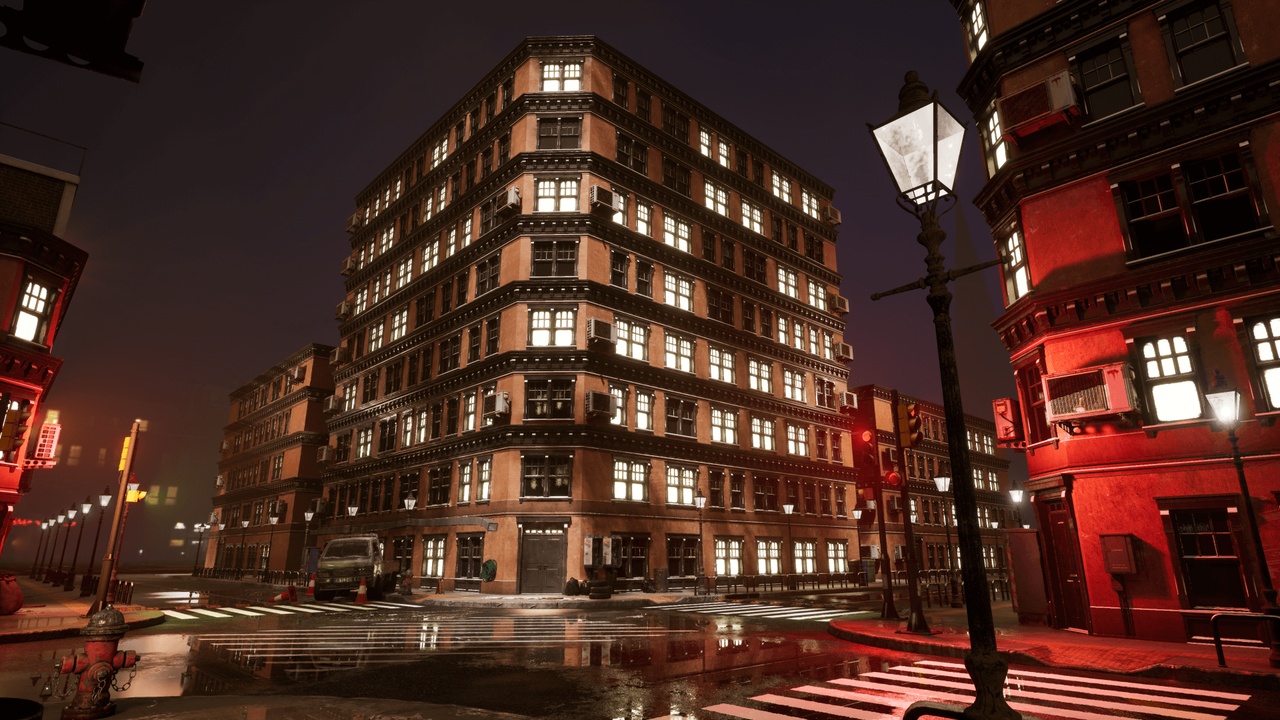
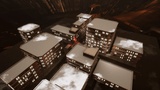
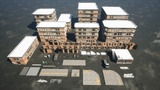
This pack contains 4 different types of PCG apartments to quickly build modular cities, and also contains a blueprint that uses splines to procedurally generate static meshes. If you have other 1x1 standard modular building models, you can use this pack's pcg system to quickly build buildings.
Supports random generation of different windows and walls, and adjustment of the weight of different meshes (such as the ratio of illuminated windows to ordinary windows)
All operations are done by simply using scale tool and adjusting the seed in the blueprint
Video: https://mega.nz/file/wvkWXBKa#atClDudZPbHrD_svGRk3fnv-bd4owo1cBbybUvFdU8s
(The PCG demonstrated in the video is an old version. The current version of PCG can automatically generate the air conditioner outdoor unit)
This PCG system only supports the generation of buildings with cubes and cuboids, and can only be rotated 90 degrees, and requires a minimum of two layers.Also, none of the buildings support interior access (theoretically, you could have a separate room for each floor, which would only require a quick PCG change, but I don't know how to fix the doors and the FPS drop that might cause).
In this pack, there are two different types of modular apartment meshes, a highpoly version and a lowpoly version. The only difference between them is that the poly of the walls of the highpoly version will be higher to facilitate drawing vertex maps. In most cases, I recommend using the lowpoly version.
All vehicles in the scene do not include driving systems,and traffic lights have different materials for the three presets, but no blueprints are set.
If you can't increase the number of street lights and railings in Spline BP, try changing the numbers in "Custom Numbers Of Mesh"
This project uses lumen and has no lightmap, and you need to enable VirtualShadowMap (VSM) , At the same time, this project needs to enable PCG, PCGGeometryScriptInterop, HDRIBackdrop plugins
All apartment materials use dynamic snow material by default, if you don't want to use it, just turn it off in the material
If you need to add your own 1x1mesh, please make sure the axis of your 1x1mesh is correct and read the notes in the overview level. In most cases, you may also need to reset some nodes and reposition them. If you have more questions, you can email [email protected] and I will reply you within 24 to 48 hours. Usually I will receive the information within 8 hours.