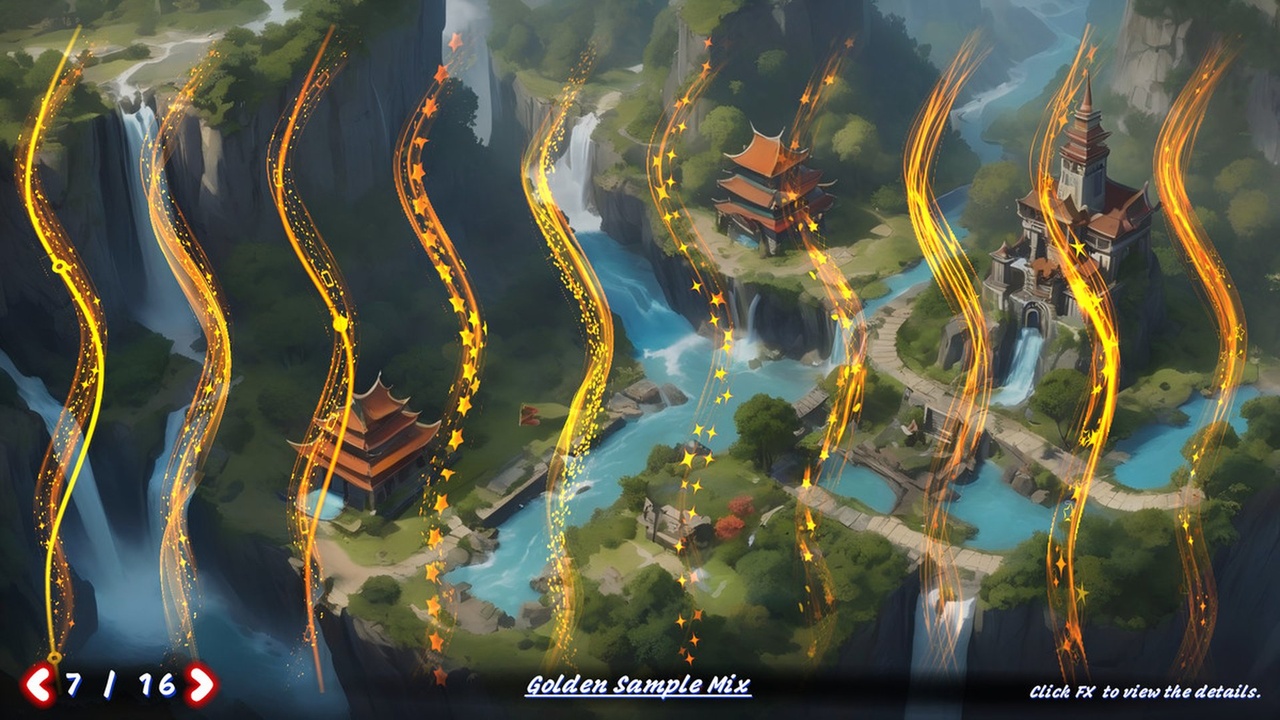




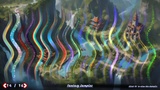
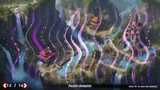
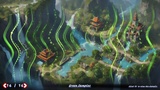
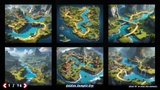
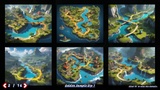
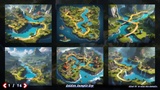
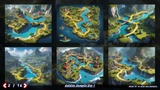
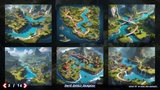
설명
Bring your UI to life with beautiful animated line effects — no coding required!
UI Path FX combines Unity’s official Spline system with a custom multi-layer shader framework to create dynamic, flexible line-based UI animations that work directly with the Image component.
🌀 Spline-Driven UI Animation
Use Unity’s built-in spline editing tools to design paths visually. Just place a Spline in your scene, assign an FX material to a Spline Image, and you're done — no render textures, no custom scripts.
🎨 Multi-Layered Effects with UV Animation
Each layer has independent control over scroll speed, direction, and blend mode. Perfect for simulating energy pulses, flowing auras, trails, and sci-fi circuits.
🌈 Smart Edge Fading
Global edge fading ensures visual consistency even with irregular or transparent textures — boosting compatibility without sacrificing style.
🧩 Custom ‘Spline Image’ Component
A drop-in replacement for Unity’s standard Image component — fully compatible and extended to support spline path rendering, per-layer control, and live updates in the Editor.
🚀 Quick Start in 10 Minutes
Includes a guided demo scene and streamlined shader logic — learn once, use everywhere. Edit effects with intuitive sliders, no shader knowledge needed.
📦 What’s Inside
✅ 186 drag-and-drop FX examples
✅ 270+ curated texture assets with HDR overlay support
✅ Full spline editing workflow — no code
✅ Consistent shader parameter structure
✅ Built-in demo scenes and Quick Start Guide
🛠️ How to Use
Edit a Spline
Find a GameObject with a Spline component (e.g. “SplinePath”)
Switch to Spline Edit Mode in the Scene View
Add, move, or delete points to define your path
Assign a Spline Image Material
Use the custom Spline Image component
Set the spline source and adjust visual parameters
Open the assigned material to tweak UV layers, animation speed, blending, and opacity
Try different shaders from ImageUVAnim/ for pulse, wave, flow, or distortion effects
Whether you’re building magical spell trails, futuristic HUD lines, or elegant menu transitions — UI Path FX gives you powerful spline-based animation tools that artists and developers can master in minutes.
💡 Create flowing UI animations with spline precision — try UI Path FX today!