Opis
UE5 tooltips follow the mouse by default, this tool allows you to create custom tooltip anchor setups.
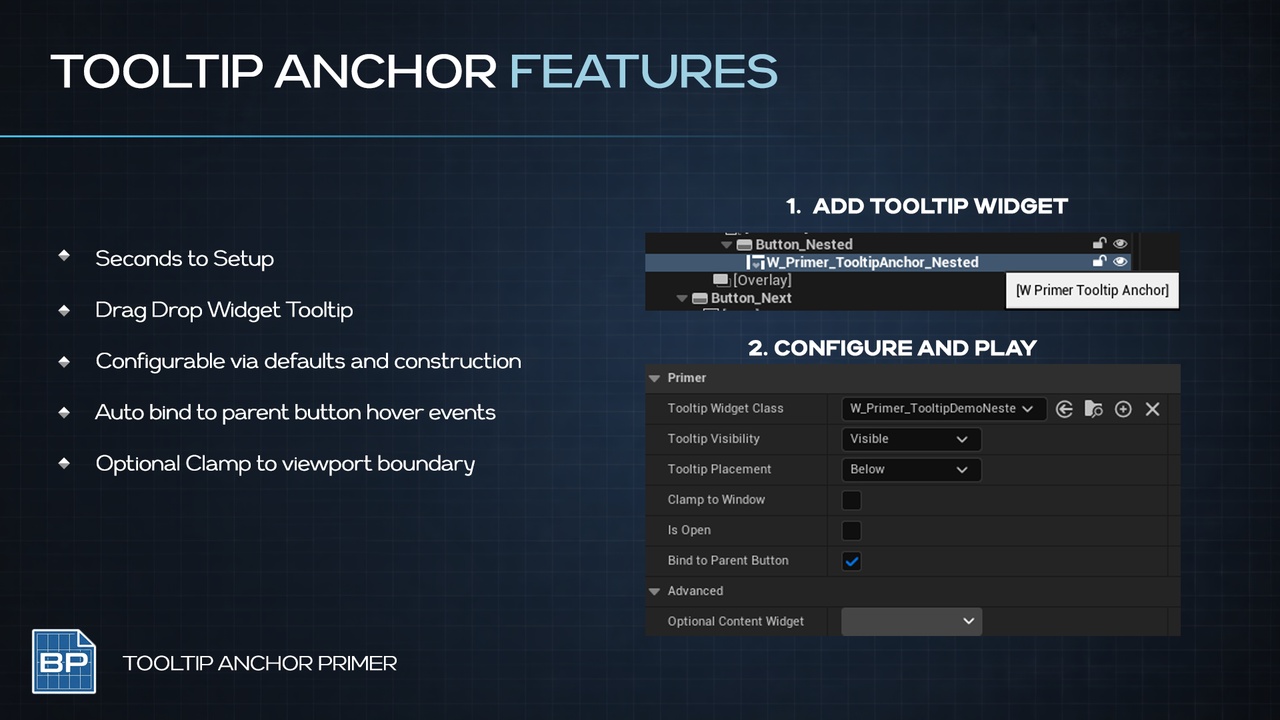
The Tooltip Anchors Primer enabled easy control of Tooltip Position and Alignment using a Drag & Drop setup, assign your custom widgets and pick orientations
Tooltip from Widget Class, or from a Direct Widget Reference
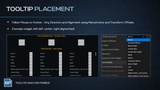
Placement Direction
Naturally Clamps to Viewport
Optionally binds to Hover events
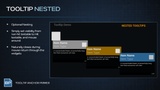
Optional TOOLTIP - IN - TOOLTIP nesting (RPG Style)
Designed for fast iteration, clean graphs, and artist-friendly workflows.
How To
Drop a W_Primer_TooltipAnchor into your widget
Configure the widget, direction and other behaviors
Call Open & Close OR Auto Bind Hover Events of Parent Button
USE CASES
Hover Tooltips that must NOT follow mouse (which is the native UE solution)
Nested Tooltips that allow inspecting Codex style info (think RTS or RPG status = tooltip-in-tooltip)
PRIMERS
Part of the Primer series, this plugin prioritizes clarity, control, and practical workflows.