Opis
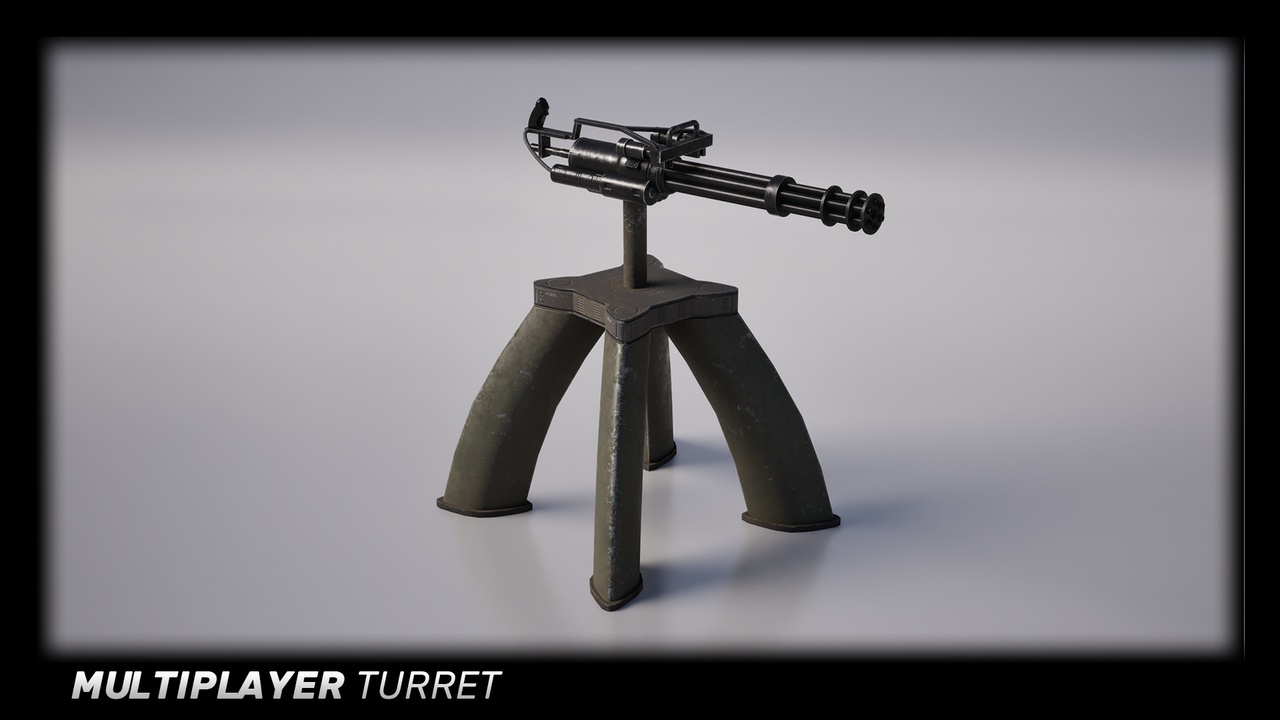
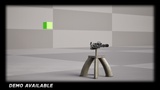
Game-Ready Easy to configure turret including multiplayer functionality, use the default variations or create your own turrets with the customizable setup. Optimized for performance and replication.
Network Replicated
Built from scratch with network replication in mind. Working replication on both Player Hosted sessions and on Dedicated Servers. Optimized to have a low cost on both the server and clients.
(Predictive) Targeting
Based on the supplied projectile and velocity of the target, the turret will try to compensate and lead the target. Higher velocity projectiles have a higher chance of hitting a target, slower projectiles will require more lead and may not hit at all if the target is moving too fast. The turret reads the speed variable set in the projectile's blueprint.
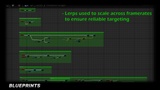
Lerps are used for smooth rotations and consistent results across varying frame-rates.
Targets
Configure lots of variables that change the turret's behavior, actors can be whitelisted or blacklisted, useful when working with parented blueprints, choose whether to focus on the nearest target, furthest or if there are multiple targets, even the target in-between the nearest and furthest targets.
Static Meshes
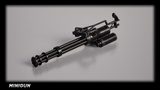
This product comes with several versions of a standing minigun turret, there is also a ceiling version for use in-doors or on walls. Have your own meshes? Easily create your own turret, documentation is included to explain this process. The turret blueprint makes use of static meshes, allowing for endless combinations. Nanite is also supported in UE5.
Collision Mesh
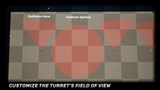
A collision mesh is used to configure the area the turret detects enemies, this eliminates the need for a complex AI. Scale and adapt the mesh to your needs, or easily create your own custom collision meshes and place them on the turret to fit your levels. With this method the turret can target anything derived of the actor class.
Rotations
Want to lock in the turret on a specific axis, toggle a bool variable along with the Min/Max angle variables to easily lock the turret's yaw and pitch, limiting the turret's targeting ability.
Idle Rotation
Use this setting if you want your turret to rotate when idling, controlled through a curve for a smooth rotation, this is also efficiently synced across the network.
Barrel Rotation
The minigun asset that comes with this pack makes use of this feature, optionally turn this off if you add your own turrets. There are several variables that control this behavior, the rotation is controlled with a curve to easily adjust spool-up time and spinning speed. Alternatively turn on the option to make the turret wait for the startup time before firing.
Effects
By default the minigun turret comes with a custom-made sound effect and Niagara muzzle effect which can be easily swapped out if desired.
Blueprint and Data Table Setup
Two methods of setting up your turrets are included.
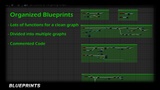
Method one is controlled through creating child blueprints of the parent BP_Turret that comes by default.
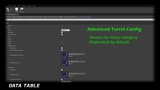
The second method makes use of a Data Table setup to store all the configurations, meshes are soft references and are loaded in when the turret is spawned in, this allows for an optimized and efficient way of storing many configurations, meshes and it's materials, textures won't be loaded into memory just for opening a Data Table. The included BP_TurretSpawner can preview any entry when placed in a level.
Setup
A helper widget is included to visualize all the configurable variables
Many important functions and configurations are explained in the product documentation.
Support
Need help? No problem! I will do the best I can to help you through any problems you might face. Send a mail to the support e-mail at zeepSoftware@gmail.com and I'll reply as soon as possible.
If you like Multiplayer Turret, please leave a review! It helps out a lot. If you have feedback, I'd love to hear it as well.
With your feedback, I may even add in more turret models in the future.
__________________________________________________________________