الوصف
Preview: https://youtu.be/GBbxnTpldrU
Tutorial: https://youtu.be/lu-7tsfVEhE
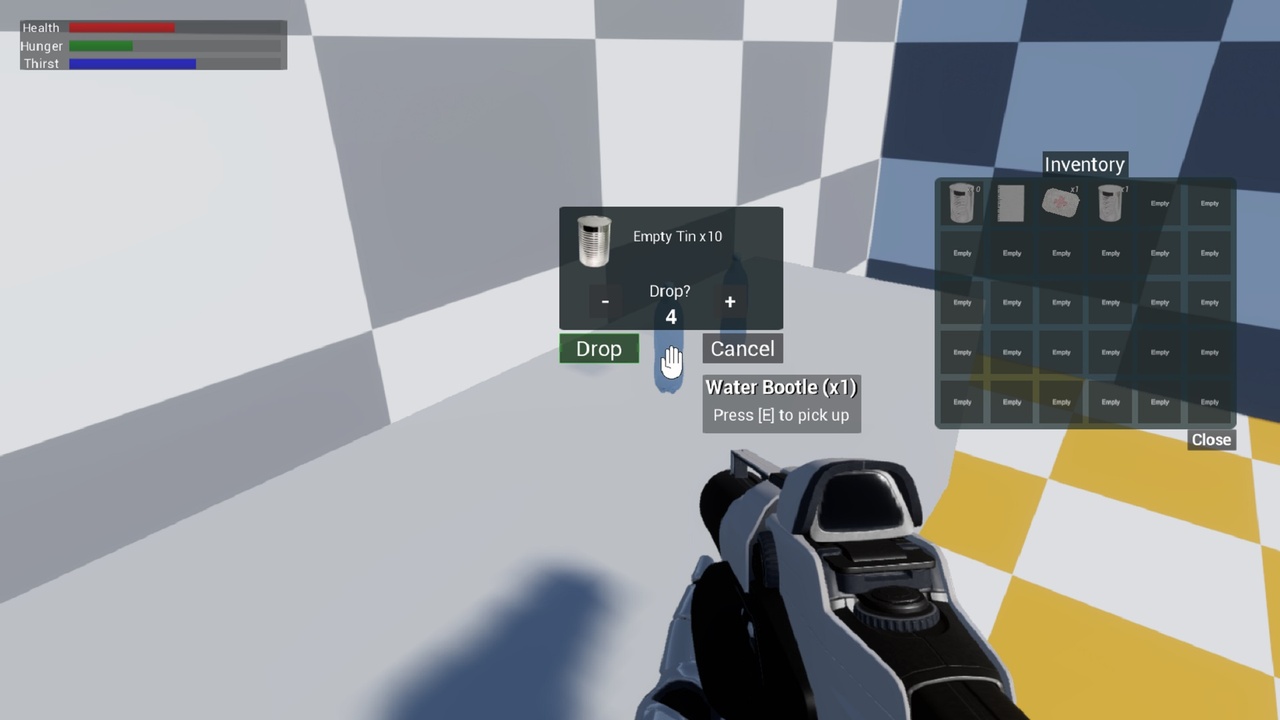
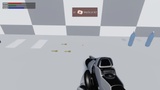
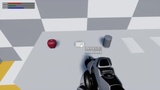
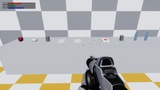
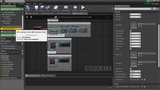
Inventory Pro easily adds items and an inventory menu into your project.
It can be used in your project without having to change what you have already created.
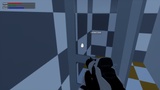
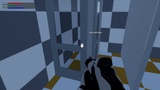
It also adds an interaction system with any object that has collision by visibility.
With the inventory open you can double-click on the item and it will either be uasdo or you can right-click and it will open an action menu.
Dragging the item out of inventory it will be thrown away, the quest items can not be thrown away, they will only leave the inventory when the quest is completed