描述
Blueprint Sentinel scans your Unreal Engine Blueprints and points out things that may be broken, expensive, hard to maintain, or worth reviewing.
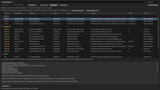
Run a scan inside the Unreal Editor and Sentinel checks your project against 49 rules covering:
Blueprint errors and suspicious graph structure
Tick usage and expensive operations
loops, casts, traces, and world searches
RPCs and replication-related patterns
hard dependencies and dependency size
large or complex graphs and functions
unused private variables and functions
leftover debug nodes, breakpoints, and disabled logic
Level Blueprints
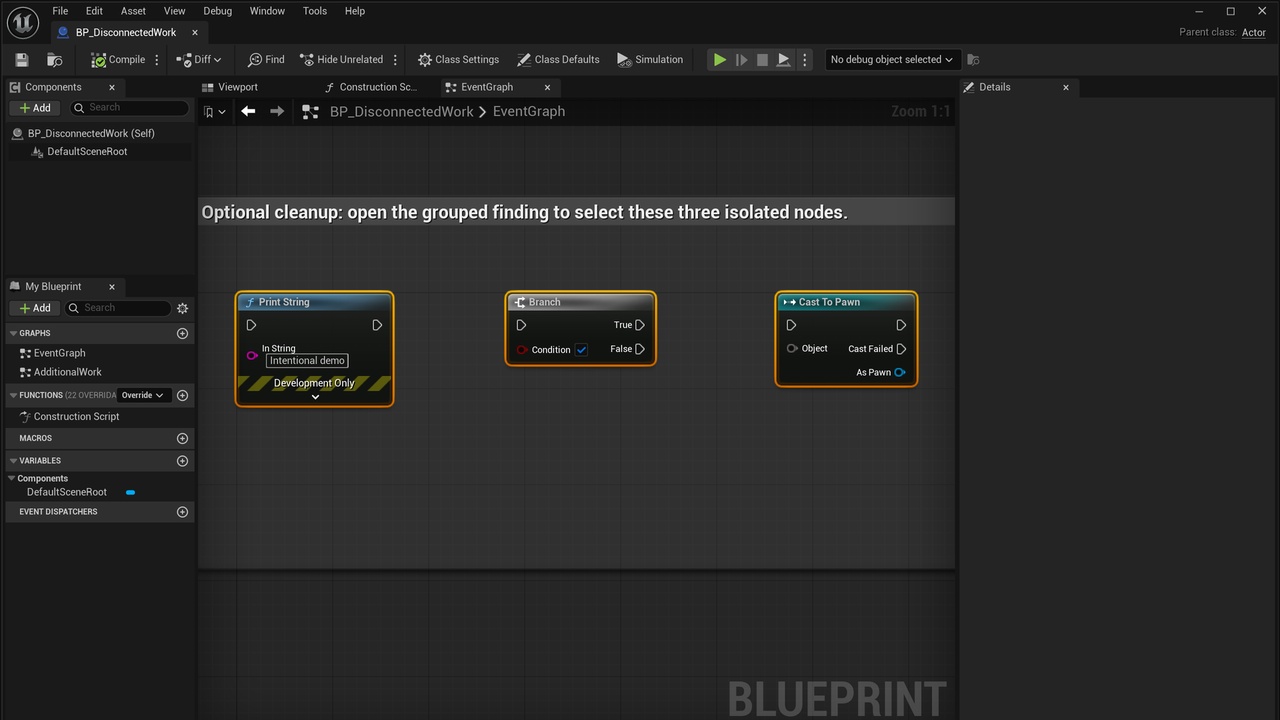
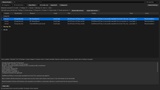
Every finding tells you what was found, why it was flagged, how serious it may be, and exactly where it is. You can open the affected Blueprint directly from Sentinel, and when several nodes are part of the same issue, Sentinel can highlight them together in the graph.
Findings are separated into three confidence levels:
Objective — Unreal exposes a definite problem or state
Strong Heuristic — a pattern that is usually worth investigating
Advisory — a maintainability or design issue that needs developer judgment
Severity is tracked separately as Info, Warning, or Critical.
For issues Sentinel can safely handle, it also provides Quick Actions for things like removing disconnected or disabled nodes, clearing breakpoints, removing debug Print nodes, and refreshing eligible nodes. You can review and apply supported actions individually or in bulk, with Unreal’s native Undo/Redo available afterward.
Scanning itself is read-only. Sentinel does not change or save your Blueprints unless you explicitly run a Quick Action.
Blueprint Sentinel runs entirely inside Unreal Editor. It does not use cloud services, telemetry, AI services, or a runtime gameplay module.
Supported: Windows, Unreal Engine 5.8, validated with 5.8.2, in both Blueprint and C++ projects.