

설명
POWERFUL. SMART. DYNAMIC.
Easily set and adjust your game resolution and detail level 🕹️
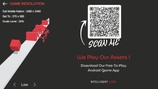
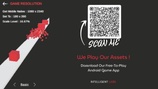
Mobile Resolution Pro automatically detects the screen size and provides 6 different dynamic resolution scale levels.
🕹️ Select from Ultra, High, Medium, Low, Minimal & Basic graphics settings.
🕹️ Easy-To-Use script to set and manage your mobile game resolution and detail levels.
🕹️ Including a simple demo interface for easy setup and integration.
🕹️ Fully customizable for additional scale levels (if needed).
🕹️ Optimized for all mobile devices to ensure a smooth and immersive experience.
🕹️ Suitable for any game genre.
6 Dynamic Resolution Levels -> watch the Mobile Resolution Pro in action 👇
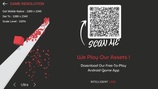
Mobile Resolution Pro: The Basic Scene
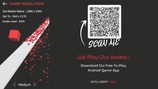
Mobile Resolution Pro: Introduction
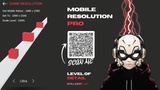
Mobile Resolution Pro: Scan Me
🕹️ How It Works
The Mobile Resolution Pro script automatically detects the device's screen size and dynamically calculates and returns
different resolution levels:
Ultra
High
Medium
Low
Minimal
and Basic
🕹️ How To Use
1. Download and import Mobile Resolution Pro into your project.
2. Create two empty game objects under your scene hierarchy for:
AppSettings script.
AppStartSetup script.
3. Simply add the required fields for resolution UI buttons (up/down) and UI text.
🕹️ We Play Our Assets 🕹️
Experience Our Free-To-Play Android Game
Mobile Resolution Pro Documentation
📌 Note
If you're testing your project directly via the Unity editor, please make sure to set the environment to simulator view.
Let’s Create Something Amazing ❤️
Intelligent Labs.