Opis
Custom handles. Built-in runtime Undo/Redo. Dynamic visual feedback. 100% Blueprints.
Move, rotate, and scale Actors using all 12 handles together, dedicated Move/Rotate/Scale modes, or your own custom combinations. Define the controls each object allows—and give users the ability to undo and redo their transform edits during gameplay.
Built for in-game editors, furniture placement, architectural configurators, and custom interaction systems.
Modern, minimalist design.
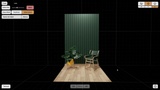
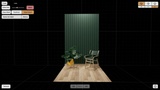
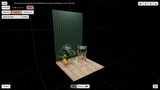
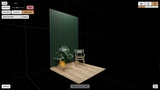
The gizmo combines a clean visual style with distinct handles and dynamic feedback during interaction. Its appearance is designed to fit naturally into architectural visualizations, in-game editors, and custom gameplay interfaces.
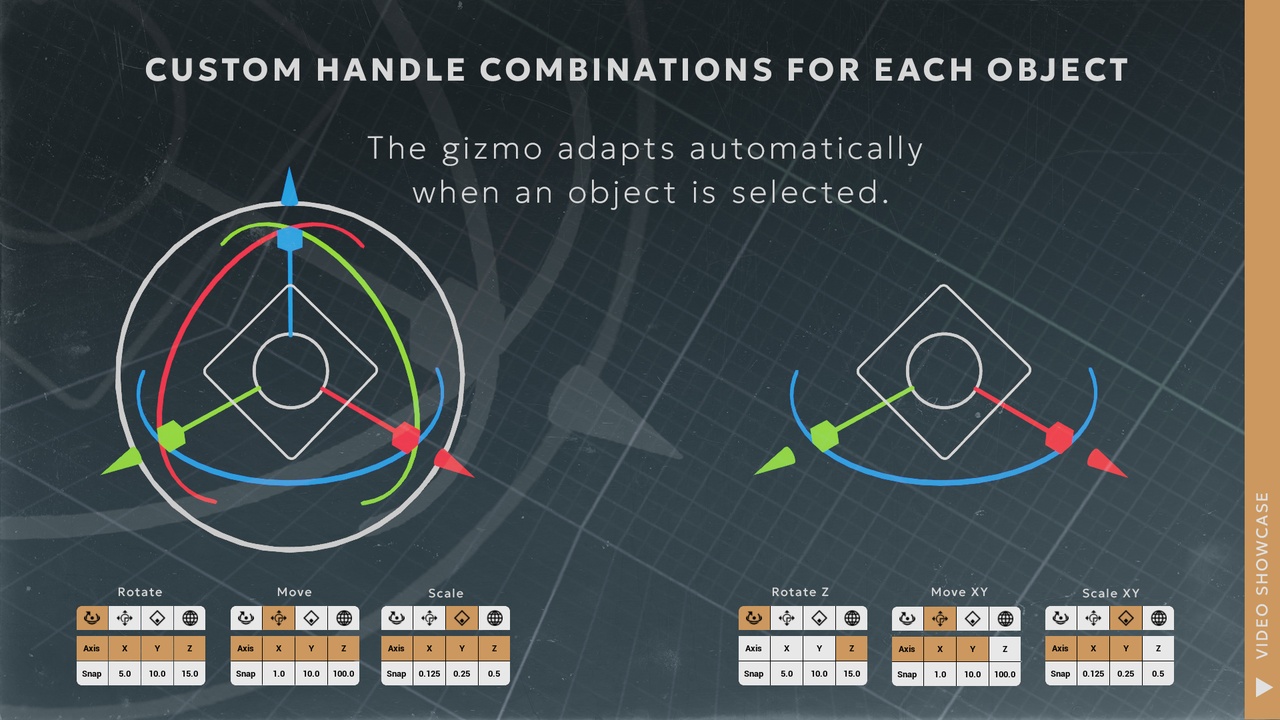
Switch between Universal, Move, Rotate, Scale, and Custom modes. Enable or disable individual handles and combine controls across different transform families.
Need movement along X and Y with rotation around Z? Configure exactly that. Need a single scale handle? Show only that handle.
Per-object profiles let each Actor define its available controls and default mode. Object-specific handles can respect your global configuration or override it.
Runtime transform history—included
Built-in runtime history records Actor transform edits and supports Undo/Redo after changing the selected object.
Record a completed transform drag as one history operation.
Undo and redo edits across previously selected Actors.
Keep the gizmo synchronized with the restored transform.
Configure the history limit, clear stored operations, or toggle recording.
Avoid unnecessary entries when a drag makes no meaningful change.
Transform history is part of the system, not something you need to build separately.
Dynamic feedback and precise control
Handles provide visual feedback during interaction, with active-handle isolation helping keep the current operation readable.
Configure World or Local space independently for Move, Rotate, and Scale, enable incremental snapping for each transform family, and adjust the gizmo’s visual size at runtime.
The central Move handle can optionally respect enabled movement axes, supporting constrained X, Y, Z, XY, XZ, or YZ movement.
Turn handles into gameplay controls
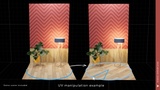
Use Value Control to drive a custom numeric parameter through a Move, Rotate, or Scale axis handle—without applying that handle’s transform to the selected Actor.
Connect Blueprint receiver events to your own logic to:
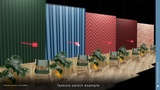
Adjust material colors or UV rotation.
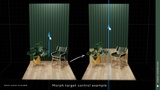
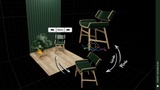
Drive morph targets.
Cycle through textures or object variants.
Control other numeric gameplay parameters.
Choose Clamp, Endless, Modulo, or FlipFlop behavior, adjust sensitivity, and invert the input direction.
Work beyond visible meshes
Your target does not need a visible mesh.
Manipulate empty Actors as containers, anchors, or pivots. For custom systems, External Transform sessions let you place the gizmo at a supplied transform without requiring a target Actor, then receive update, commit, and cancel callbacks.
Blueprint source, runtime UI, and demo examples
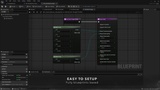
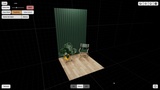
The system is implemented entirely in Blueprints, with interface-based integration and a runtime UI for modes, handles, snapping, history, sizing, and Value Control settings.
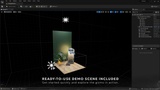
Explore the demo examples, inspect the logic, and adapt the interaction to your project.
One runtime gizmo. Custom handle combinations. Object-specific controls. Built-in transform history.