Descripción
Voxel Sandbox — Mobile Edition is a complete touch-based voxel game system for Android
Voxel Sandbox — Mobile Edition is a complete, production-ready voxel game system built
exclusively for Android. Whether you are creating a survival game, a creative sandbox,
or an exploration experience, this asset gives you a fully functional foundation to
build upon.
What's included:
🌍 Procedural World Generation
Infinite chunk-based terrain with rivers, lakes, beaches, and trees — all driven by a
customizable seed system.
🎮 Full Mobile Touch Input
Virtual joystick with 4 modes (Fixed, Float, Dynamic, FixedFloating), look-drag zone,
tap to place, and hold to break — all configurable in the Settings panel.
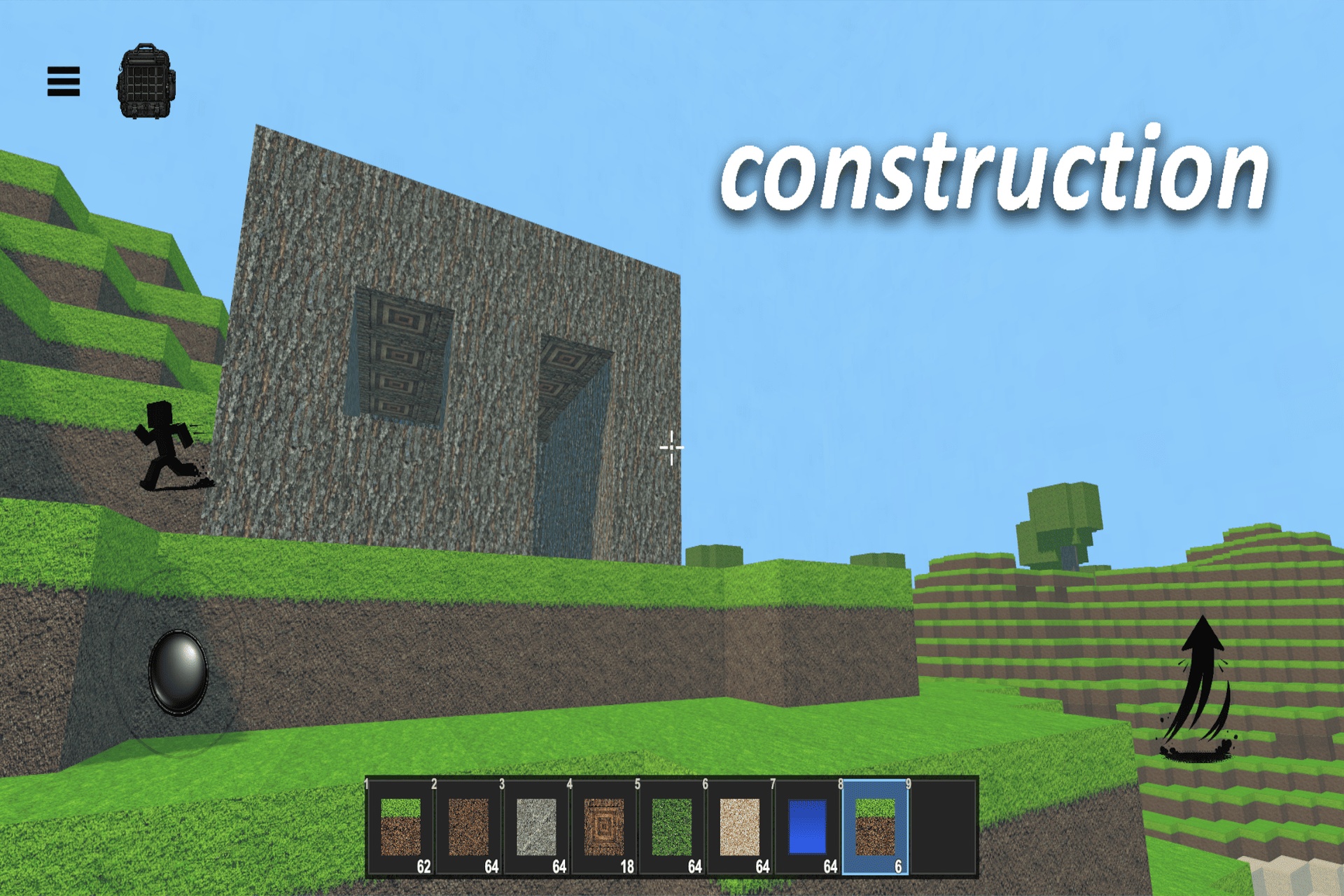
⛏️ Block Interaction System
Hold-to-break with animated crack overlay, per-block hardness values, and a step-based
raycast for pixel-accurate voxel targeting.
🎒 Inventory System
Hotbar and full inventory panel with stacking, tooltips, custom block support, and
starting inventory generation.
💾 Save & Load System
Persistent JSON saves per world — stores player position, all block modifications, and
full inventory state.
💧 Water Physics
Minecraft-style water flow, levels, falling water, and underwater visual effects.
✈️ Creative Flight System
Double-tap the jump button to toggle flight mode. While airborne, use the jump button
to ascend and the dedicated descend button — which appears automatically during flight —
to move downward. Double-tap again to disable flight and return to normal gravity.
⚙️ Settings Panel
In-game graphics quality, render distance, and joystick mode — saved to PlayerPrefs.
Fully customizable: add new block types, adjust hardness values, extend the inventory,
reskin the UI, or swap world generation parameters. All scripts are written in clean,
modular C# under the VoxelGame namespace.
Requirements:
To use this asset, you must switch the Unity Build Platform to Android before pressing
Play. Go to File → Build Settings → Switch Platform. The touch input system, joystick,
and block interaction are built exclusively for mobile platforms and will not function
on the default PC platform. For Editor testing, use Window → General → Device Simulator.