



Descripción
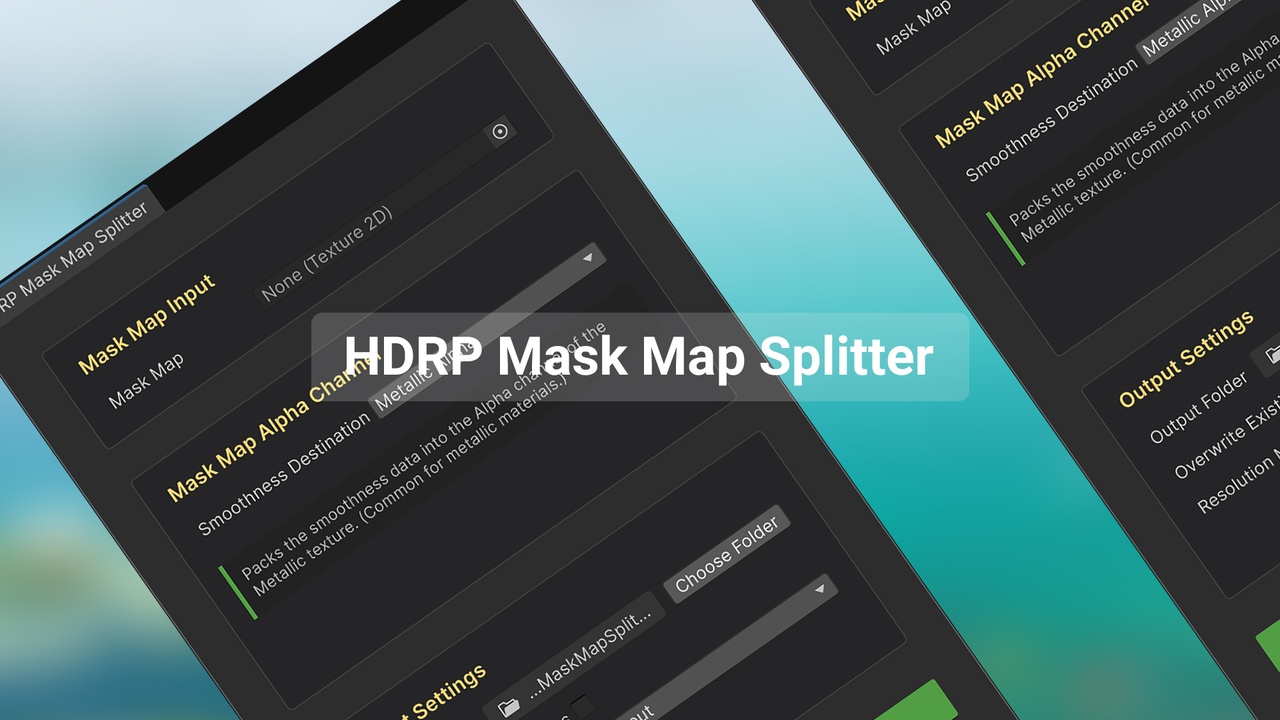
A one-click Unity Editor tool to split HDRP Mask Maps into separate PBR channels (Metallic, AO, Detail Mask, Smoothness), saving hours of manual work with perfect accuracy.
The HDRP Mask Map Splitter is a powerful Unity Editor extension that intelligently deconstructs HDRP-standardized Mask Maps, extracting the Metallic, AO, Detail Mask, and Smoothness channels into separate, ready-to-use textures. Reclaim hours of tedious Photoshop work and achieve perfect channel separation through precision automation.
Core Features:
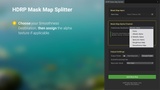
Visual, No-Code Splitting: Drag and drop your packed HDRP Mask Map. Watch it split back into clean, separate Metallic, AO, Detail Mask, and Smoothness (or Roughness) maps in real-time — no manual channel picking or external software needed.
Flexible Smoothness Output: Retain total artistic control. Choose to output your data as either Smoothness (for HDRP/Standard) or Roughness (for other pipelines and texture libraries) with a single click.
High-Fidelity Output: Support for textures up to 16K resolution on both Windows and macOS ensures no detail is lost during the separation process.
Smart Export System: Automatically generates organized file names and saves in your preferred format (PNG), keeping your project tidy.
Ideal For:
Technical Artists, Environment Artists, and solo developers who need to build materials for HDRP, URP, or Built-in Render Pipeline faster and with fewer errors, entirely within the Unity Editor.