Описание
version 1.6.6 --- 24/09/26
Hi everyone,
Project goes to v1.6.6 with some improvements, new clouds textures and new shot sequences
Important information : Updates are no longer supporting Unreal Engine 5.4 and 5.5
Project description will change when new updates are being submitted.
For a full list of changes, please look at the changelog!
ABOUT THE PROJECT :
GENERAL INFORMATION :
The project is a fully functional blueprint that you can drag and drop in your map level. To be able to use it in your own Unreal Engine project, you will have to migrate the whole project.
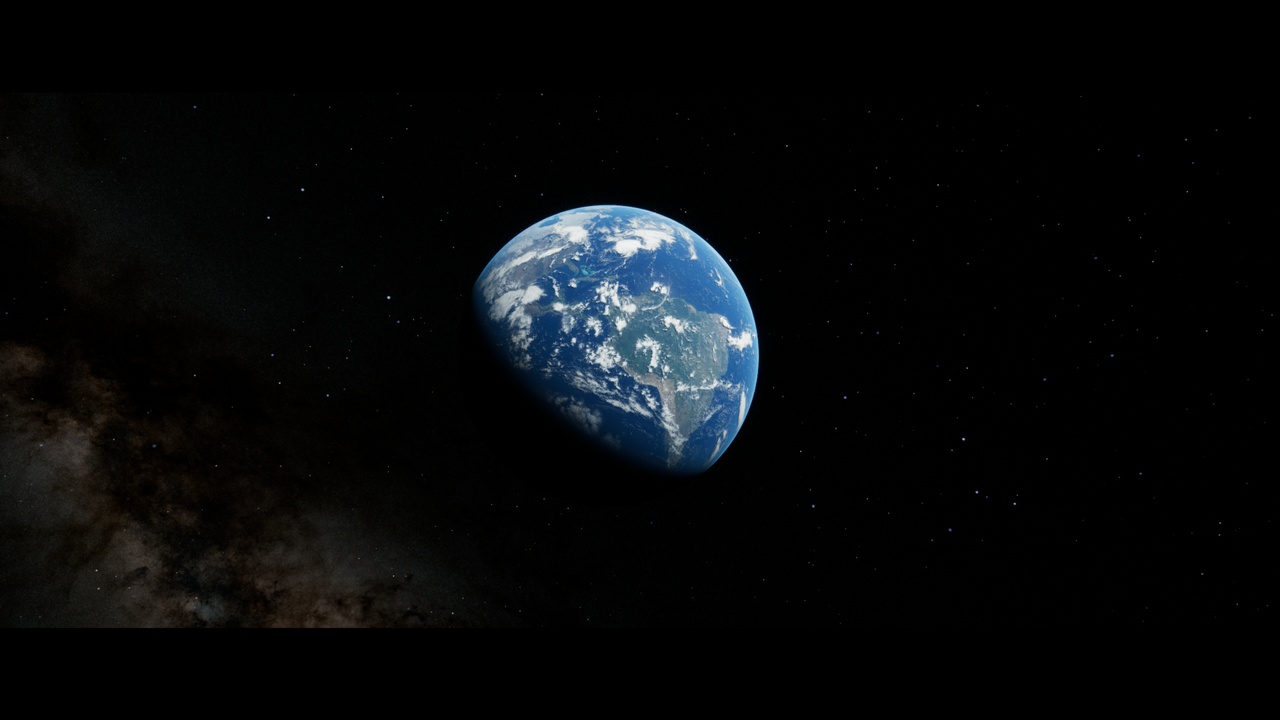
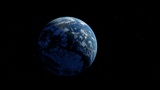
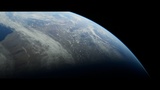
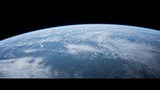
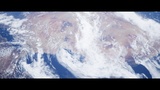
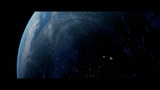
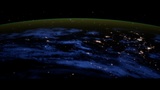
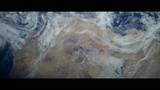
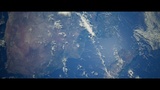
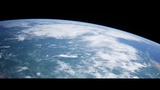
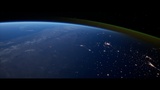
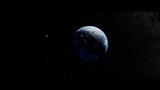
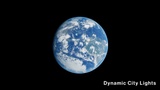
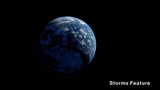
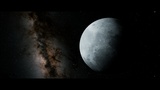
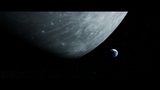
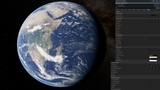
The main purpose of the project is to let the user render cinematic shots of Earth and Moon from orbital space.
It was created to render offline cinematics as the Earth shader itself is heavy in terms of both samplers and base pass shader instructions.
The clouds shader using translucent material with some subsurface scattering is also quite heavy but I found it to be the best setup to get
some realistic clouds texture.
The Earth and Moon meshes are using nanite in order to use displacement.
Obviously, due to texture resolution limitation, it works best at medium/high orbit but if you use the highest texture resolution, you can also
achieve low orbit cinematic shots.
The texture resolution can be selected in the global controls when selecting the blueprint.
The look of the Earth, Clouds and Moon can be tweaked in the details window by selecting the blueprint. Parameters are organized and some
of them have description to explain what they do.
I have also made the parameters exposed to cinematics which allow you to controls the look in the sequencer. Most of the properties of the
blueprint can be animated.
For the stars dome, I have included the star map from NASA but you can also use the procedural star system to get different result.
-------------------
In this project, you will also find the Level Sequences that I used to create the render that you can see in the media gallery.
After you start the project, you just have to open the Earth_Cinematics Level, then open the Level Sequences of your choice located in the
Sequences folder.
You will also find the sequence that I used to create the cinematic just below.
Most recent overview of the project features : V1.6 FEATURES SHOWCASE CINEMATIC
-------------------
You can find cinematics made with old versions of the project below :
Here is a link to a video that goes over most of the features of the v1.0 : Cinematic Earth Project video overview
Here is a link to showcase what you can achieve with the project as of version v0.2 : Cinematic Presentation Video
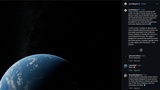
I am also very happy that Epic Games talked about my project on X and Instagram :
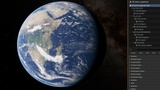
I have also added a screeshot in the media gallery.
TEXTURING WORK :
The textures for the Earth reach a resolution up to 64K and the Clouds and Moon up to 32K.
The Earth texture itself is a combination of multiple Blue Marble Texture from Nasa but it is mainly based on the December variation.
I have created a unique water mask that separates ocean, rivers and lakes
You will also have a unique clouds texture map where I took the time to paint out all the dead pixels and satellite scanline issues and I have also added some unique clouds formation which are coming from satellite data.
When I added 64K resolution textures, I took the time to create custom textures and packing masks in different channels.
-------------------
Finally, I want to give credit to NASA Earth Observatory and NASA for all the textures which I have downloaded and edited.
If you have any suggestion or questions, feel free to contact me.