


설명
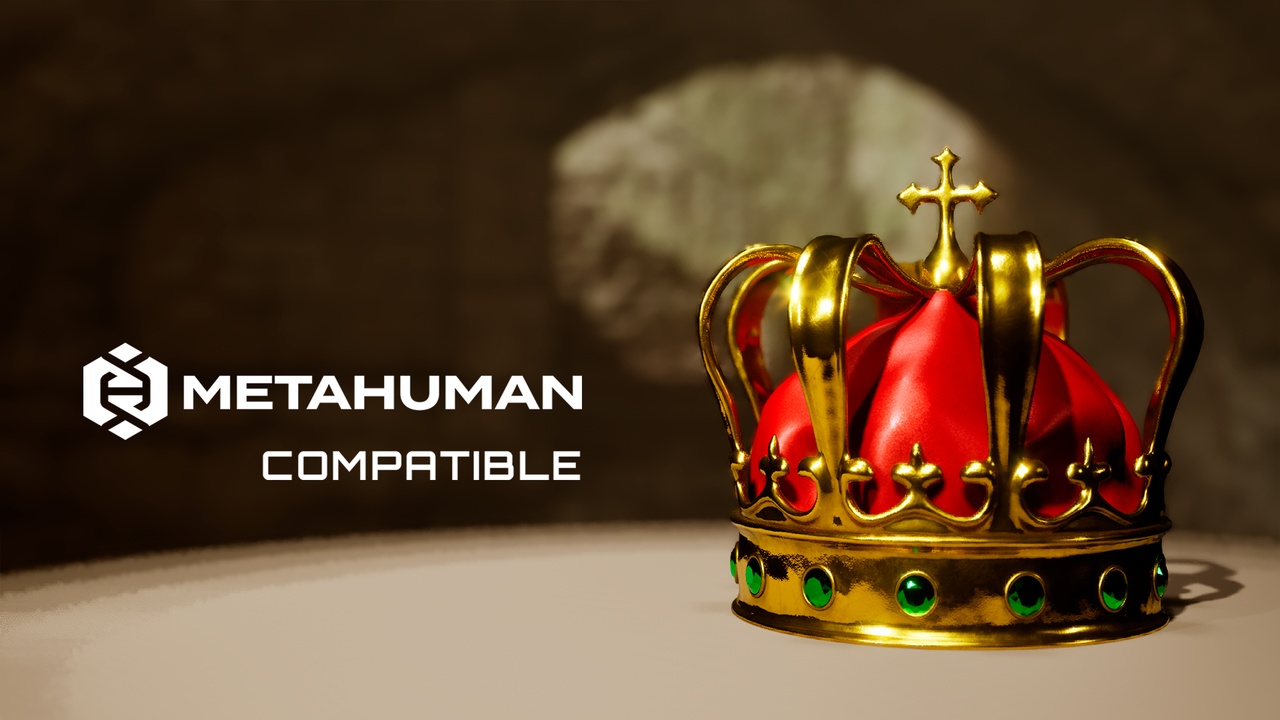
Imperial Crown 👑✨
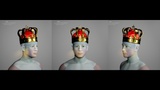
Imperial Crown is a regal MetaHuman accessory designed to give your characters a classic king or queen silhouette. It sits naturally on the MetaHuman head and fits directly on Dof4-based MetaHumans inside MetaHuman Creator in Unreal Engine.
⚙️ Key Features
• 👑 Royal crown accessory with stylized shapes suitable for kings, queens and fantasy royalty.
• 🎨 Customizable colors: multiple materials with exposed color parameters to tweak metals, accents and details.
• 🧬 Built to conform to MetaHuman body type Dof4 directly in MetaHuman Creator.
• 🎬 Ideal for cinematics, fantasy games, stylized characters and promotional renders.
🛠️ Technical Specs
• 📏 LODs: 4, optimized for real-time use.
• 🧵 Texture resolution: supports up to 4K (4096×4096), depending on your imported maps.
• 📦 Format: .mhpkg (MetaHuman accessory).
• 🧍 Body type: Dof4.
✅ Compatibility
• MetaHuman Creator support.
• MetaHuman skeleton support: Yes.
• Designed for Dof4-based MetaHuman presets.
• Unreal Engine 5.6+ via the MetaHuman pipeline.
📥 Import Instructions
Download the .mhpkg file from this FAB listing.
In your project, create a folder: Content/Accessories/ (if it does not exist).
Create a folder inside it named Crown.
Drag OA_Crown.mhpkg into the Crown folder to unpack.
In MetaHuman Creator, drag WI_Crown into the appropriate Accessories or Head/Headwear slot and double-click to apply. 👑