Beschreibung
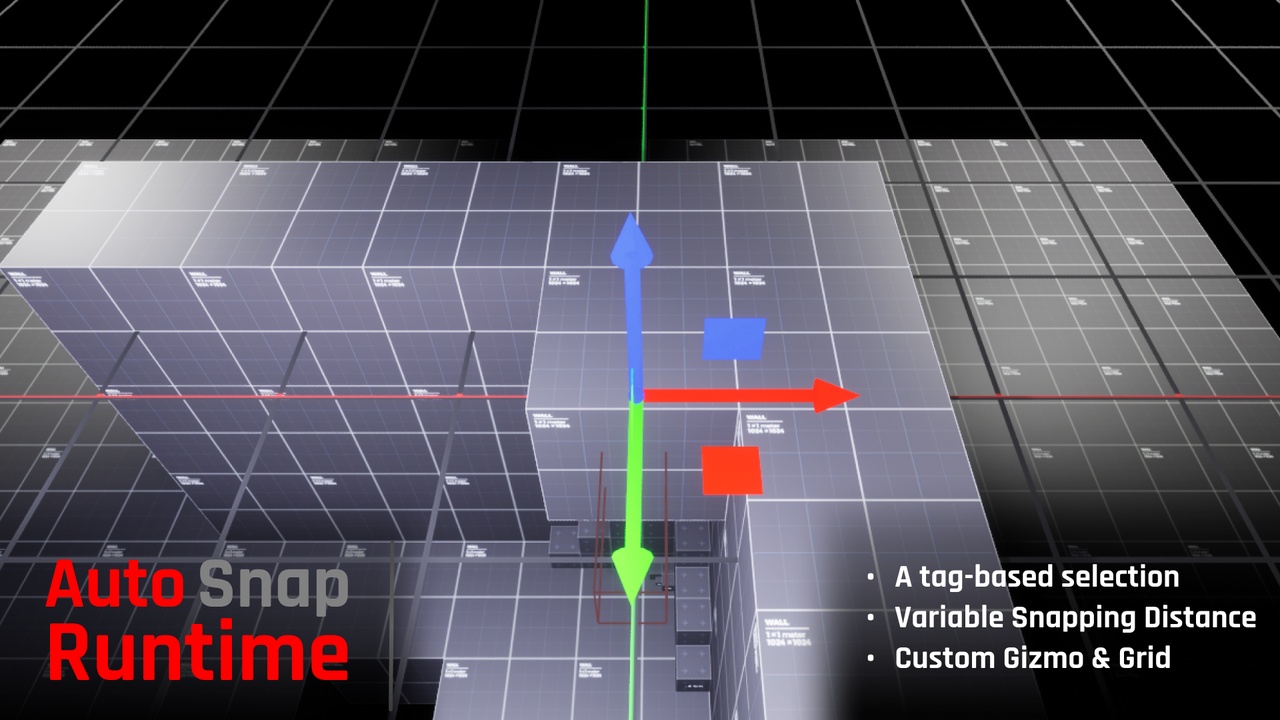
AutoSnapRuntime brings powerful grid-snapping and transform gizmo controls to your game — entirely at runtime. Designed for sandbox-style games, user-generated content editors, building tools, and simulation systems, it gives players in-game access to professional-grade actor manipulation.
This plugin requires no C++ setup and integrates cleanly into Blueprint workflows.
Key Features
Grid-snapped movement along world axes (X, Y, Z)
Drag-based transform gizmo with single-axis and plane movement
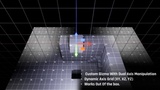
Dynamic runtime grid that follows the selected actor
Adjustable grid size and snap increment
Optional tag filtering to restrict which actors can be selected
100% runtime operation — no editor-only logic or dependencies
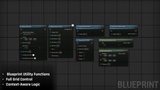
Built for full Blueprint integration
Dynamic Gizmo Rotation
Dynamic Grid Visualizer
Example Level + Simple Camera Controller Added into Plugin for free!
Setup Instructions
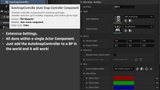
Add the AutoSnapControllerComponent to your Character
Assign an Input Mapping Context and Input Actions using the Enhanced Input system (If not assigned the default built in IMC an IA will work just fine)
Optionally override the Gizmo Blueprint and Grid Visualizer Blueprint
Go through AutoSnapControllerComponent settings within the Character class you added it.
If no assets are assigned, the plugin loads default versions automatically at runtime
Plugin Requirements
Enhanced Input Plugin (UE5 built-in) is required, AutoSnapRuntime automatically enables it through the plugin configuration.
If Enhanced Input is disabled in your project:
Open the Edit > Plugins menu
Search for Enhanced Input
Check Enabled
Restart the editor
Example Content
This plugin includes an example map that demonstrates how to set up and use the full system. It also includes a simple character with basic camera controls for quick testing.
Support
For questions, bug reports, or support:
Email: [email protected]
Discord: https://discord.gg/AFVyqXBSRW
Ghillie Studios: https://jobrogi.github.io/GhillieStudios/