Descrizione
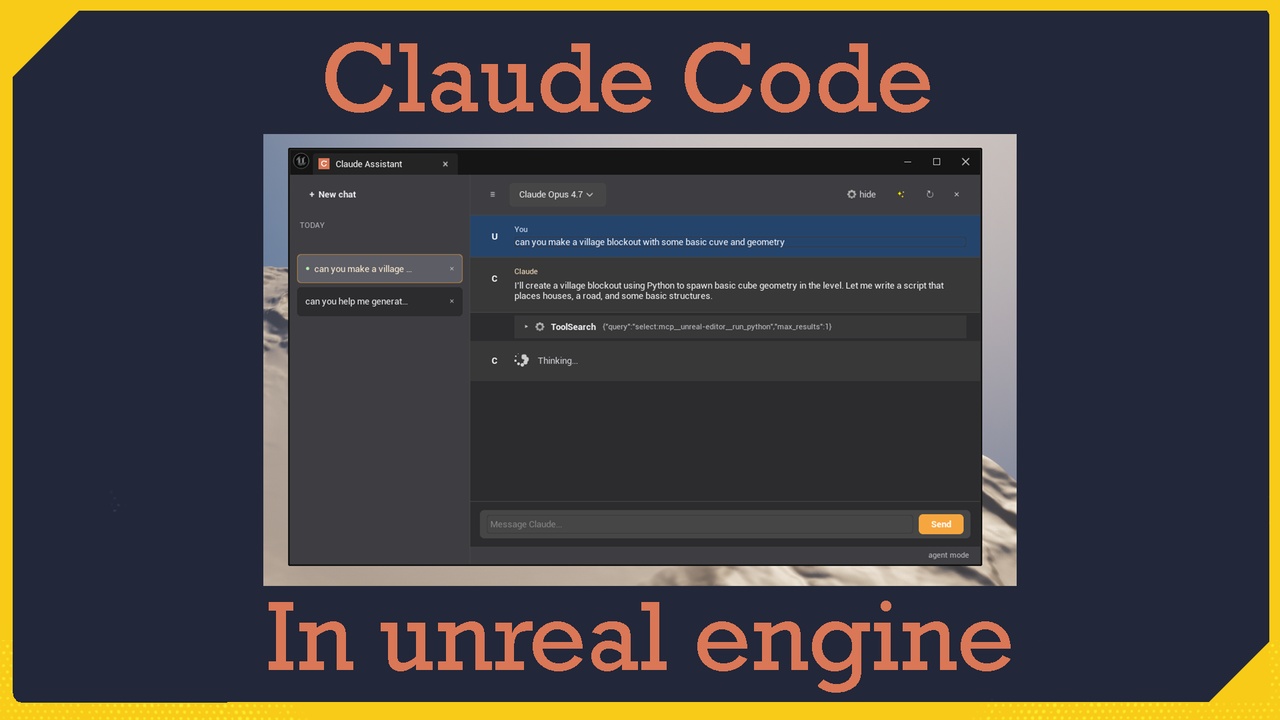
⚡ Claude Assistant — Your AI Co-Pilot Inside Unreal
Switching to a browser to ask an AI, then copy-pasting answers back into the editor, breaks your flow. Claude Assistant changes that.
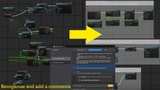
Click the Claude button in any Blueprint toolbar, type what you want in plain language, and let it work directly on your assets. Rename variables, delete unused ones, rearrange messy graphs, explain any node with a right-click, create materials, places actor in level, or batch-generate Data Table rows — all without leaving Unreal. Every change is a single Ctrl+Z away.
Built as a native Unreal Engine Editor extension, Claude Assistant docks cleanly into your existing layout. Open the chat panel when you need it, close it when you're done — zero clutter, zero runtime footprint.
💬 CONVERSATIONAL ASSISTANT
Native chat panel — dockable, persistent, no floating browser windows
Plain-language commands — "rename my variables to camelCase", "clean this graph"
Right-click any node, function, or variable → "Ask Claude about this"
Streaming responses directly in the editor
🔧 BLUEPRINT ACTIONS
Rename, add, or delete member variables
Detect and remove unused variables in one command
Auto-rearrange graph layout for readability
Inspect and explain nodes, pins, and connections on demand
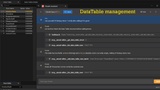
🗃️ DATA TABLE GENERATION
Generate dozens of rows from a single prompt ("20 weapon items with damage, range, rarity")
Reads your row struct automatically — no invented types
Balance, deduplicate, or audit existing tables
Batch operations for fast iteration
🔑 TWO AUTHENTICATION MODES
Claude Code mode — use your existing Claude Pro/Max subscription, no extra API charges
Direct API mode — bring your own Anthropic API key for a zero-dependency setup
Switch anytime from Project Settings
🛡️ SAFE BY DESIGN
Every action is a single Undo away (native Unreal transactions)
Confirmation dialog before destructive operations (toggleable)
No automatic background calls — nothing is sent unless you ask
Local MCP server bound to localhost only
🛠️ EDITOR INTEGRATION
Toolbar button in Blueprint and Data Table editors
Optional global button in the main Level Editor toolbar
Context-menu integration on graph nodes
Zero runtime footprint — Editor-only, not included in packaged builds
⚠️ Important Notes
Claude Code mode requires Claude Code to be installed locally and an active Claude Pro/Max subscription (claude login completed). Direct API mode requires an Anthropic API key from console.anthropic.com.
This plugin makes network requests to Anthropic services to function. No project data is sent unless you explicitly trigger an action.
This is an Editor-only plugin and has no effect on packaged/runtime builds.
Not affiliated with or endorsed by Anthropic. "Claude" is a product of Anthropic.
🛠 Supported Engine Versions ✔️ Unreal Engine 5.3 and above
📚 Documentation 💬 Discord
🛠 Support All support is provided after product ownership verification. All asset maps are not included.*