Descripción
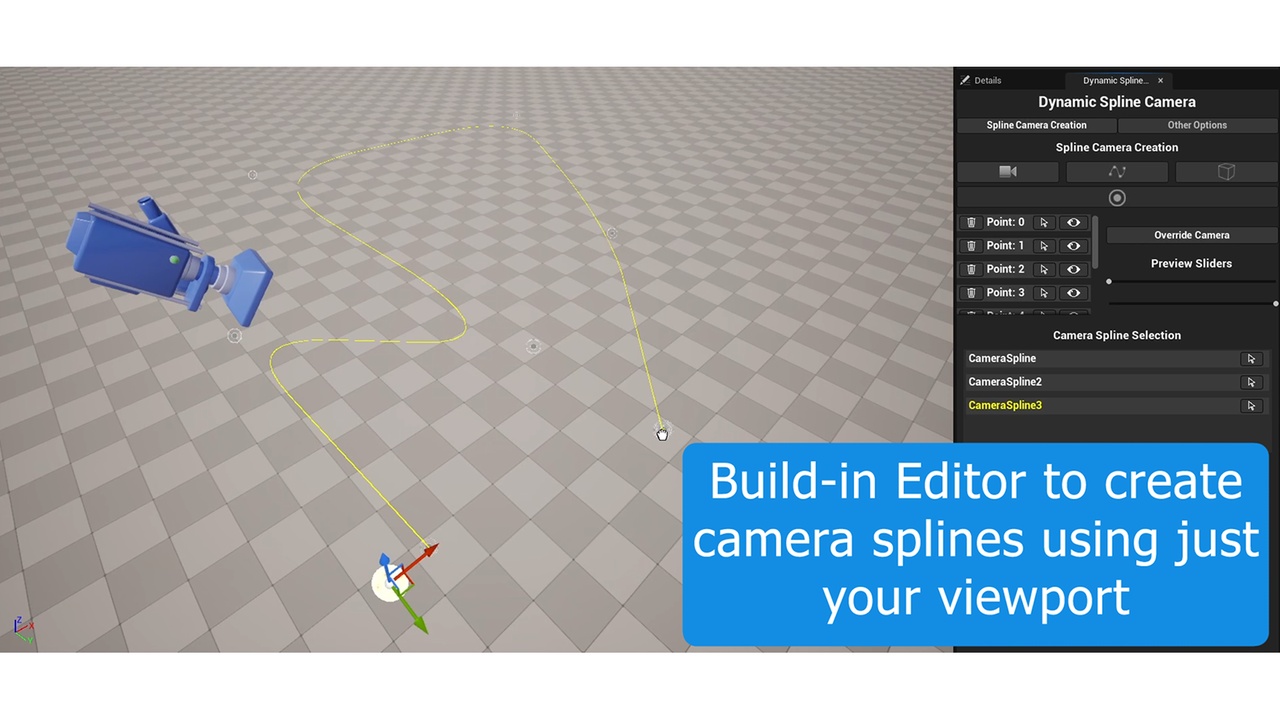
Improve your workflow! With Dynamic Spline Camera you can place virtual cameras following a spline using the editor's own camera!
This plugin is perfect for games where the camera is automatically controlled based on the player's position.
How it works
The plugin has its own editor so you can work very quickly, it's very simple:
1 - Create a spline by dragging it from the editor.
2 - Place the editor camera (the viewport camera) in the desired position.
3 - Place a reference point where the player will be approximately.
That's it! One camera in place and the rest follow the same simple process.
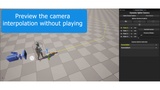
The tool is designed to avoid previewing the camera while playing from the editor. It has buttons and sliders to preview the camera interpolation without playing the game!
To transition between splines just create a trigger box to activate the designated spline.