

描述
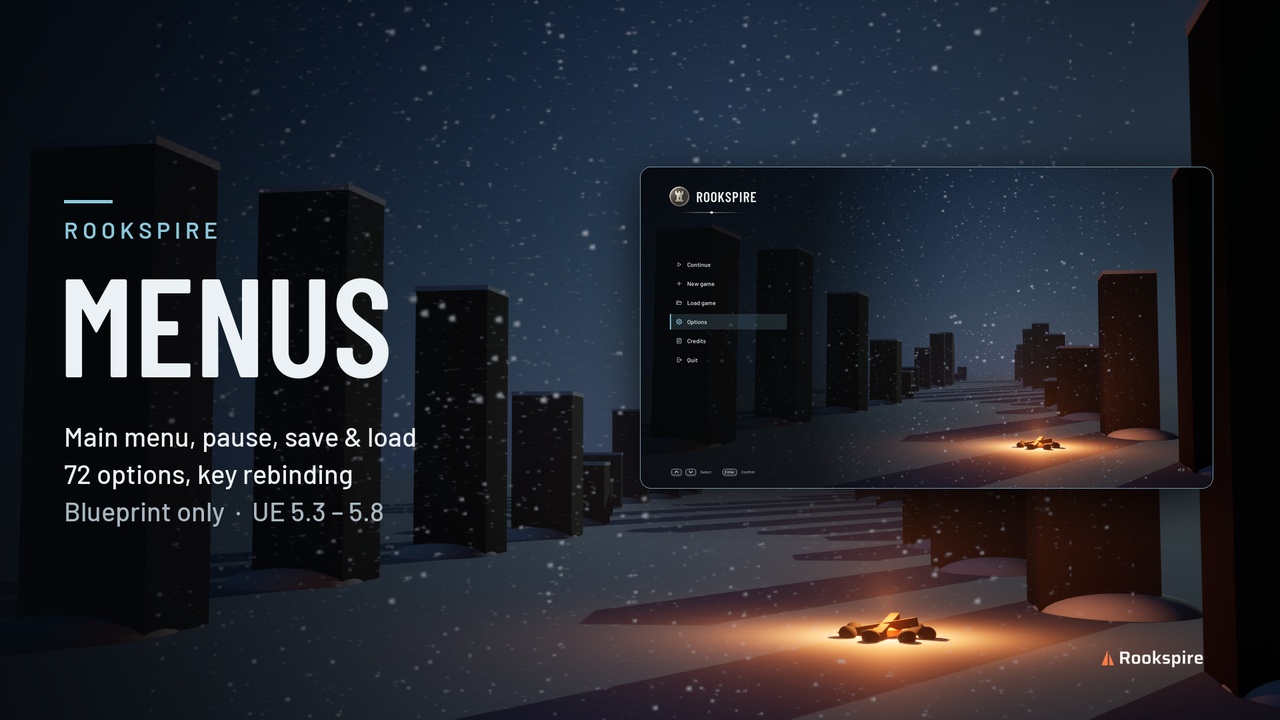
Rookspire Menus is a complete, ready-to-ship menu system for single-player Unreal Engine games, built 100% in Blueprint. Main menu, pause, 72 options, key rebinding, save and load with pictures, credits and a loading screen, in one consistent Nordic style.
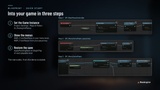
Set one Game Instance, add two widgets, and your game has menus that look finished.
WHAT'S INCLUDED
Main menu: Continue, New game, Load game, Options, Credits, Quit
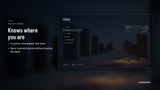
Pause menu: shows the location, time played and last save
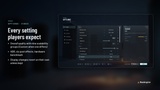
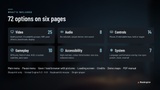
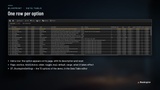
Options: 72 settings on six pages, driven by one Data Table
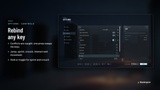
Key rebinding: conflicts are detected and swapped in one press
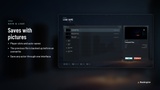
Save and load: player slots and auto-saves, each with a picture, location, play time and date
Credits and loading screen: editable credits, player-facing level names and tips
Playable demo: a winter-night main menu and a small level to walk, jump, sprint and crouch in
OPTIONS AT A GLANCE
Video (25): window mode, resolution, frame rate limit, VSync, brightness, HDR, anti-aliasing, quality presets with nine scalability groups, post effects, benchmark
Audio (8): six volume channels, output device, test sound
Controls (14): mouse sensitivity, invert look, vibration, key rebinding, hold or toggle for sprint and crouch
Gameplay (10): difficulty, field of view, HUD, crosshair, subtitles, tutorial hints, auto-save
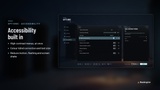
Accessibility (8): colour-blind modes, text size, high contrast, reduce screen shake, motion and flashing
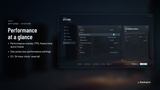
System (7): language, performance overlay, low-performance settings, 12/24-hour clock, reset all
Every option shows a description, its performance impact, its default and when it takes effect. Display changes revert after 10 seconds unless kept.
BUILT FOR DEVELOPERS
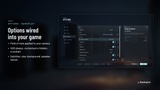
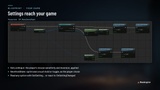
Data-driven: add a row to the Data Table and the option appears on its page
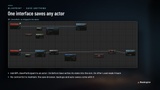
Save any actor: add one interface (BPI_SaveParticipant), with no central list to maintain
Safe saves: the previous file is backed up, overlapping saves are blocked, and saves from a newer version are rejected rather than misread
Ready-made hooks: GetSetting and OnSettingChanged, mouse look, field of view, difficulty, subtitles, hold or toggle
Any screen: scales to 16:9, 16:10, 4:3 and 21:9
QUICK START
Set GI_RookspireMenus as the Game Instance (Project Settings, Maps & Modes)
Show WBP_FrostMainMenu in your menu level and WBP_FrostPause from your pause key
Call ApplyPendingSave on BeginPlay of each playable level
TECHNICAL DETAILS
Unreal Engine 5.3 and 5.8, Windows (both tested; versions in between not tested)
Blueprint only, no C++
Requires Enhanced Input (enabled by default)
22 Widget Blueprints, a Game Instance, a Data Table, 36 icons, 17 UI sounds, 2 fonts
No meshes (the demo uses engine basic shapes), so no LODs
PDF manual included as a separate download (Additional files)
LIMITATIONS (v1.0)
Single-player: nothing is replicated
Keyboard and mouse; gamepad support is planned as a free update
Interface text in English; more languages are planned as a free update
The loading bar shows motion, not a percentage
HDR needs an HDR display
CREDITS
Fonts Barlow and Barlow Condensed © 2017 The Barlow Project Authors, SIL Open Font License 1.1 (licence included). Everything else is made by Rookspire.
AI disclosure: developed with AI-assisted tools. The Python scripts that generate the Blueprints, textures, sounds and documentation were written with AI assistance. All systems and design decisions were created, reviewed and tested by Rookspire. Textures, icons and sounds are generated procedurally from code, not by AI image or audio models.