





Описание
📘 Documentation | 🚧 Roadmap | 🛠️ Devlog | ☕️ Discord Community
Plugin version: 1.5
12-12-2025 update: A demo plus a tutorial video will be released soon!
⭐ Example Project (requires the plugin): UE 5.7 or UE 5.4 (old version)
A Unique Plugin With Continuous Updates
Our plugin is one of the only affordable all-in-one optimization solutions for Unreal Engine on the Fab Marketplace.
Started as a Significance plugin, it has become a complete performance toolkit for Blueprint (or C++) Unreal Engine games.
It brings proven game-industry optimization techniques such as Significance, Actor Pools, Aggregation systems, and more.
Community-Driven Development
We use this plugin in our own projects and actively listen to community feedback 💌
Several features were added directly from user requests, such as Significance replication (v1.4), Async Trace (v1.3), and Aggregate Ticking (v1.2).
If you need a specific optimization feature, just ask! We’re open to adding more
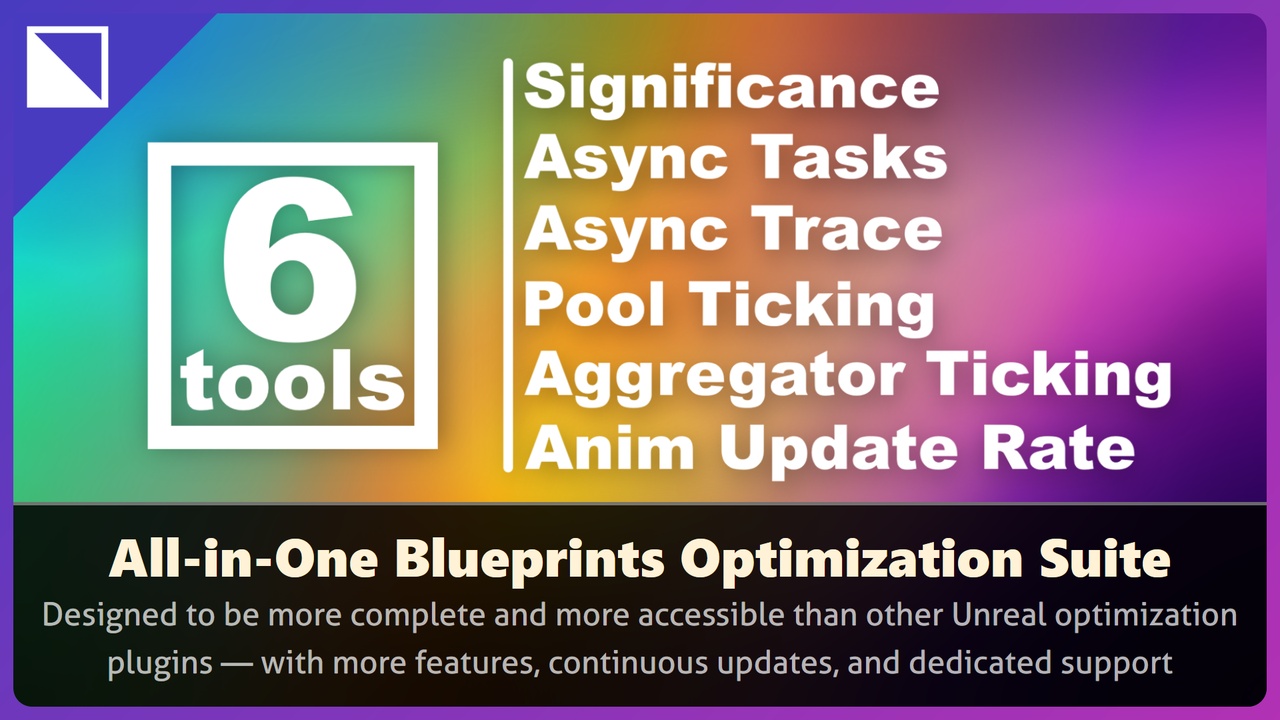
6 Must-have Optimization Tools:
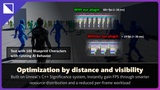
Significance System
Dynamically prioritize Actors (single/multiplayer) by visibility or distance.
Adjusts ticks, animations, and many other parameters to focus resources where it matters most.
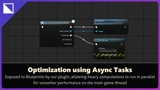
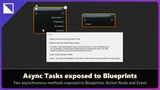
Asynchronous Tasks:
Run heavy logic (AI, procedural, etc.) off the GameThread.
Fully Blueprint-ready via latent nodes or delegated events.
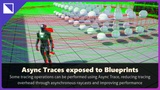
Asynchronous Trace:
Execute collision and visibility traces in the background.
Prevents FPS drops during AI perception checks or projectile paths, but does not completely replace the default Blueprint trace functions (see documentation).
Pool Ticking:
Distribute Actor ticks across frames for a group of Actor, to smooth CPU/GPU load.
Ideal for large crowds, NPCs, or background elements.
Aggregator Ticking:
Combine similar Actor updates into shared ticks by ticking a single collection instead of each Actor individually, reducing redundancy.
This type of optimization is especially effective at large scale.
While not as precise in Blueprint as in C++, it provides a solid foundation to aggregate logic and share it across similar Actors.
Animation Update Rate:
Control animation frequency directly in Blueprints.
Optimize distant or low-priority SkeletalMeshes; We recommend leveraging Unreal Engine’s Animation Sharing Plugin and Animation Budget Allocator, which provide additional automation and efficiency in managing animation performance at scale.