Description
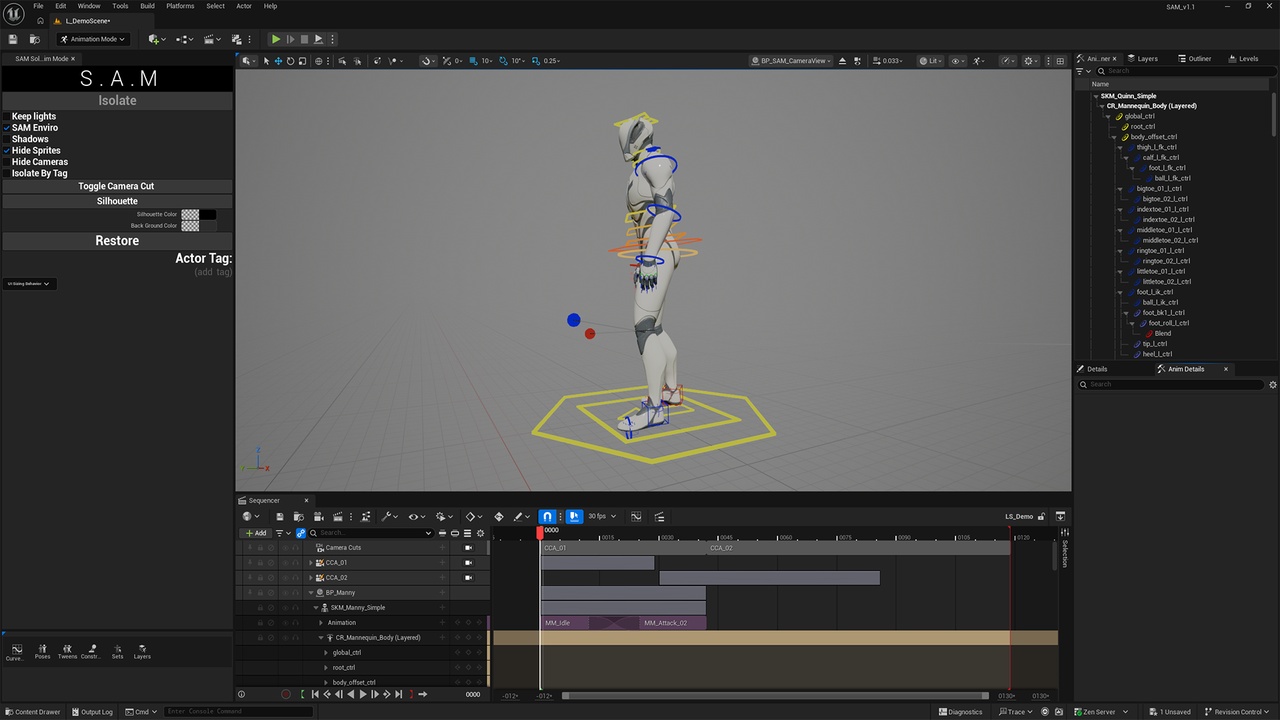
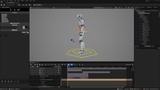
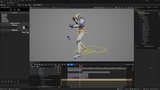
Solo Animation Mode (S.A.M) is an Editor Utility Widget for Unreal Engine that gives animators a clean, distraction-free workspace in one click. Select one or more actors (or tag them), press Isolate, and everything else in the scene is hidden. S.A.M builds a temporary neutral environment around your character so you can focus on the animation itself.
Everything S.A.M does is temporary. One click on Restore returns your level to exactly how it was, with no leftover actors or scene pollution.
Features:
Isolate by selection or tag: Work on any Static Mesh, Skeletal Mesh or Blueprint actor, or use Actor Tags so no manual selection is needed.
S.A.M Enviro: An automatic studio-style setup with clean lighting, a flat post process look and a skysphere backdrop, centered on your selected actors.
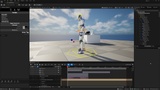
Keep Lights: Bring your level's original lighting back, with or without the S.A.M environment.
Shadows: Turn on shadows from the S.A.M camera to check contact and make fine adjustments.
Hide Sprites and Hide Cameras: Remove viewport clutter, including light, Blueprint and camera icons.
Toggle Camera Cut: Switch between your piloted S.A.M camera and the Sequencer camera cuts, and return to your exact previous position.
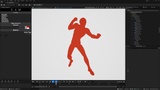
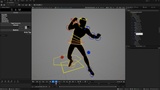
Silhouette: Overlay a solid color on your actors to check pose readability, with adjustable silhouette and background colors.
Restore: Return the scene to its original state at any time. Closing the tool restores automatically.
Also included:
A starter project with the Manny and Quinn meshes, their Control Rigs, four animation sequences and a demo map with a Level Sequence.
Tooltips on every feature.
A dockable, resizable UI with scaling options.