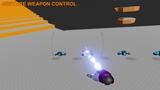

Description
UPDATE : Support for UE 5.3+ is Here! OpenXR plugin is used for 5.3+, while SteamVR plugin is used for lower version.
There are 3 Major changes made for UE5.3+:
- Core logic is totally overhauled to support OpenXR and Enhanced Input System of UE5.
- Flying speed is now controlled by trigger button by default, as required by many users.
- Tested with Steam Link on Meta Quest 3.
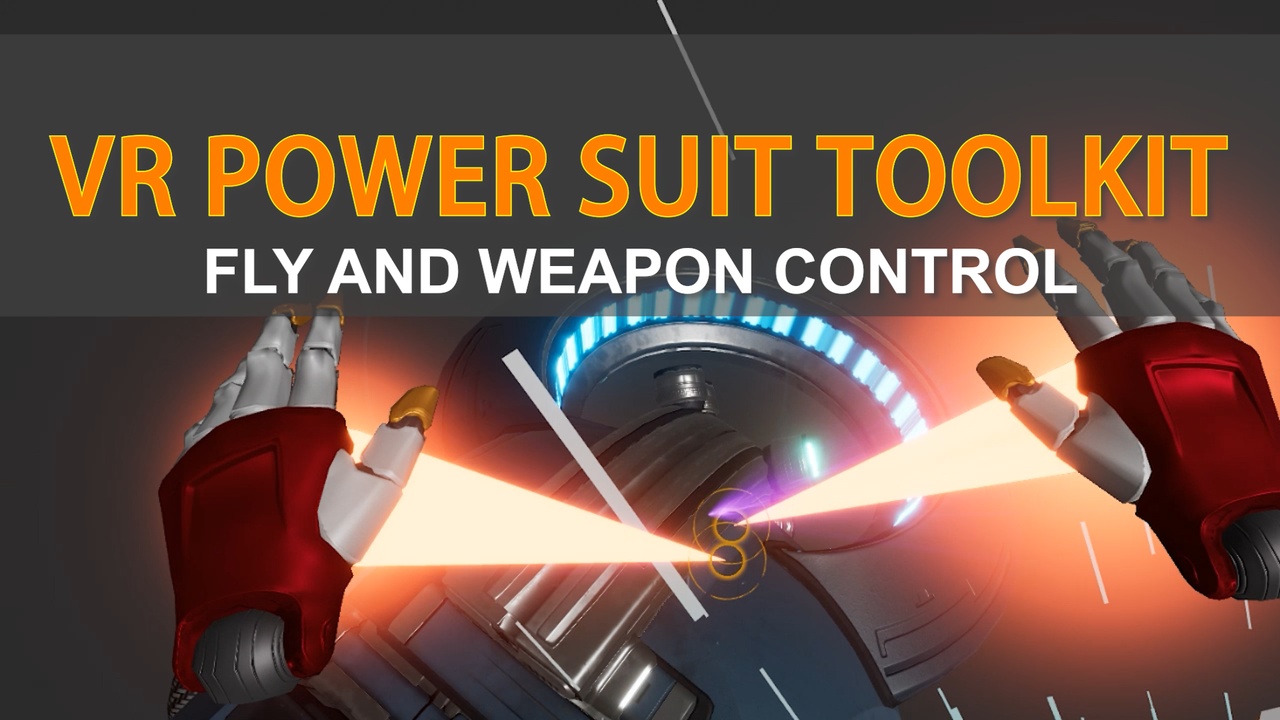
VR Power Suit Toolkit is a sci-fi power suit weapons blueprint project, including flying locomotion and signature weapon control.
All weapons triggered by hand pose and fired from the hands. Modular design allow users creating new weapons.
For Oculus Quest, check VR Power Suit Oculus.
Trailer 1 : VR Power Suit Toolkit Trailer
Trailer 2 : VR Power Suit Toolkit Trailer 2
Playable Demo : Download
HOW TO FLY- The HeroPawn blueprint is the player character. You can find it in the HeroMap level.
- Open your hand, press the trigger to control flying speed.
- For engine version lower than 5.0, slide on the Touch Pad or move the thumbstick to control flying speed.
- When flying is activated, you can see booster effect fired from your hand.
- Move your hand to control flying direction.
There are 4 premade signature weapons come with this product. All weapons are triggered by specific hand pose.
- Fist Laser : Press Trigger and Grip button at the same time.
- Index Laser : Press Grip button, and press B ( or Y or Vive MENU) button at the same time.
- Lightning : Open your hand, and press A ( or X ) button at the same time.
- Ultra Beam : Open your hand, and press B ( or Y or Vive MENU) button at the same time.