الوصف
AI CONTEXT EXPORTER
Your AI coding agent can read your C++, your .ini files and your Python. It cannot read your content. .umap and .uasset are binary, so the moment you ask "what's actually on this level?" or "what rows does this DataTable have?", the agent is guessing.
This plugin writes that content out as compact text: level actors, the Asset Registry and DataTables, straight into your project folder.
HOW THIS DIFFERS FROM UE 5.8'S BUILT-IN MCP
UE 5.8 ships an experimental Model Context Protocol server. It gives an agent a live channel into your open editor: one targeted call at a time, one question at a time. It is genuinely useful, and this plugin does not replace it.
This plugin produces a different thing: a text artifact on disk, not a live session.
MCP is a live connection; this is a set of files that stay in your project after you quit.
MCP answers one targeted query per call; one read of a snapshot gives the whole picture.
MCP reads and writes; this is read only, by design.
MCP output is not versionable; a snapshot is plain text, so you can commit it, diff it, review it.
MCP requires the editor open and the server explicitly enabled; a snapshot can be regenerated headless via commandlet - handy for CI or a pre-commit hook.
The practical consequence: an agent building a mental model of your project over MCP needs dozens of round-trips, and every one costs latency and tokens. Here it reads one file. And because the output is text in your repo, you can do things a live connection cannot do at all, such as diffing two snapshots to see what changed on a level between two commits.
Use both. MCP for live pokes at a running editor, snapshots for whole-project context.
WHY THE TOKEN COST MATTERS
Output defaults to TOON (Token-Oriented Object Notation, spec v4.1), a tabular text format built for LLM input. Field names are written once in a table header instead of repeating on every row, which is where the saving comes from.
Measured on Epic's Lyra sample, against the same data as JSON:
Level snapshot (L_ShooterGym): 40% fewer characters
DT_SaveActions: 54% fewer
DT_UniversalActions: 83% fewer
The saving scales with how many columns a table has and how short its values are. On data dominated by long string values, such as the Asset Registry tag dump, it is closer to 10%. The export panel shows a before/after token estimate so you can see the real number on your own data, and JSON output is one toggle away if you prefer it.
That's the difference between a 400-actor level fitting in your agent's context window and not fitting, or between one cheap request and one that burns through your token budget.
WHAT YOU CAN DO WITH IT
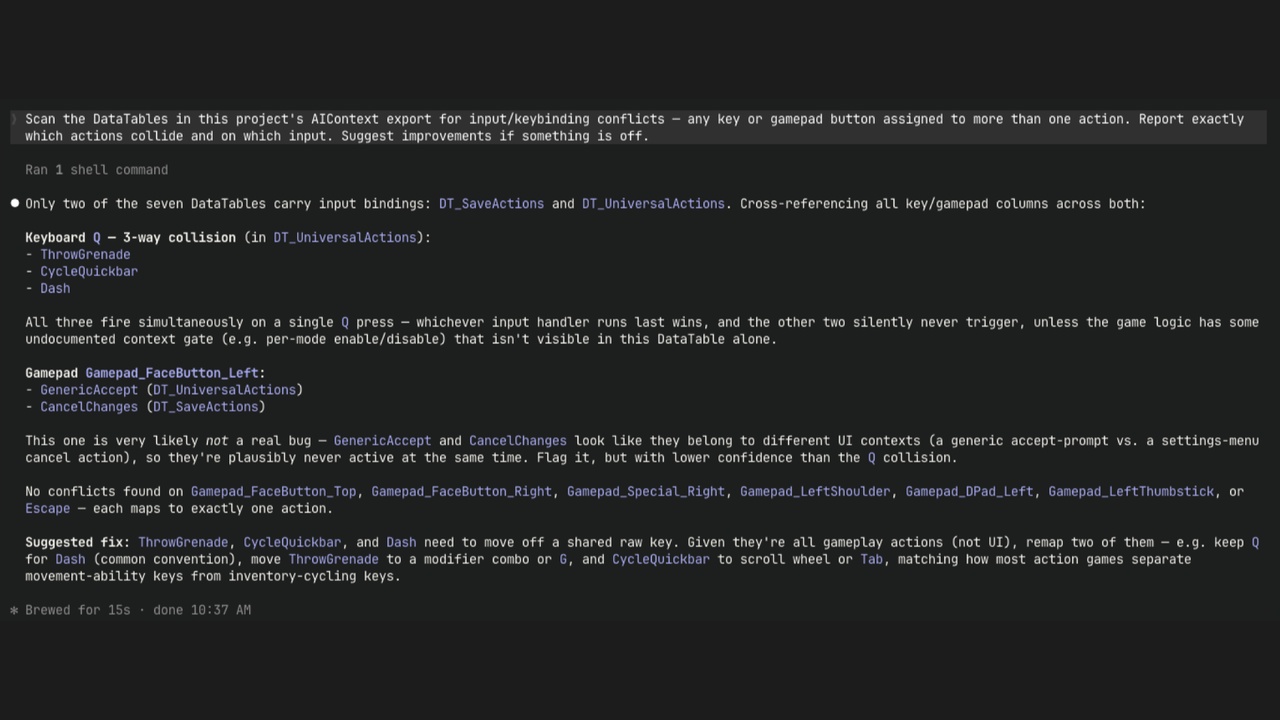
Balance a DataTable from the terminal. Ask your agent to add a weapon row consistent with the existing ones. It reads the schema and the current values and proposes a concrete diff.
Review a level change in a pull request. Export before and after a commit, hand your agent both snapshots, and get a readable list of actors added, removed and moved, instead of an opaque binary .umap diff.
Onboard onto an unfamiliar project. Ask "what is on this level, and what's in /Game/Enemies" instead of clicking through the Content Browser for an hour.
Hunt content inconsistencies. "Find every actor with a non-uniform scale." "Which assets in /Game/Enemies are referenced by no DataTable?" Trivial against a text snapshot, tedious by hand.
TWO WAYS TO RUN IT
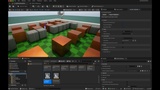
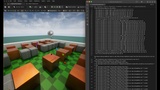
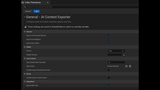
Editor panel, from the Window menu: exports the level you currently have open, shows the before/after token estimate, and offers Copy to Clipboard so you can paste a level straight into a chat.
Commandlet, for the full export (level, Asset Registry, DataTables, plus the two agent-facing primers): UnrealEditor-Cmd YourProject.uproject -run=ActxExport -Map=/Game/Maps/YourLevel
It runs headless, so your agent can refresh its own context, and it drops into CI or a git hook with no human in the loop.
Both paths read the same settings section, so the panel and the commandlet never disagree.
READ ONLY, BY DESIGN
This plugin never writes to your content. It reads a snapshot out; applying any change stays a human decision in the editor. There is no path by which an agent modifies your .uasset files through this plugin.
NOTES
Unreal Engine 5.8+. Editor only: both modules are editor modules, so nothing ships in your packaged game.
Optional MCP integration: if you have Epic's experimental MCP plugin enabled, this plugin registers a get_ai_context tool on it, so an MCP-connected agent can pull the same compact snapshot in a single call. Optional, off-switchable, and a no-op if that plugin isn't enabled.
Token figures are estimates. Unreal ships no LLM tokenizer, so the counter uses a characters-per-token heuristic and is labelled as an estimate in the UI.
DOCUMENTATION