説明
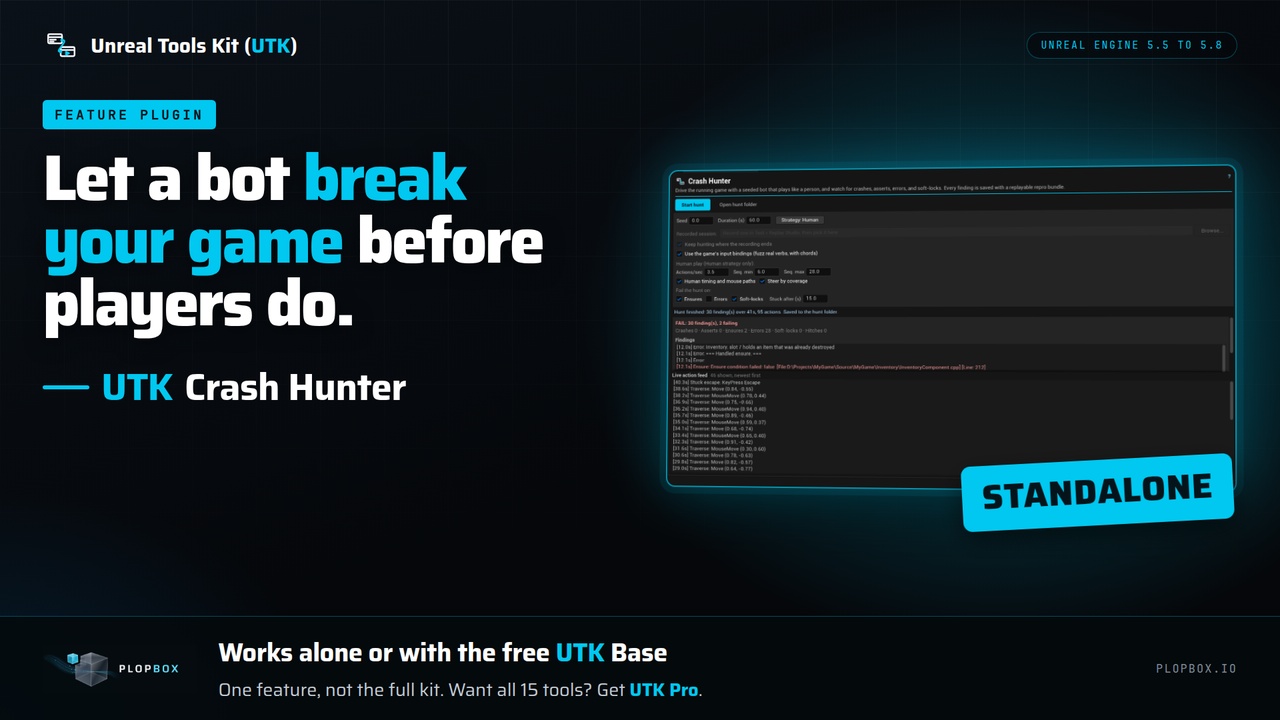
UTK Crash Hunter plays your running game with a seeded bot and reports crashes, asserts, soft-locks and hangs, each with a repro bundle, so you find the problems you never wrote a test for.
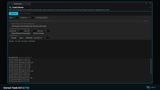
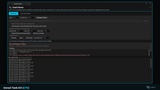
Press Play, pick a strategy, a duration and a seed, and click Start hunt.
The default Human strategy plays in whole behaviours: it walks somewhere, dives into a menu and backs out, fights, works an interact prompt and pauses to let transitions land, at a believable pace. That reaches deep game state that random per-tick input rarely gets to.
Crashes, asserts (check failures), ensures and fatal log lines.
Soft-locks: the game state stops changing for a time you set.
Hangs: a single frame longer than the hitch threshold.
Error log lines (off by default, because plain errors are often harmless).
Editor tooling noise (asset registry, shaders, source control, cooking and similar) is ignored so it does not fail a hunt.
Reproducible by design. Every hunt runs from a seed and records the input log. Each finding is saved with a repro bundle: the seed, the strategy, the recorded input cut at the action that caused the finding, and the finding itself. Each hunt also writes a Markdown report and a CSV.
Plays with your real input. The bot fuzzes the keys your game binds (legacy mappings and Enhanced Input), including chords, instead of a generic key list.
Five strategies: Human (default), Monkey, UI masher, Wander, and Replay session (drives a session recorded in UTK Replay Studio, then keeps hunting).
For code and Blueprint users: functions to load a bundle, shrink an input log, plan a campaign of several seeds, and run a pass/fail gate. They are callable from C++ and Blueprints. The panel has no buttons for them.
The panel hunts a Play In Editor session. It does not launch your game.
It finds what shows in the log, a crash hook, frame time and a state signature. It does not find every crash. The same seed gives the same input sequence, but game state can differ between runs, so a crash does not always repeat.
Findings and bundles are written when the hunt stops. If the editor itself crashes, nothing is written.
The Runtime module has no Shipping guard, so leave the plugin out of Shipping packages unless you want it there.
What you get and what you do not. You get this one tool. It works on its own from Tools > UTK > Crash Hunter, and it also works with the free UTK Base, where it appears in the Hub. It is one feature, not the full kit. UTK Pro is the full kit: the Hub and all 15 tools in one plugin. UTK Device Bridge, sold separately, can run a hunt on a remote device through the hunt logic in this plugin.
1. Press Play in the editor, then open Tools > UTK > Crash Hunter (or open it from the UTK Hub).
2. Set the seed, the duration, the strategy and which signals fail the hunt, then click "Start hunt".
3. Click "Open hunt folder" to read the report and the repro bundle for each finding.
Who it is for: Teams that want crashes, soft-locks and hangs found before players find them, and developers who have no time to write a play test for every path.
Support and updates. This purchase covers UTK 5 for Unreal Engine 5. You get every UTK 5 release (fixes, compatibility updates, improvements) and security updates for at least 5 years from purchase. UTK 6 for Unreal Engine 6 will be a separate product at its full price, for new and existing customers alike. UTK 5 keeps receiving updates for 6 months after UTK 6 launches, so you can decide whether to buy it or keep yours.
Email support is at [email protected].
Documentation: https://plopbox.io/en/products/utk-crash-hunter/docs
Support and update policy: https://plopbox.io/en/support-policy
Contact: https://plopbox.io/en/contact