

説明
| Discord | Documentation |
Data Asset Tabular Editor
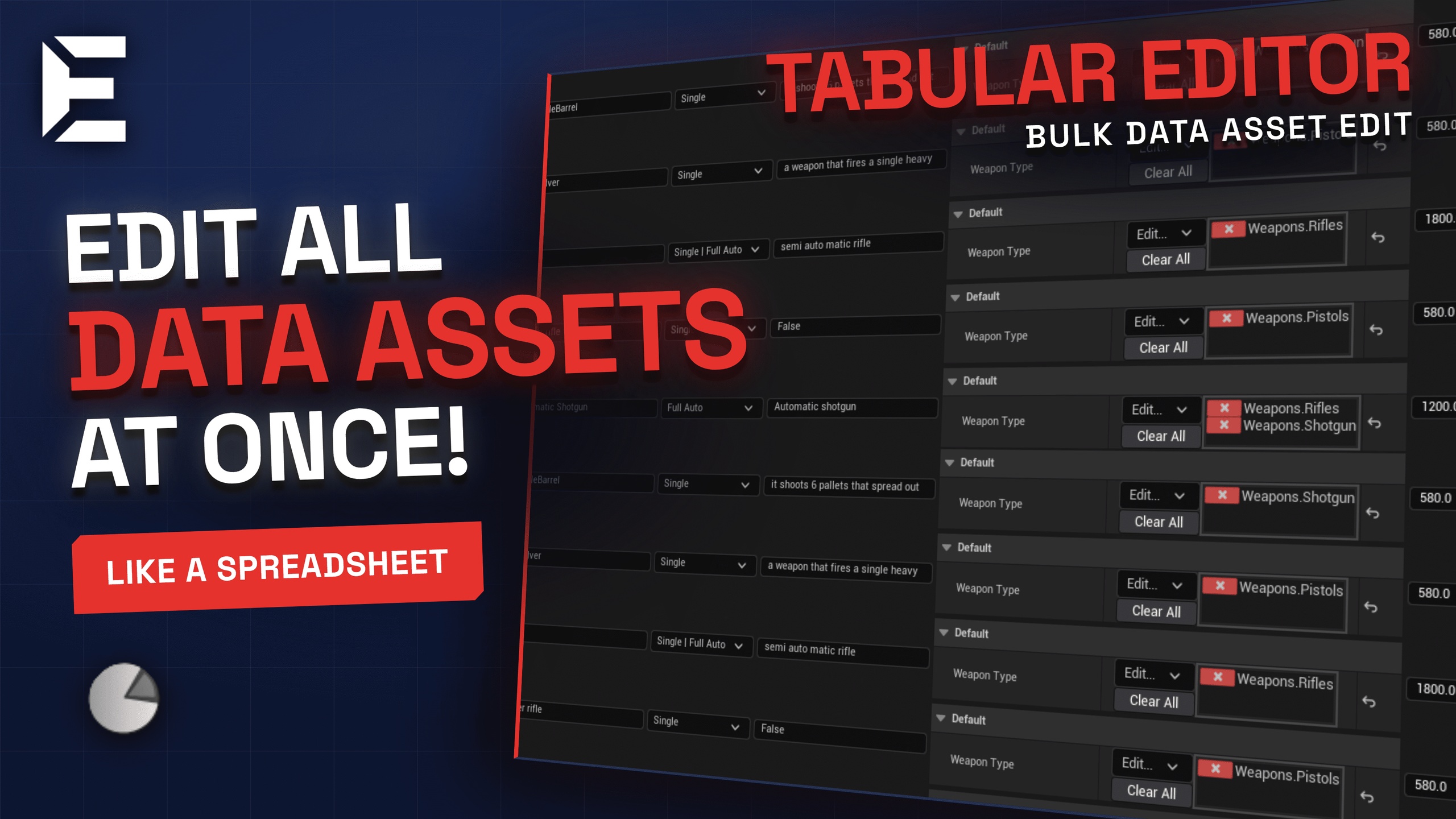
Stop clicking through data assets one by one. The Tabular Data Asset Editor lets you view and edit every instance of
any PrimaryDataAsset subclass in a single spreadsheet or card-style window.
What it does
Select a data asset type from the dropdown and every instance appears as a row (spreadsheet) or a card (card view).
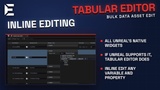
Every property is editable inline using native Unreal widgets - booleans, integers, floats, strings, enums, object
references, structs, arrays, maps, sets, gameplay tags, and more. If the Details panel supports it, this plugin
supports it.
Spreadsheet View
Each row is a data asset, each column is a property
All properties fully editable on the card
Click column headers to sort ascending/descending
Right-click headers to reorder, hide, or show columns
Drag the grip handle to reorder rows
Pin important rows to the top so they stay visible while scrolling
Search and filter by asset name or property values
Rename assets inline and browse to them in the Content Browser
Card View
Each data asset is a card
All properties fully editable on the card
Pin cards to a side panel for quick reference
Drag cards to rearrange the grid
Grid view of all Data assets
Class Hierarchy
Select a parent type and optionally include child classes
Tree popup lets you toggle individual depth levels
Class badges show which type each asset belongs to