
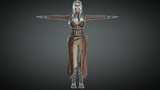
Description
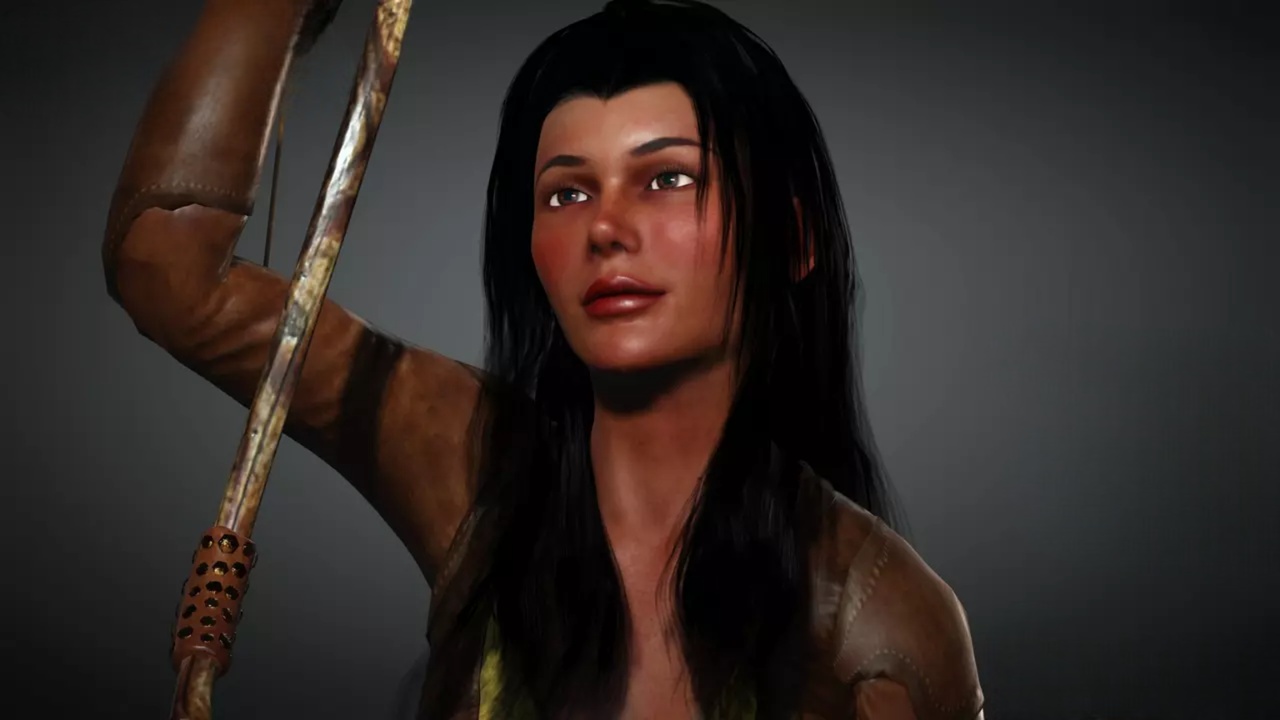
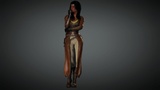
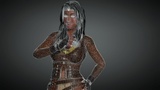
Isabella - Tactical Female Soldier | Game-Ready Unreal & Unity Character
Description:
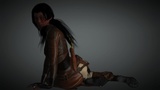
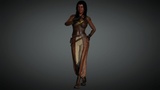
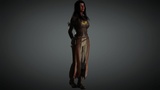
Professional Tactical Character for Unreal Engine & Unity Isabella is a high-quality, game-ready female soldier model, optimized for modern shooters and action-adventure projects. This asset is fully compatible with both Unreal Engine and Unity, featuring professional PBR textures and a clean low-poly topology.
Main Features:
Multi-Engine Support: Optimized projects for both Unreal Engine (4.27/5.0+) and Unity.
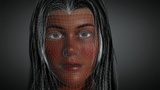
High-Resolution Textures: 4K (4096x4096) PBR maps (Albedo, Normal, Metallic, Roughness, AO).
Optimized Geometry: ~63,000 vertices, ideal for real-time rendering.
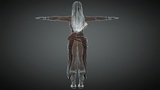
Professional Rigging: Fully rigged for natural movement and dynamic combat poses.
Technical Details:
Formats: Unreal Project, Unity Package (in Additional Files), FBX included.
Vertex Count: 63,000.
Rigged: Yes.
PBR: Yes (4K).
Important: Installation Guide (Additional Files)
For your convenience, we have provided separate optimized archives for each engine in the "Additional Files" section:
For Unreal Engine Users:
Download the Isabella_UE_Project.zip.
Unpack the archive to find the .uproject file and the Content folder.
To integrate into your own project, simply move the Isabella folder into your project's Content directory.
For Unity Users:
Download the Isabella_Unity_Package.unitypackage file.
Go to Assets > Import Package > Custom Package within your Unity project and select the file.
Plugins: The project uses only standard engine plugins. If you receive a missing plugin warning, you can safely ignore or disable it via Edit > Plugins, as there are no third-party dependencies.