


描述
More tools on the channel >>> https://www.youtube.com/@TommyAllenAcoustics
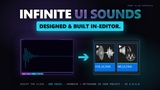
Design UI click sounds inside the Unreal Editor and import them as SoundCue and MetaSound assets in one press. Pure synthesis — no samples, infinite variations, royalty free.
See Quick Demo >>> Here.
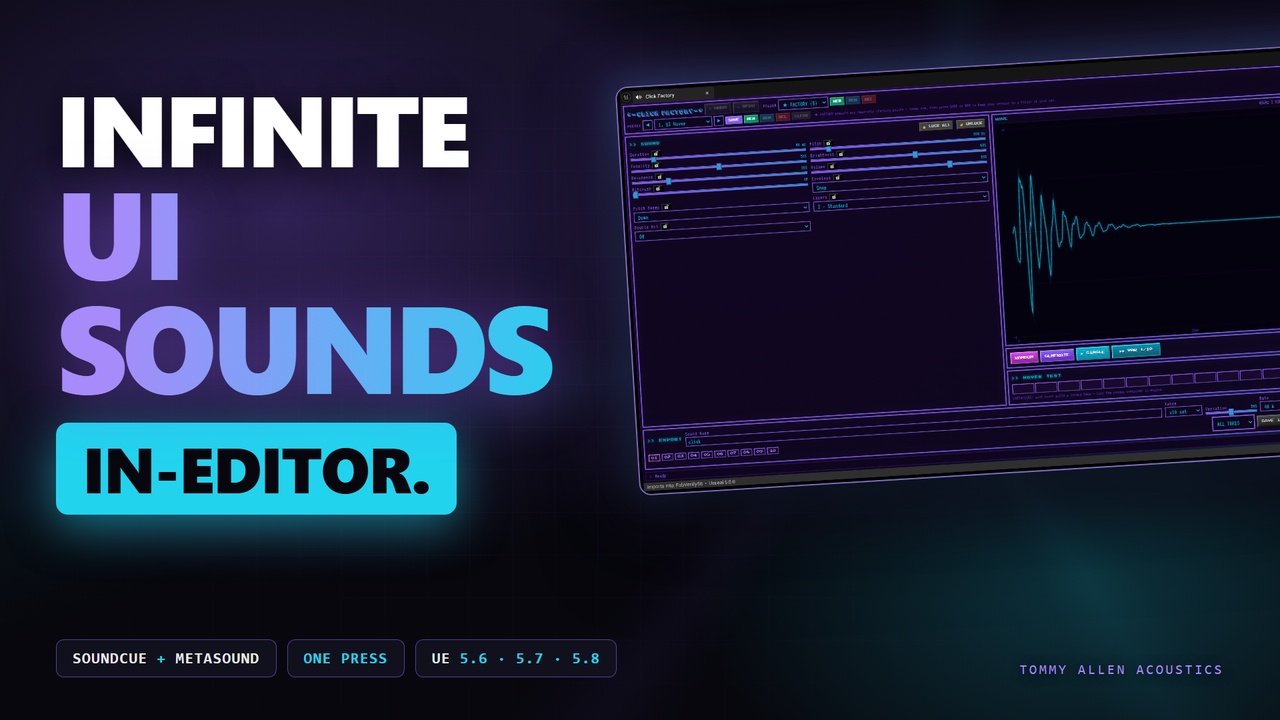
Click Factory — UI Sound Designer inside the Unreal Editor
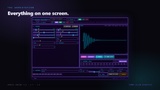
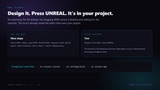
Design click, tap, pop, snap and confirm sounds in a tab inside the Unreal Editor, then press one button — Click Factory builds them straight into your open project as ready-to-use SoundCue and MetaSound assets. No samples, no libraries, no leaving the editor. Pure synthesis.
What It Does
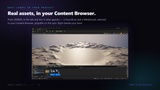
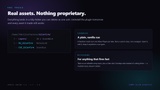
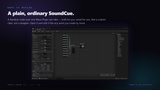
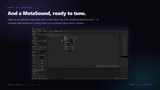
Open the Click Factory tab (Tools menu or toolbar), dial in a sound, and generate a set of matched variations. IMPORT builds everything into your project in seconds: the take WAVs as SoundWaves, a standard SoundCue that plays a random take per trigger, and a MetaSound with a gain dial — all under one folder, named after your sound. Hook the cue to a button and you're done.
Key Features
One-press import — SoundWaves + vanilla SoundCue (random-take container) + MetaSound, built directly into the open project. Overwrite/rename guard included.
11 synthesis parameters — Duration, Pitch, Tonality, Brightness, Resonance, Envelope, Pitch Sweep, Layers, Double Hit, Bitcrush, Volume
8 envelope types — Snap, Exponential, Pluck, Tap, Pop, Reverse, Bounce, Gate
5 pitch sweep modes — Down, Up, Chirp, Flat, Wobble
A sound has an identity — every sound is seeded: tweak any control and you're editing the same sound, save a preset and it loads back identical, every time
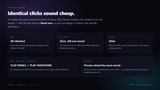
Matched variation sets — generate x5 or x10 takes with a Variation dial from 0% (identical) to 100% (wild); audition them one by one or from the take strip
Per-parameter locks — padlock what you like, RANDOMISE only touches the rest
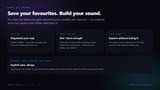
Preset folders + factory bank — starting-point presets (Hover, Click, Enter, Back, Invalid), your own folders, unsaved-changes protection, 60-step undo that even undoes a randomise
Hover test strip — sweep your mouse across 16 pads and hear the set the way players will
WAV export too — 22.05k to 96k, 16/24/32-bit float, mono or stereo with width control, single file or zip of the whole set
Royalty free — every generated sound is yours, any project, no attribution
Technical
Editor-only plugin — adds nothing to your packaged game
Windows. Uses the Python Editor Script Plugin for the import step (ships with the engine, enabled by default)
Assets build under /Game/TAA/ClickFactory/YourSoundName/
Tip: tick Settings ▸ Show Plugin Content to see the included launcher asset
Who It's For
Game developers who need UI and menu sounds now, sound designers who want click and transient source material with an Unreal-native workflow, and anyone sick of hearing their sound library in other people's games.
Why Click Factory
Libraries give you the same clicks everyone else ships. Click Factory generates sounds that are uniquely yours, as playable Unreal assets, without leaving the editor.
Documentation: the full manual is readable before you buy - https://drive.google.com/file/d/1GJLEmGPhcQAYdyGJ5f8VhWOA0bgRg_RS/view
Support: tommyallenacoustics.com - bugs, feature requests and anything the documentation does not cover.
Required plugins. This product enables and requires two plugins that ship with
Unreal Engine - no third-party downloads:
- Python Editor Script Plugin (PythonScriptPlugin) - runs the import step that
builds your assets.
- MetaSound (Metasound) - the MetaSound Source asset it generates.
Both are included with the engine and are enabled automatically as plugin
dependencies. Nothing else is required.