Opis
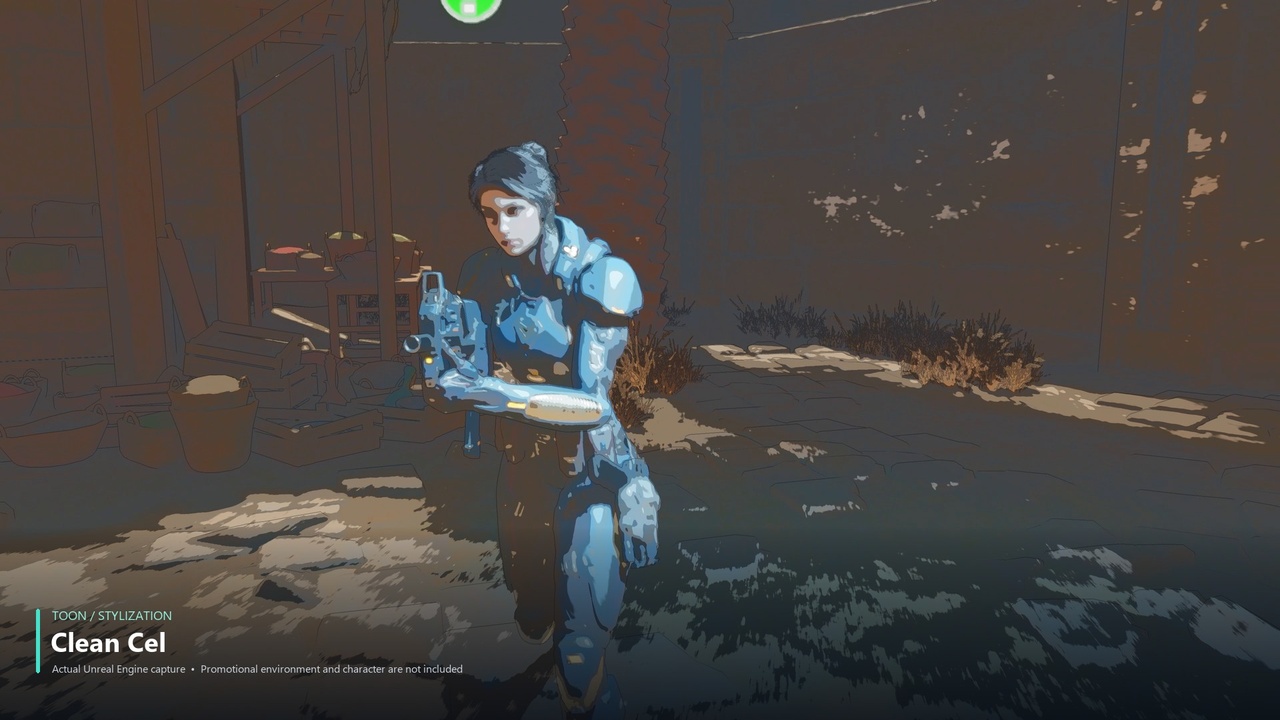
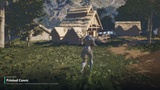
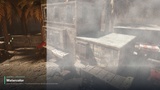
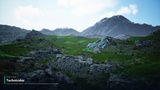
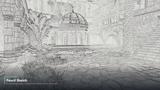
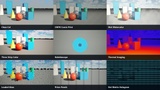
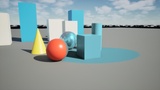
Art of Shader Ultimate Post Process is a customizable post-process collection for Unreal Engine, bringing together expressive toon and illustration styles, cinematic film effects, distortion, glitches, scans, and localized effects in one pack.
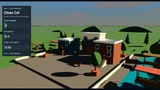
Start with a preset, combine several effects, and shape the look of your scene with adjustable parameters. From a clean cel-shaded character to an atmospheric film treatment or an animated scan, build a visual style that fits your game or cinematic.
What's Included
84 shader presets: 66 core looks, 12 localization variants, and 6 combined recipes.
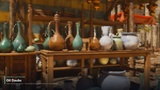
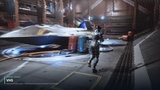
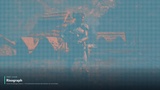
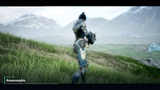
Toon and illustration effects: cel shading, outlines, ink, watercolor, comic print, and stylized color treatments.
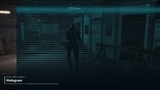
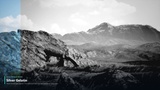
Film and cinematic effects: customizable film treatments, grain, color palettes, and analog damage.
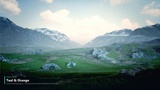
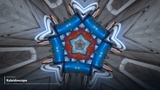
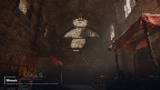
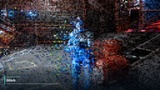
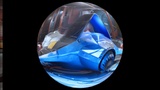
Distortion and glitches: lens effects, chromatic distortion, and animated glitch looks.
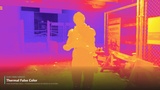
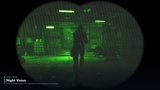
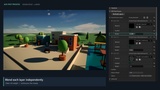
Scan and localized effects: control where an effect appears using sphere and box masks, visible-object stencil selection, screen masks, and wipes.
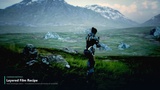
Multiple material layers: combine post-process materials with individual blend weights, layer switches, and a master weight for the complete stack.
Editor and runtime controls: preview your setup in the editor, then switch materials, adjust weights, and change shader parameters through Blueprints during play.
Four Niagara lens effects: Heat Plume, Pressure Wave, Gravity Lens, and Chromatic Rift, using scene color to distort the rendered environment.
Four example maps: explore the shader library, editor setup, weighted layers, and localized effects.
Editable materials and functions: customize the supplied instances, adapt the material functions, and use the included Blueprints and C++ source in your own project.
Easy to Set Up
Drag BP_AOSPostProcess from the Content Browser into your level, add materials to Post Process Layers, and adjust their Weight sliders to blend your effects. The same actor works in the editor and at runtime, so your scene setup and gameplay controls use one workflow.
Requirements: Unreal Engine 5.7 and 5.8, Windows desktop deferred rendering, and the built-in Niagara plugin enabled. Niagara is a required dependency for the four included lens effects and is declared in the plugin descriptor.
Example map setup: Enable Extend default luminance range in Auto Exposure settings under Edit > Project Settings > Engine > Rendering > Default Settings (search for “Extend default luminance range”). Restart the editor if prompted. The included example lighting requires this project setting to display correctly; installing the plugin does not enable it automatically.
Explore Before You Buy
Use the Interactive Shader Preview to browse every preset, drag the before-and-after slider, and experiment with shader parameters and colors. The browser preview helps you explore the available customizations; the documentation includes illustrated setup instructions and an Unreal parameter reference.
Please Note: Promotional characters and environments shown in the trailer and images are for demonstration purposes and are not included. Four plugin example maps are included. This is a standalone pack and does not require another Art of Shader product. See Technical Information for supported rendering targets and effect limitations.