Описание
有关技术的问题,欢迎联系我们的微信公众号 @offworldlive 并加入我们的虚幻引擎交流群!
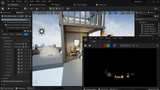
The fastest, highest quality and most performant 360 Camera for Unreal Engine:
- Instant set-up: Our 360 render pass automatically syncs with the 360 camera in your level sequence. No other set-up is required.
- Crazy fast render times: Render in over double the speed of any other 360 camera! +8K frames render in seconds.
- Spectacular visual quality: Get viewport quality renders with full support for Lumen, Nanite, Path-Tracer, Anti-Aliasing, Shadows, Reflections, Refractions, Translucency and Transparency.
- Massively increased resolution: Top GPUs can render +12k easily (12,000x6,000). Even older GPUs can render +8K (8,000x4,000).
- Full integration with professional workflows: Multilayer EXR including stencils, masks, custom buffer, and depth pass for professional VFX pipelines with OCIO and 16/ 32bit color depth.
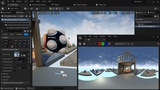
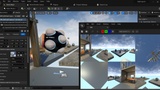
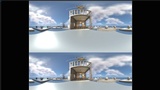
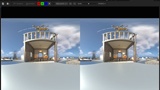
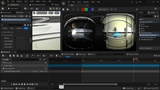
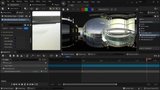
- Full range of output formats: Mono: Equirectangular and Cubemap, Stereo: Equirectangular 180, Dome: Domemaster and Mono Equirectangular 180
- Huge cost reductions: You can use a single GPU to render jobs normally reserved for render farms (and get the renders much more quickly!)
Fully Featured for Professional Workflows:
- Path-Tracing and Deferred-Rendering compatible.
- Equirectangular, Cubemap, DomeMaster, VR 180 (stereo) and, Mono 180 projection formats.
- Compatible with Lumen, Nanite, Niagara and key post-process effects (Viewport rendering pipeline).
- 16-bit and 32-bit output and Stencil Clip Layers for professional compositing and color grading via .exr
- Additional Post-process Material render data such as Z-Depth and Motion Vectors.
- Color output settings for converting to any colour space via OCIO.
- Alpha output via Show Only and Hide Only lists (.png and .exr).
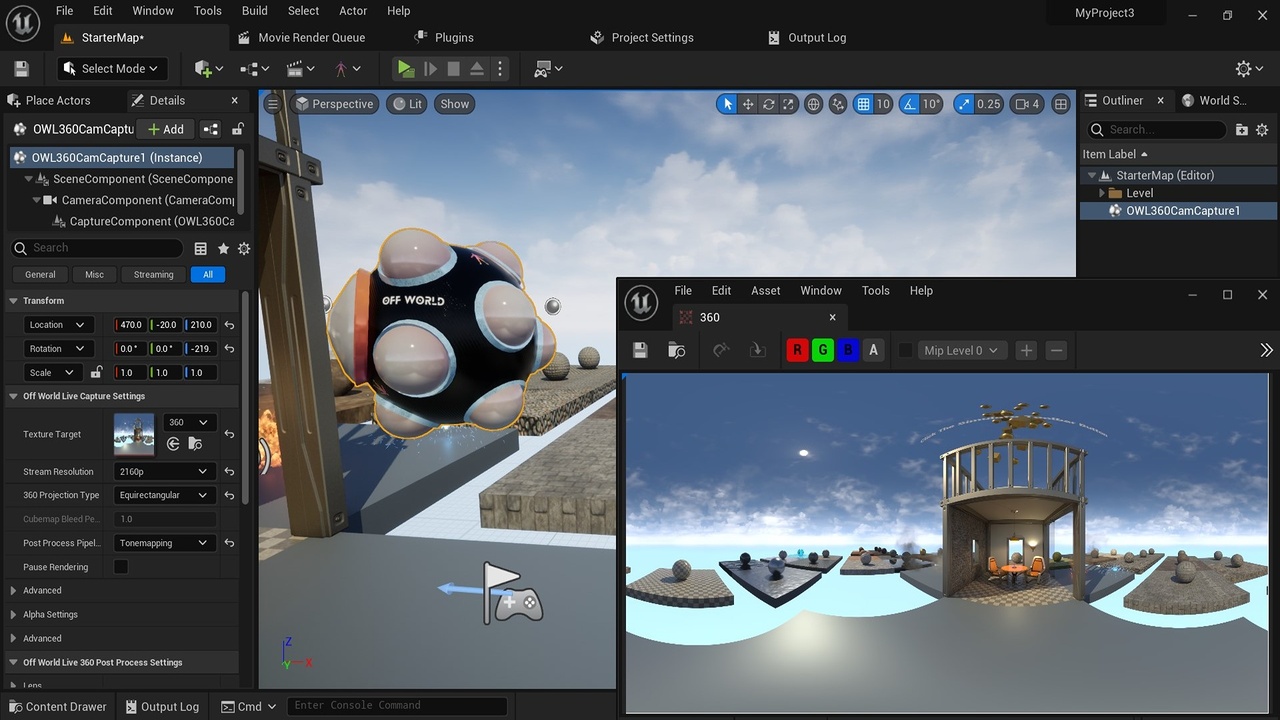
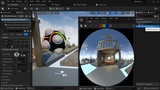
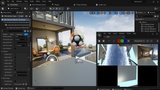
- WYSIWYG live-output preview via Render Target which can be used with Sequencer to check content in real-time before rendering.
- Compatible with DLSS and TSR for resolution upscaling.
- Works in-Editor, at Runtime and in Packaged executables.
- Drag and drop the 360 Camera actor instantly into your scene.
- Create a Sequence
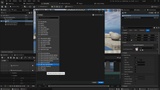
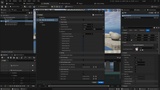
- Select the OWL 360/ 180 Rendering Setting in Movie Render Queue
- Render!
- No blueprints required.
- Can be attached to actors/ used with sequencer/ controlled with blueprints.
- Works in-Editor, at-Runtime and in Packaged games and Custom Unreal builds.