설명
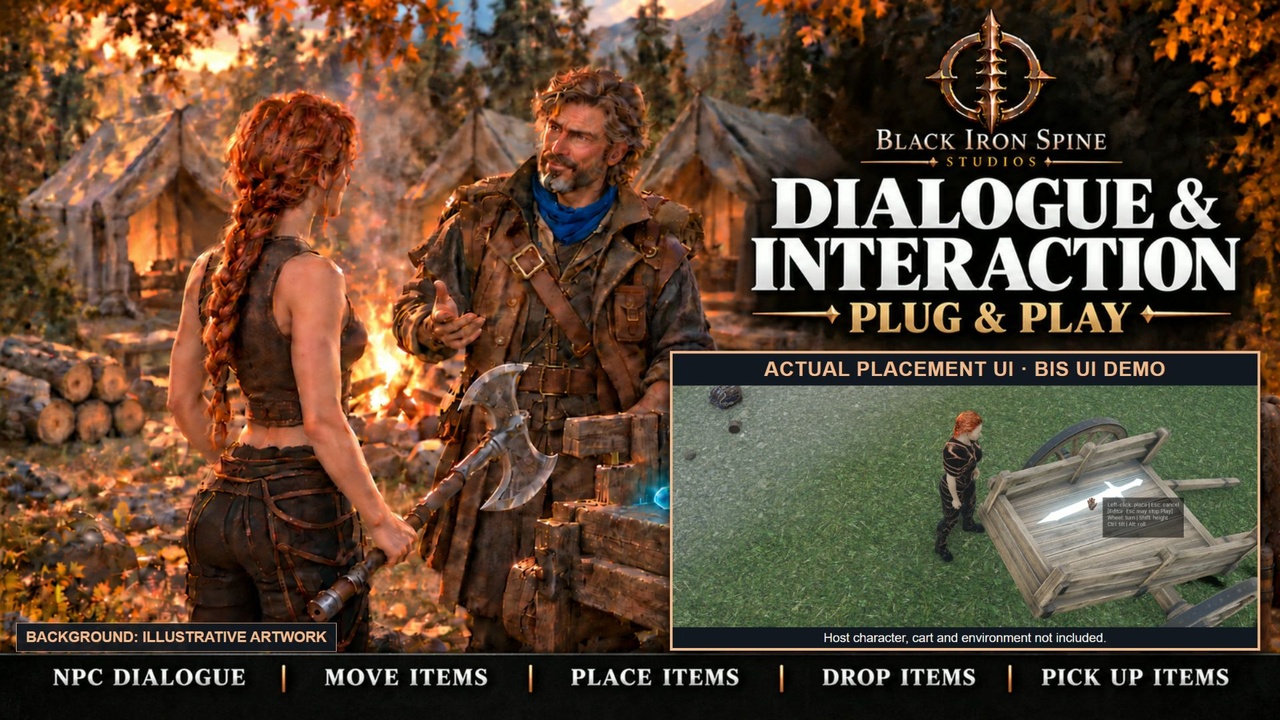
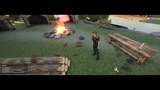
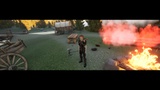
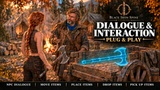
Dialogue & Interaction: Plug & Play adds branching NPC dialogue, configurable conversation menus and local item interactions to Unreal Engine. Let players talk, pick up, hold, drop and precisely place objects. Use the BIS presentation and Blueprint hooks with your own items and gameplay systems.
DIALOGUE & NPC INTERACTIONS
Data Asset-authored conversations with speaker names, branching choices, optional tag conditions, history and actor portraits.
A configurable NPC conversation halo: editable greetings, labels, tooltips, icons, availability, interaction distances and appearance.
Choose a simple text response, open a scripted dialogue, or call your own service through a Blueprint provider. Trade, quests and other services require your game's logic; a menu label does not supply those systems.
Compact presentation, screen-edge fitting, walk-away closure and appearance controls. Settings can remain open alongside the NPC menu.
ITEM HANDLING & PLACEMENT
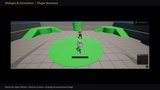
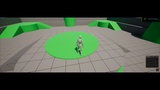
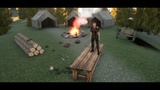
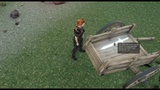
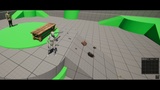
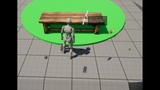
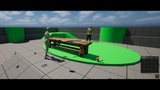
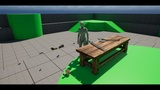
Pick up, hold, stow, drop and place local static-mesh items. A glowing preview shows the proposed placement before confirmation.
Rotate, tilt, roll and adjust surface clearance. Confirm placement on a clear, supported surface or cancel to reposition.
Configurable player reach, occupied-space checks and bounded safe-drop searches. An invalid operation gives feedback and retains item ownership; cancellation clears the preview.
Editable per-item rigid-body settings, authored simple collision where suitable, a bounds-box fallback, gravity and settling/sleep controls. This is not cloth simulation or exact per-triangle packing.
Register your own stable item IDs, display names, meshes and icons through a catalog Data Asset, compatible Data Table or Blueprint array. Inventory-provider hooks handle individual item instances.
INSTALLATION
Copy the single DialogueInteractionSystem folder into your project’s Plugins folder. Enable Dialogue & Interaction and Unreal’s built-in Interchange Assets plugin, then restart or rebuild when requested. This source-only download requires Unreal-compatible C++ build tools. Use a playable level with a possessed local character. No other BIS plugin is required.
FIRST SUCCESSFUL TEST
Enable Dialogue & Interaction and its declared dependencies in a playable project with a possessed local character and suitable floor/NPC collision.
Click + Items in the Demo Bag. For Rowan, first enable Project Settings > Plugins > Dialogue & Interaction > Preview Tools > Enable Rowan (off by default), restart Play, then click + Rowan. Approach him and tap E or right-click; select a response and test closing/reopening the menu.
Pick up a sample item, then use its Demo Bag Place or Drop action. Confirm placement on a clear surface, pick it up again, and test cancelling another placement without losing it.
ADD YOUR OWN CONTENT
Items: duplicate DA_BuyerItems into your project, add a unique Stable ID such as Potion.Small, and assign your mesh/icon. Register Item Catalog on the local player's DIS Dialogue Subsystem. Spawn Catalog Item creates one unit per call; each unit needs its own Instance ID. BP_CatalogExample shows the registration and provider connection points. Its session-only array is a teaching example, not a production inventory. Connect Try Accept Item, Can Release Item and Try Release Item to your own add/remove operations; success means the operation has actually committed. Do not grant or remove the same unit a second time from an observation event.
NPCs: add DIS NPC Conversation to your NPC Blueprint and use Inline Configuration or a DISConversationProfile. Give each option a unique Option ID, readable Label and optional tooltip/icon. A Response option needs only text. For a Host Action, implement DIS Conversation Provider: Is Conversation Action Available checks readiness without changing gameplay; Execute Conversation Action performs the action and reports success. Ordinary authoring uses Blueprints, Data Assets and Project Settings, without editing C++.
Custom actions and equipment: BP_CustomActionExample shows request binding, filtering, completion, deferred completion/cancellation and cleanup. Disable AutoCompleteDemoAction when supplying your own behavior. BP_EquipmentCatalogExample demonstrates one logical equipment slot; your game owns equipment visuals, restrictions and stats. Read the matching guide before replacing the teaching callbacks.
Production setup: Project Settings > Plugins > Dialogue & Interaction > Preview contains Enable Preview Tools, Enable Rowan, Enable Sample Items and Enable Test Bag. Disable the teaching features you do not need and restart Play. Turning a feature off does not delete assets or automatically exclude them from cooking. Your own NPCs and catalog/provider operations remain your responsibility.
CONTROLS & CUSTOMIZATION
E tap: interact/pick up. Hold E for one second and release before two seconds: move/place; hold to two seconds: take into hands. R stows a held item or targets the explicitly hovered item, not an arbitrary bag entry. Hold F for one second to drop; release early to cancel. During placement: left-click confirms, Escape cancels, wheel rotates, Shift + wheel adjusts clearance, Ctrl + wheel tilts and Alt + wheel rolls. In Play in Editor, Escape may stop Play. L/the launcher opens Settings. Mouse/keyboard operation and custom rigs still require testing in your game.
INCLUDED
Runtime plugin source and BIS presentation; branching-dialogue and interaction APIs; configurable NPC menus; catalog/provider APIs; local holding/placement/drop tools; optional teaching previews; and documentation. Catalog/NPC teaching assets are in DialogueInteractionSystem Content > DialogueInteractionSystem > Examples: BP_CatalogExample, DA_BuyerItems, BP_RowanConversation and DA_RowanConversation. The plugin includes 128 Unreal assets, four editable Actor Blueprints, local sample props, Rowan’s mesh/skeleton/idle, materials, textures and a CC0 collection-spawn button sound (not per-item impact audio). BP_CustomActionExample and BP_EquipmentCatalogExample provide additional teaching graphs. Offline docs: 19 numbered Blueprint/settings captures, a five-page guide/PDF with 20 captures, and six optional C++ files. The download is a plugin folder, not a supplied standalone project.
NOT INCLUDED
A finished game, production inventory, game save/load, multiplayer authority or replication, combat/GAS, automatic character fitting, retargeting, hand poses or two-handed IK, quest progression/rewards, training gameplay or commerce transactions. Appearance settings are separate from gameplay saves. The BIS UI host, companion plugins and host-specific adapters are not included by installing this plugin alone. BIS UI equipment stats, its 3D inventory viewer, dropped armor and flattened clothing representations are host integrations, not standalone DIS features. The Demo Bag is temporary. Thumbnail background is illustrative; the inset shows actual UI. Host characters, scenery and armor are excluded.
COMPATIBILITY
Unreal Engine 5.8 / Windows (Win64), human-readable C++ source and Blueprint-accessible APIs. Engineering checks use UE 5.8.3. The only declared plugin dependency is Unreal InterchangeAssets; enable it. Rowan is self-contained: no QuartermasterRowanCore or other BIS product is required. Manual source builds require Unreal's supported C++ toolchain. Custom rigs may need portrait, socket and hand-fit adjustments. Local single-player is the checked scope; multiplayer and split-screen require separate integration. Inventory and NPC providers use synchronous success/failure callbacks. Custom action requests can defer completion through the supplied request API.
VERSION AND UPDATES
Version 1.0.0 includes table-placement and bounded rigid-body settling/stacking controls, Rowan’s editable Learn setup profile, custom-action examples and optional logical equipment-provider examples. Clear surfaces, suitable collision and testing in your own game are still required; stacking is not guaranteed exact packing.
Black Iron Spine Studios plans ongoing numbered updates, with later releases such as 1.1 and 1.2. No specific feature, date or update frequency is promised.
SUPPORT & REFUNDS
Questions or technical issues: [email protected]. Ember support targets an initial response within 24 hours, not guaranteed resolution within that time. Purchases and refund requests are handled through Fab.
STUDIO WEBSITE
Explore Black Iron Spine Studios: Official studio website.
BUYER GUIDE
Installation, controls, integration boundaries and support: Dialogue & Interaction Buyer Guide. The matching guide provides numbered steps and real Blueprint/settings screenshots. Offline instructions are provided under DialogueInteractionSystem/Docs; optional native examples are in Docs/NativeBuyerExample.