
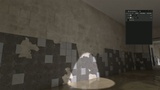
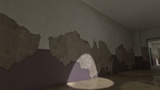
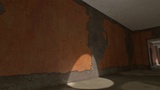
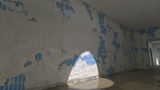
설명
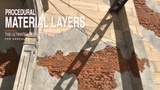
Procedural Material Layers
A production-ready procedural layered material system for Unreal Engine 5, built with Material Layers and Material Functions to create customizable, reusable, and performance-conscious PBR materials.
Designed for environments, props, architecture, vehicles, cinematics, and open-world projects, PML combines advanced material blending, procedural masks, painting workflows, depth effects, and dynamic weather features in one non-destructive system.
Most controls are exposed through Material Instances, allowing artists to create and modify complex surfaces without rebuilding the shader graph.
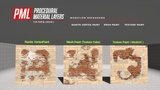
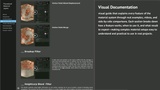
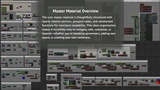
Visual Documentation: A guided tour of the "Procedural Material Layers" pipeline (Updated).
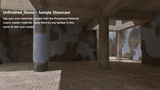
Video Demonstration: Watch the videos to see how it works. (Updated)
Support topic: ask direct questions in our support section. We’re here for your workflow.
✨ Key Features
Material Layer Workflow
Non-destructive, parameter-driven Material Layers
Reusable and organized Material Functions
Advanced Albedo, Normal, Roughness, Metallic, AO, Height, POM,Emissive, Opacity, Specular, ORM, and SSS controls
Ready-to-use layers for metal, brick, concrete, plaster, stone, wood, and more
Advanced Material Blending
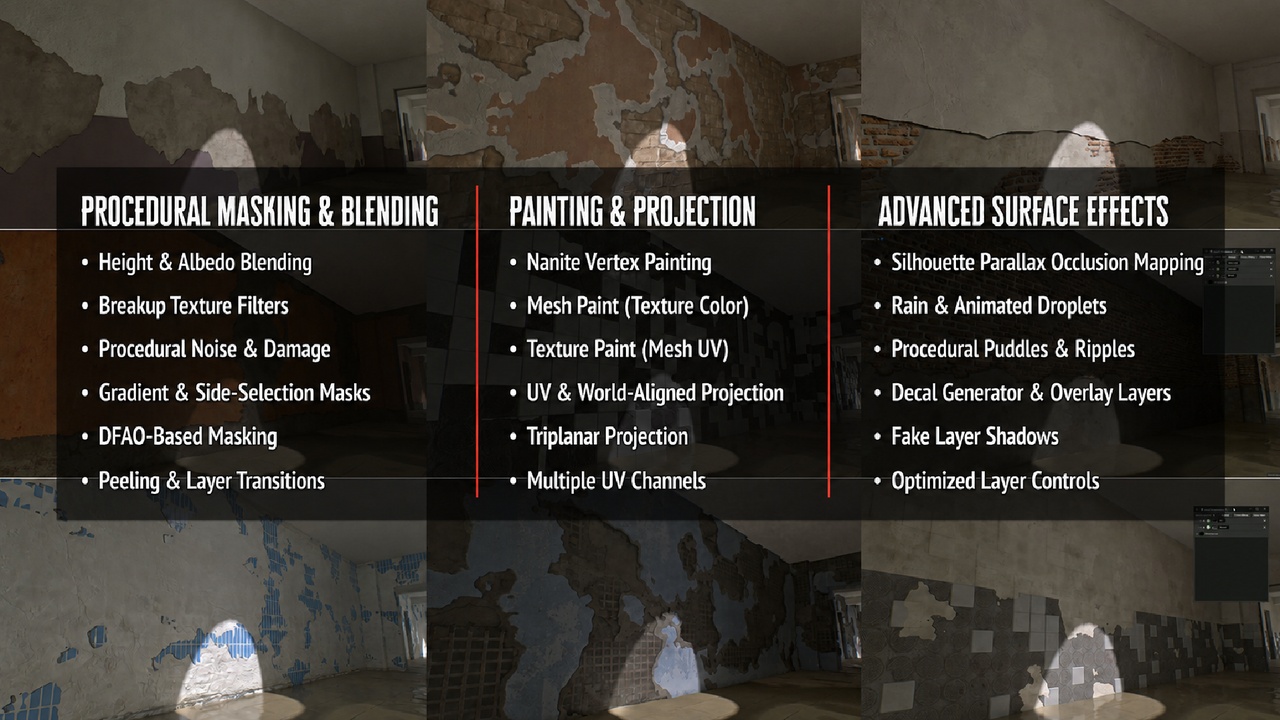
Four-channel Vertex Paint
Nanite Vertex Paint / Mesh Paint and Texture Paint
Height and Albedo blending
Breakup textures and procedural damage
DFAO, gradient, side-selection, and noise masks
Extra UV-channel and transformable transition masks
Projection and UV Controls
Standard UV mapping
World-aligned and triplanar projection
Local-space and world-space controls
Texture scale, rotation, and offset
Atlas mapping and per-object variation
Support for meshes without suitable UVs
Parallax and Depth Effects
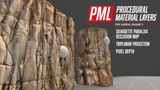
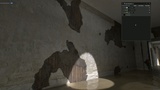
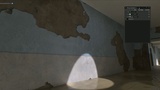
Parallax Occlusion Mapping
Triplanar POM
Overlay POM
Silhouette Parallax Occlusion Mapping
Pixel Depth effects
Adjustable displacement, depth, steps, and view-based controls
SPOM: Set the material’s Blend Mode to Masked.
Pixel Depth: Disable Cast Shadow when the original mesh shadow conflicts with the depth effect.
SPOM Notes: Silhouette Parallax Occlusion Mapping does not support triplanar projection and must use the mesh’s standard UV coordinates.
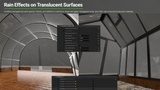
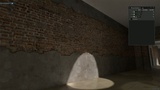
Rain and PuddlesCreate dynamic rain-soaked surfaces using:
Wetness and reflective surface controls
Animated raindrops
Rain waves, ripples, drips, and streaks
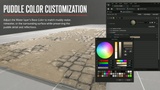
Procedural puddle coverage
Noise Seed, Strength, Range, and Scale
Puddle color and breakup controls
Surface Effects
Edge wear and chipped paint
Dirt overlays
Decals
Peeling materials
Fake shadows
Camera fade
Fresnel effects
Normal variation
Random per-object variation
Virtual Texture Support
PML includes dedicated Virtual Texture inputs for projects using Virtual Textures.
Important: Create a separate Material Instance for the Virtual Texture version. Texture-pool limitations or incompatible texture parameters may otherwise cause textures to appear black.
Included ContentReady-to-use Material Layer Instances
Pre-built layered material examples
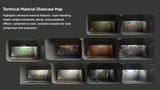
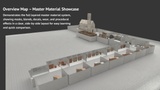
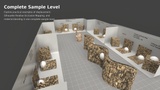
Overview and technical sample levels
POM, SPOM, painting, rain, and puddle examples
A collection of architectural, modular, vehicle, rock, wall, and test meshes
Benefits
Build complex materials faster
Customize surfaces directly through Material Instances
Create unlimited variations from reusable layers
Reduce repetitive shader setup and manual blending
Maintain consistent materials across large environments
Suitable for games, Archviz, cinematics, and open-world production
Compatible with Nanite and Substrate where applicable
Texture Credits
The most example textures are sourced from Poly Haven and provided under the CC0 license. Attribution is appreciated but not required.
👨💻 About the Developer
Website: Alishantia
Products: Unreal Marketplace Profile