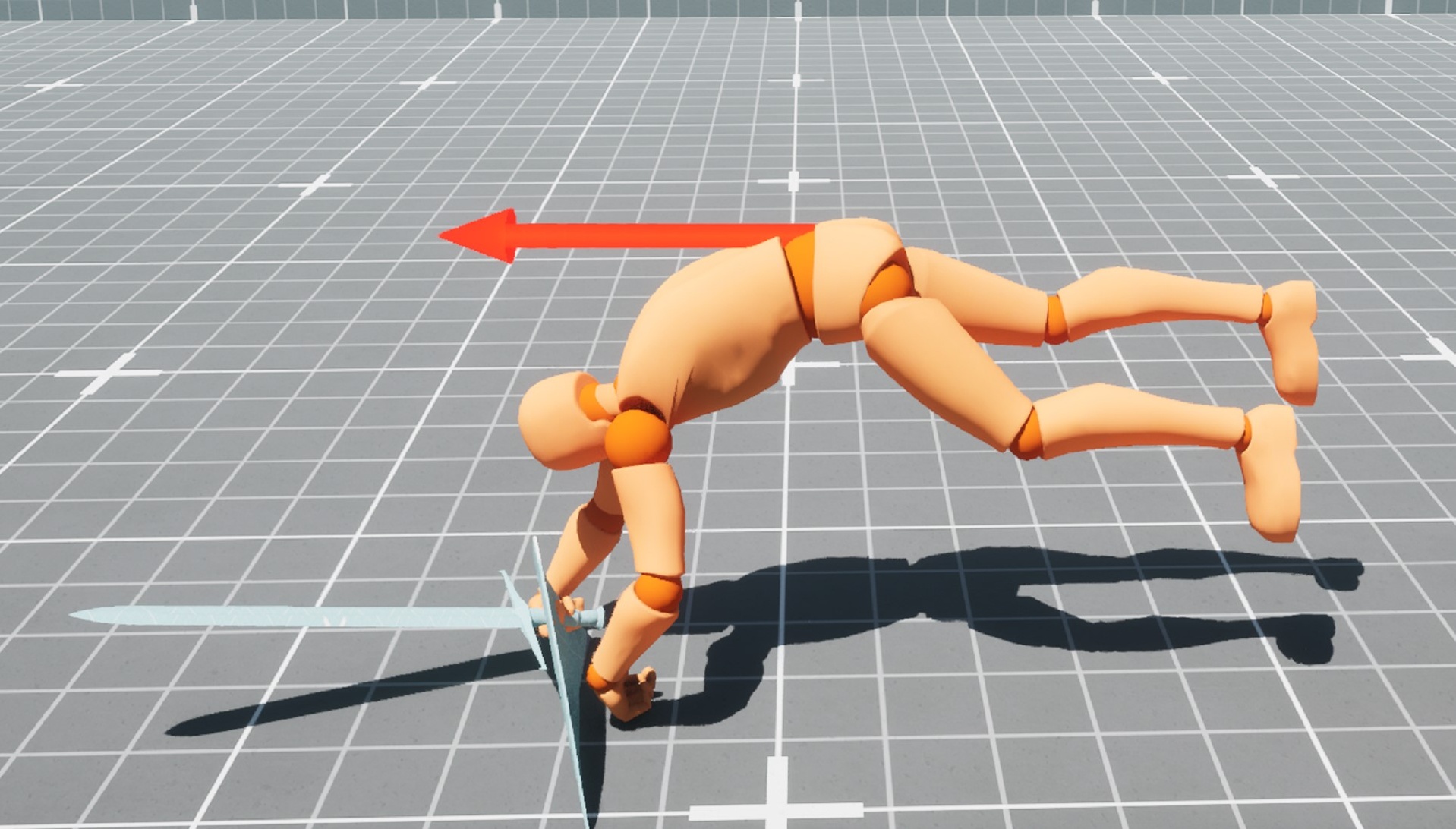
Opis
Configure ready FBX with transition timing setup for idle state or armed state.
Demo Usage:
Demo is based on Epic's GameAnimationSample, so download it first
Download GameAnimationSample from Epic's Content and create a sample project
Download RollingDodgeAnim.zip and unzip Content to the sample project's Content folder.
Change the game mode's DefaultPawnClass to BP_RollingCharacter.
Click Play, move character around and press R to roll, middle mouse click to enable strafe mode.
FBX Usage:
Import animation with UEFN_Mannequin skeleton settings.
Create montage with default settings and root motion enabled.
Call PlayMontage in game.
preview: