
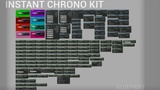
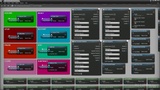
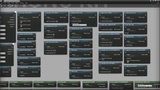
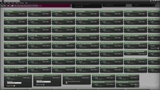
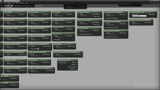
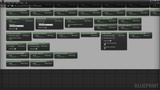
설명
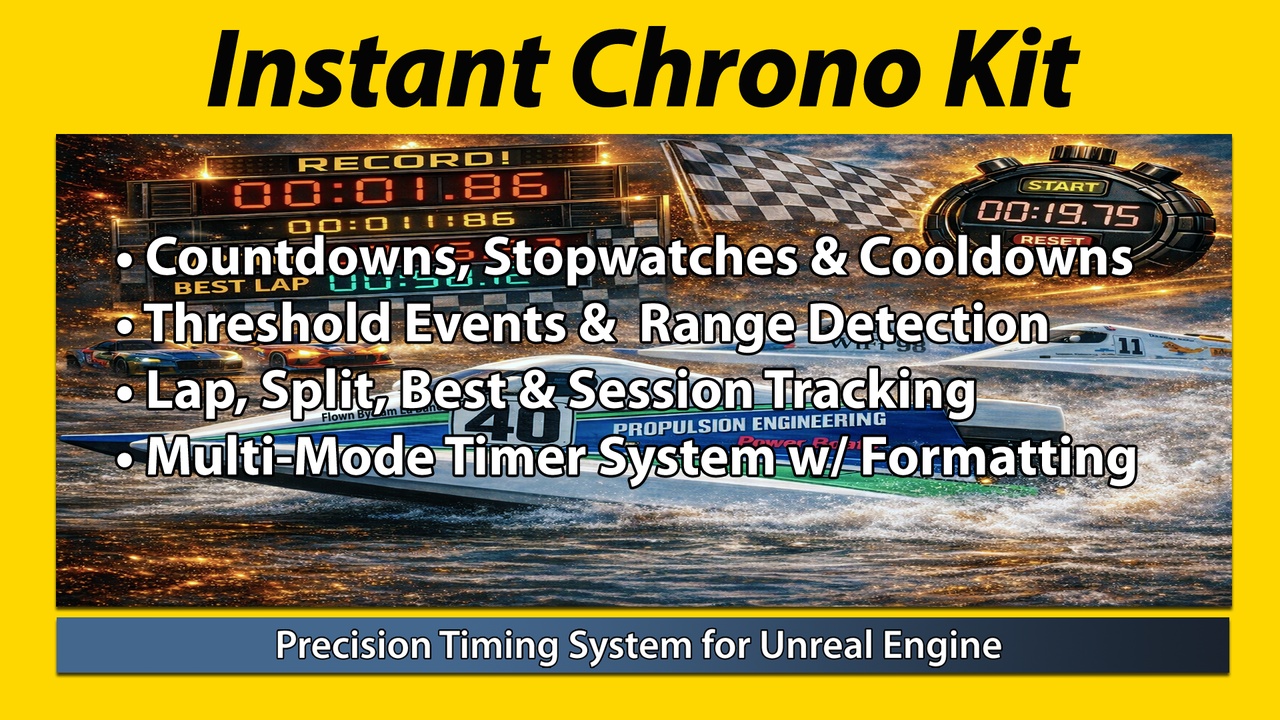
A precision timing toolkit including: countdowns, cooldowns, stopwatches, thresholds, laps, formatting, widget helpers, and sync groundwork.
Designed for gameplay systems that require clear time control, readable display output, lap and split style logic, cooldown flow, and reusable Blueprint timing tools.
Full explanation in documentation PDF.
Add ICK nodes → Start Countdown / Stopwatch / Cooldown → Read / Format / React
Instant Chrono Kit is a Blueprint-focused timing toolkit for Unreal Engine that gives users countdowns, stopwatches, cooldowns, laps, threshold events, cascade countdowns, formatting helpers, widget display helpers, and sync groundwork. Use it to build mission timers, race timing, cooldown systems, multi-phase gameplay sequences, and clean timer-driven UI without rebuilding the same timing logic over and over.
100% FREE FOR THE UNREAL ENGINE DEVELOPER COMMUNITY!!
PLEASE PURCHASE THE PROFESSIONAL VERSION OF THE PLUGIN AS THE PRICE IS THE SAME AS THE PERSONAL VERSION
Timing Features
Use one timing handle for a simple system, or combine multiple timing methods together for more advanced gameplay flow.
Countdown
Stopwatch
Cooldown
Threshold Events
Cascade Countdown
Lap Timing
Repeater / Pulse Timer
Phase / Round Timing using Cascade Countdowns
Delayed Start / Scheduled Start
Condition Delay / Timeout Delay when a Condition Is Signaled or a Timeout Expires
Usage
Use a single timing system, or combine multiple active timing systems together.
(1) Handle Reference [Needed for direct timer control; store it in a variable or retrieve it by name]
(2) Threshold Array [Optional / used for threshold events]
(3) Cascade Segment Array [Required for cascade countdowns; unused by other timer types]
(4) Update Interval [Optional / controls update frequency]
(5) Display Style [Optional / used for text formatting and widget output]
(6) Timer Name [Optional / used for named timer lookup]
(7) Timer Tags [Optional / used for grouped pause, resume, and queries]
(8) Ignore Time Dilation [Optional / controls whether game-time timers follow time dilation]
(9) Start Policy [Optional / restart, ignore, or stack if already running]
(10) Cleanup Rules [Optional / automatically unregisters timers after stopping or finishing, with an optional delay]
Features
Includes 7 example Blueprints and 7 example levels
Blueprint-focused timing toolkit for gameplay and utility workflows
Countdowns with pause, resume, stop, reset, add time, and subtract time
Stopwatches with elapsed time tracking and lap recording
Cooldown timers for ability, item, and gameplay lockout systems
Cascade countdowns for multi-phase gameplay flow
Cascade loop modes including no loop, whole cascade loop, and final segment loop
Repeater / pulse timers for recurring gameplay events
Phase name and round number helpers for gameplay tracking and UI
Named timers for direct lookup and control
Timer tags and groups for batch pause, resume, stop, and query workflows
Scheduled start and delayed start support
Delay until condition or timeout helpers
Named timer conflict policies: Restart, Ignore, and Stack If Running
Time dilation-aware and ignore-time-dilation modes
Tick, Timer, and Auto execution modes
Manual timer advance using a supplied time step
Automatic cleanup after timers stop or finish, with an optional delay
Threshold events for warning points, phase changes, and timed triggers
Threshold range enter / exit events
Threshold Crossed Up / Crossed Down helpers
Next / Previous Threshold query helpers
On Second Changed and On Whole Number Changed events
Stopwatches with best lap, last lap, lap count, lap delta, and session total helpers
Named lap recording
Best session time helpers
Reset best lap helper
Export laps to struct array
Multiple display styles for readable timer output
Widget helper nodes for display text, progress percent, timer state text, and status visuals
Timer state and type enums, plus UI brush name and color helpers
Extensive bindable and query helpers such as Is Timer Running, Is Timer Paused, Is Countdown, Is Cooldown, and Is Stopwatch
Save / load timer state support
Serializable snapshot struct for custom save or sync workflows
Sync groundwork helpers for custom advanced timing workflows
Runtime functionality implemented entirely in C++, with Blueprint examples included
Video Example: COMING SOON
Checkpoint System: We have an "Elite Checkpoint System" plugin that is built on top of ICK that you can find here.
Note: When troubleshooting errors or unexpected results, check for invalid handle references, getters called before timer creation or configuration, missing cascade segments, missing thresholds when threshold events are expected, incorrect event wiring, or helper nodes called at the wrong point in your Blueprint logic. Verify handle access, event order, and the configuration required by the timer type.