
Beschreibung
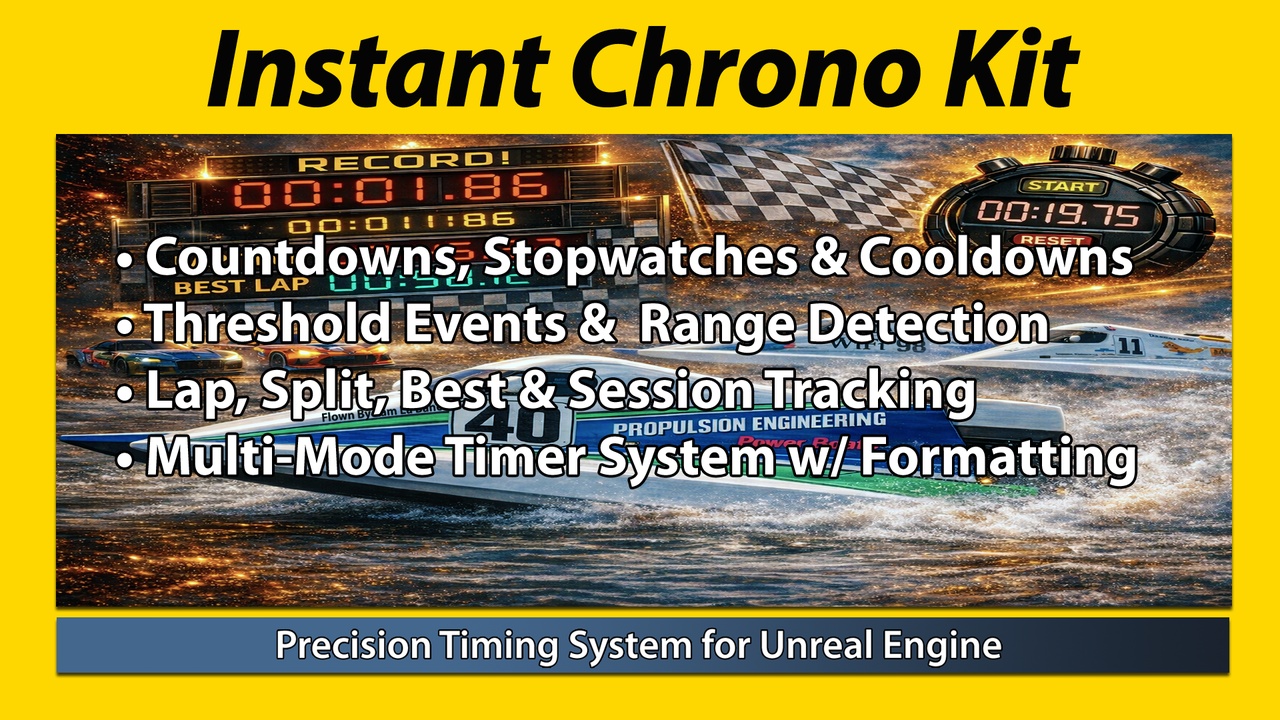
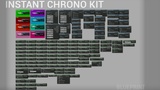
A precision timing toolkit including: countdowns, cooldowns, stopwatches, thresholds, laps, formatting, widget helpers, and sync groundwork.
Designed for gameplay systems that require clear time control, readable display output, lap and split style logic, cooldown flow, and reusable Blueprint timing tools.
Full explanation in documentation PDF.
Add ICK nodes → Start Countdown / Stopwatch / Cooldown → Read / Format / React
Instant Chrono Kit is a Blueprint-focused timing toolkit for Unreal Engine that gives users countdowns, stopwatches, cooldowns, laps, threshold events, cascade countdowns, formatting helpers, widget display helpers, and sync groundwork. Use it to build mission timers, race timing, cooldown systems, multi-phase gameplay sequences, and clean timer-driven UI without rebuilding the same timing logic over and over.
100% FREE FOR THE UNREAL ENGINE DEVELOPER COMMUNITY!!
PLEASE PURCHASE THE PROFESSIONAL VERSION OF THE PLUGIN AS THE PRICE IS THE SAME AS THE PERSONAL VERSION
Calculation
Use one timing handle for a simple system, or combine multiple timing methods together for more advanced gameplay flow.
Countdown
Stopwatch
Cooldown
Threshold Events
Cascade Countdown
Lap Timing
Repeater / Pulse Timer
Phase / Round Timing
Delayed Start / Scheduled Start
Condition Delay / Timeout Delay
Usage
Use a single timing system, or combine multiple active timing systems together.
(1) Handle Variable [Required for active timer access]
(2) Threshold Array [Optional / used for threshold events]
(3) Cascade Segment Array [Optional / used for cascade countdowns]
(4) Update Interval [Optional / controls update frequency]
(5) Display Style [Optional / used for text formatting and widget output]
(6) Timer Name [Optional / used for named timer lookup]
(7) Timer Tags [Optional / used for grouped pause, resume, and queries]
(8) Time Scale Mode [Optional / obeys or ignores time dilation]
(9) Start Policy [Optional / restart, ignore, or stack if already running]
(10) Cleanup Rule [Optional / auto destroy or persist after completion]
Features
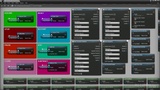
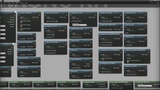
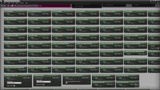
Includes (7) example Blueprints and Levels
Blueprint focused timing toolkit for gameplay and utility workflows
Countdowns with pause, resume, stop, reset, add time, and subtract time
Stopwatches with elapsed time tracking and lap recording
Cooldown timers for ability, item, and gameplay lockout systems
Cascade countdowns for multi-phase gameplay flow
Cascade loop modes including no loop, whole cascade loop, and final segment loop
Repeater / pulse timers for recurring gameplay events
Phase and round timing helpers for match flow and encounter logic
Named timers for direct lookup and control
Timer tags and groups for batch pause, resume, stop, and query workflows
Scheduled start and delayed start support
Delay until condition or timeout helpers
Restart, Ignore, and Stack If Running behaviors
Time dilation-aware and ignore-time-dilation modes
Tick, Timer, and Auto execution modes
Manual timer advance for scripted or deterministic control
Auto destroy and cleanup rules for completed timers
Threshold events for warning points, phase changes, and timed triggers
Threshold range enter / exit events
Threshold Crossed Up / Crossed Down helpers
Next / Previous Threshold query helpers
On Second Changed and On Whole Number Changed events
Stopwatches with best lap, last lap, lap count, lap delta, and session total helpers
Named lap recording
Best session time helpers
Reset best lap helper
Export laps to struct array
Multiple display styles for readable timer output
Widget helper nodes for display text, progress percent, timer state text, and status visuals
Status enum, type enum, and UI brush / color helpers
Extensive bindable and query helpers such as: Is Timer Running, Is Timer Paused, Is Countdown, Is Cooldown, and Is Stopwatch
Save / load timer state support
Serializable snapshot struct for custom save or sync workflows
Sync groundwork helpers for custom advanced timing workflows
Built entirely in C++
Video Example: COMING SOON
Checkpoint System: We have an "Elite Checkpoint System" plugin that is built on top of ICK that you can find here.
Note: In most cases, errors or unexpected results are caused by; include invalid or unstored handles, getters called before the timer is fully started, empty threshold or segment arrays, incorrect event wiring, or testing helper nodes on the wrong execution path. Always verify handle storage, event order, and array configuration when troubleshooting.