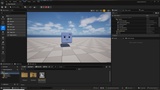
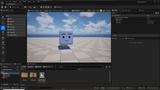
Descripción
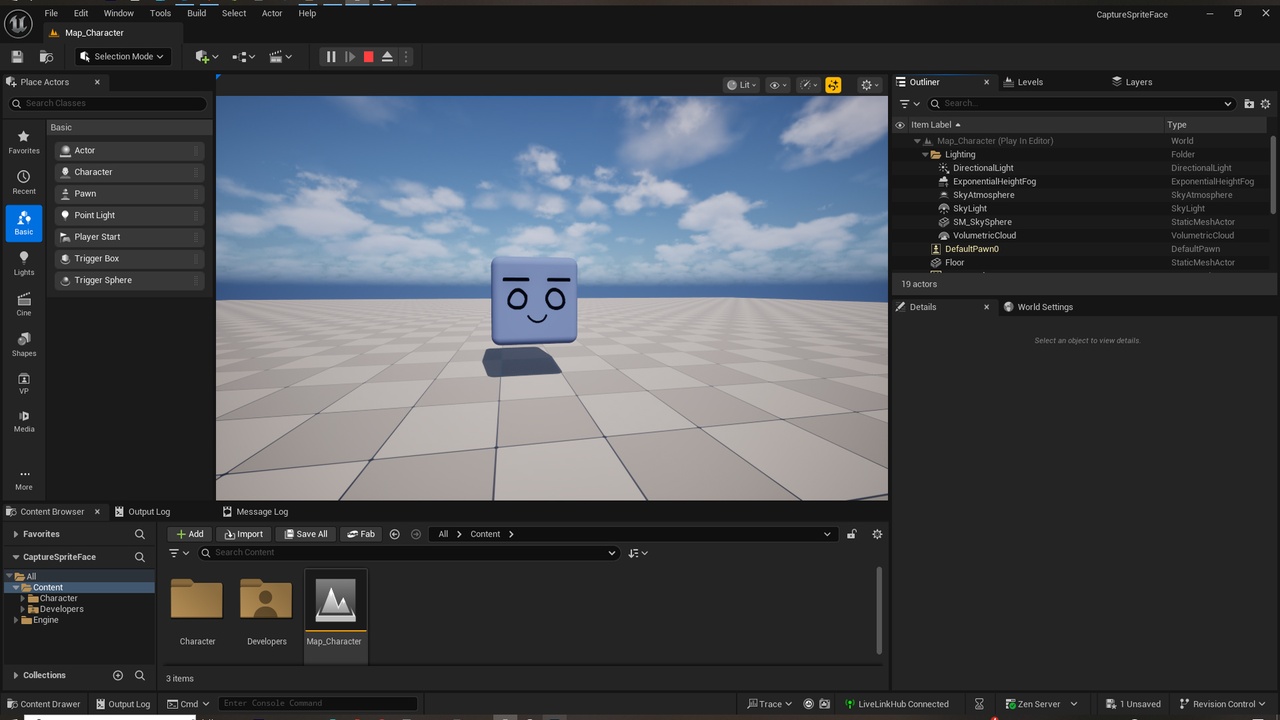
Animate your characters 2D using Livelink Android, WebCam or Iphone with expressions, move Eyesbrows, Eyes and Mouth... of any other you want to add.
VIDEO RESULT IN REAL TIME: MocapFace2Sprite
Guide:
1. Go Tools and active LiveLink Hub.
2. use your favorite detection mode camera and active it.
3. Once you installed the PLugin OVRLipSync, go to EvenGraph, in the empty space conect the first Node with "Evaluate Live Link Frame" and select the camera detected by LiveLink Hub.
4. the Role in the same node, put "Basic Role2 if is modified.
if you want to modify Sprites, in EventGraph, go to section Nodes Sprites of each one part of face.
Documentation Link:
- Releases · viniciushelder/OVRLipSync-UE5
Important/Additional Notes:
Plugins to Install:
- OVR Oculus Lipsync from the next link free: https://github.com/viniciushelder/OVRLipSync-UE5/releases/download/5.6.1/OVRLipSync_5.6.1.zip
put this plugin inside UE_5.6\Engine\Plugins
Inside project, active plugins:
- Livelink
- Livelink Hub
- Oculus Lipsync
Textures: (EYES 6 / EYESBROWS 5 / MOUTH 7)
Sprites: (EYES 6 / EYESBROWS 5 / MOUTH 7)
Materials: 2
Blueprints: 1
Geometry: 1
Physic Asset: 1
Skeleton: 1