






説明
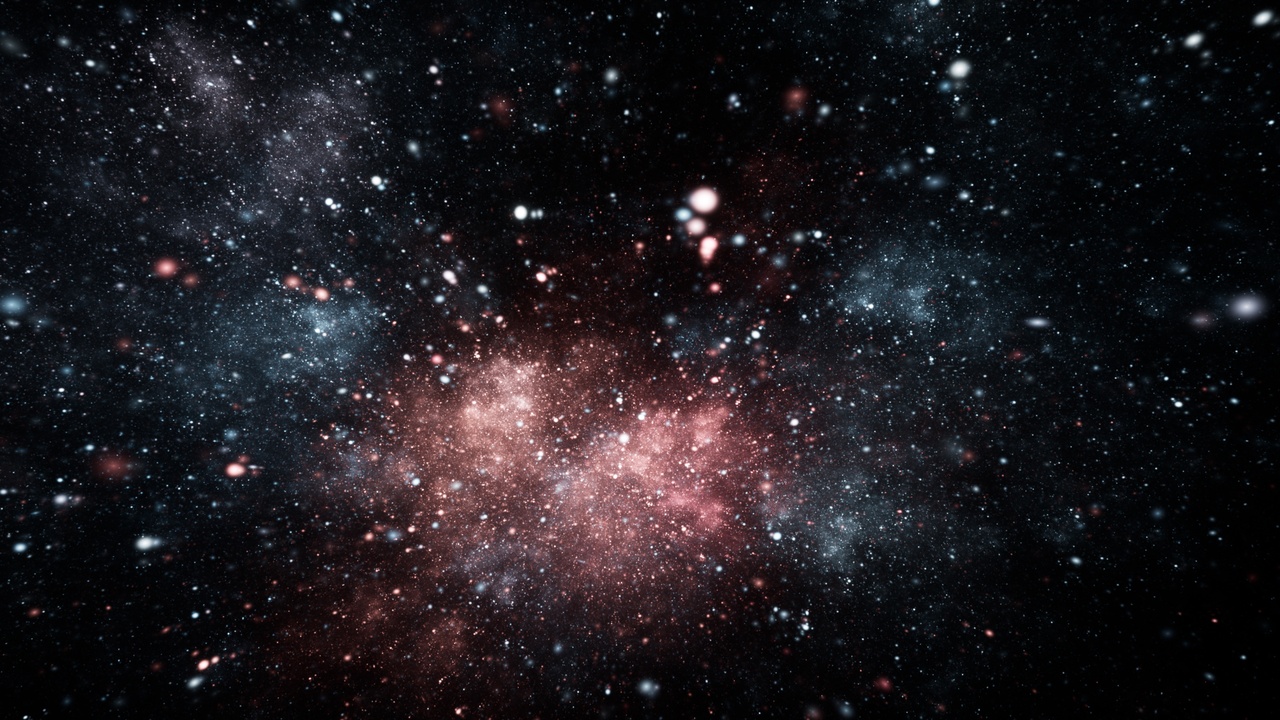
16K Emission Nebula HDRI Pack is a collection of 7 high-resolution cinematic deep-space environments featuring luminous emission nebulae, molecular clouds, ionized cosmic structures, starfields and dramatic interstellar formations.
Watch this VIDEO
Every panorama is rendered at native 16K resolution — 16384 × 8192 pixels — in a full 2:1 equirectangular 360° format, providing detailed environments for skyboxes, cinematic backgrounds, reflections and image-based lighting.
The pack includes a ready-to-use Unreal Engine 5 project. The original high-resolution HDR and EXR panoramas are also supplied as Additional Files, allowing the environments to be used independently of Unreal Engine in compatible real-time engines, DCC applications and offline renderers.
INCLUDED ENVIRONMENTS
01. Molecular Cloud Horizon
02. Natural Emission Wall
03. Pillars of Ember
04. Rosy Emission Veil
05. Space Nebula
06. Twin Core Nebula Starfield
07. Violet Ion Surge
KEY FEATURES
• 7 unique cinematic space HDRIs
• Native 16K resolution — 16384 × 8192
• 2:1 equirectangular / 360° projection
• High Dynamic Range imagery
• High-resolution HDR and EXR source panoramas
• Unreal Engine 5 project included
• Original HDR and EXR files included as Additional Files
• Detailed nebula structures and starfields
• Smooth deep-space gradients
• Suitable for environment backgrounds and skyboxes
• Suitable for skylight and image-based lighting
• Suitable for reflections and cinematic environments
IDEAL FOR
• Sci-fi games
• Space environments
• Unreal Engine 5 projects
• Cinematic sequences
• Virtual production
• Space simulations
• Planetary environments
• 360° backgrounds
• VR environments
• Reflection environments
• Image-based lighting
• VFX and offline rendering
The supplied HDR and EXR panoramas can be used independently of the Unreal Engine project in compatible engines and DCC/rendering applications.
IMPORTANT: In order to open the example levels from this pack inside Unreal Engine, You will have to enable the FREE plugin HDRIBackdrop. The plugin is created by Epic and it is already installed in UE5, so all you have to do is to go to Edit/Plugins - search for it and tick Enable.