Descrição
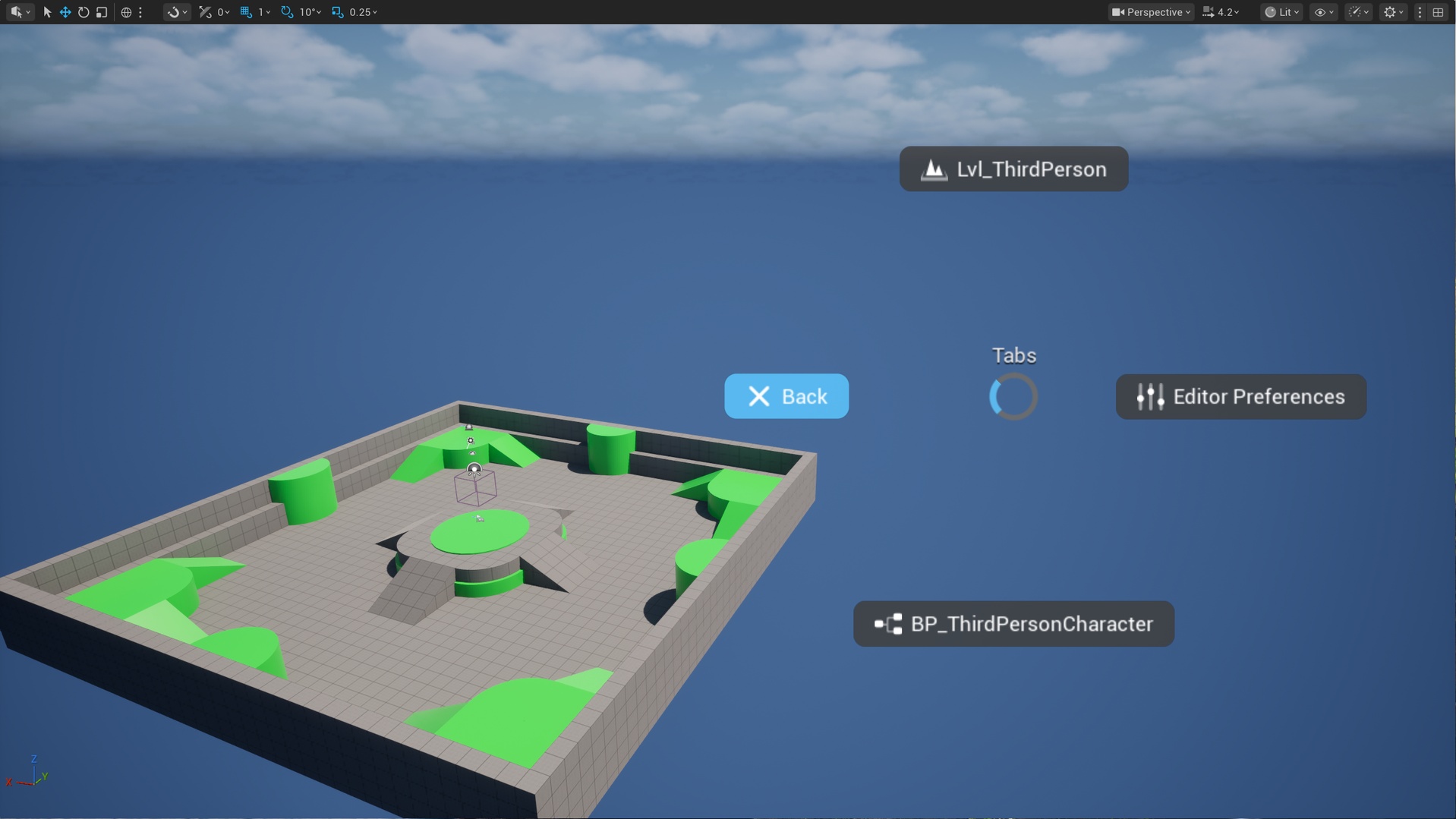
An Unreal Engine plugin adding a Blender-style radial quick-action menu to the level editor viewport.
This plugin is available for free on GitHub | Overview
Features
Five independent rings - each bound to its own hotkey, fully configurable in Editor Preferences → Keyboard Shortcuts → PiUE; optional per-ring title drawn above the center
Tap / Hold interaction - tap opens the menu for click navigation; hold executes the highlighted wedge on release, configurable via Tap Threshold
Nested categories - group any items into sub-rings with auto-navigation on hover or immediate navigation on click; optionally promote the category Label to the sub-ring title
Seven item types - Editor Command, Console Command, Editor Utility Widget, Editor Utility Object, Open Tabs (auto-expands to recently-used asset editors), Category, and Close wedge
Editor + PIE aware - each item declares its visibility per Mode bitmask, so a single ring can hold both editor-only and PIE-only commands
Viewport-only gating - rings can be restricted to the level viewport (z-order respected) or allowed to open anywhere in the editor
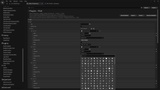
Icon picker - assign any built-in Slate SVG icon to a wedge directly from the editor
Per-wedge tinting - override background color per wedge or fall back to the global theme default
Usage
Setup rings in: Editor Preferences → Plugins → PiUE.
Press V (Ring 1 default) in the viewport to open the menu.
Optional:
Rebind any ring in Editor Preferences → General → Keyboard Shortcuts → PiUE.