Descrizione
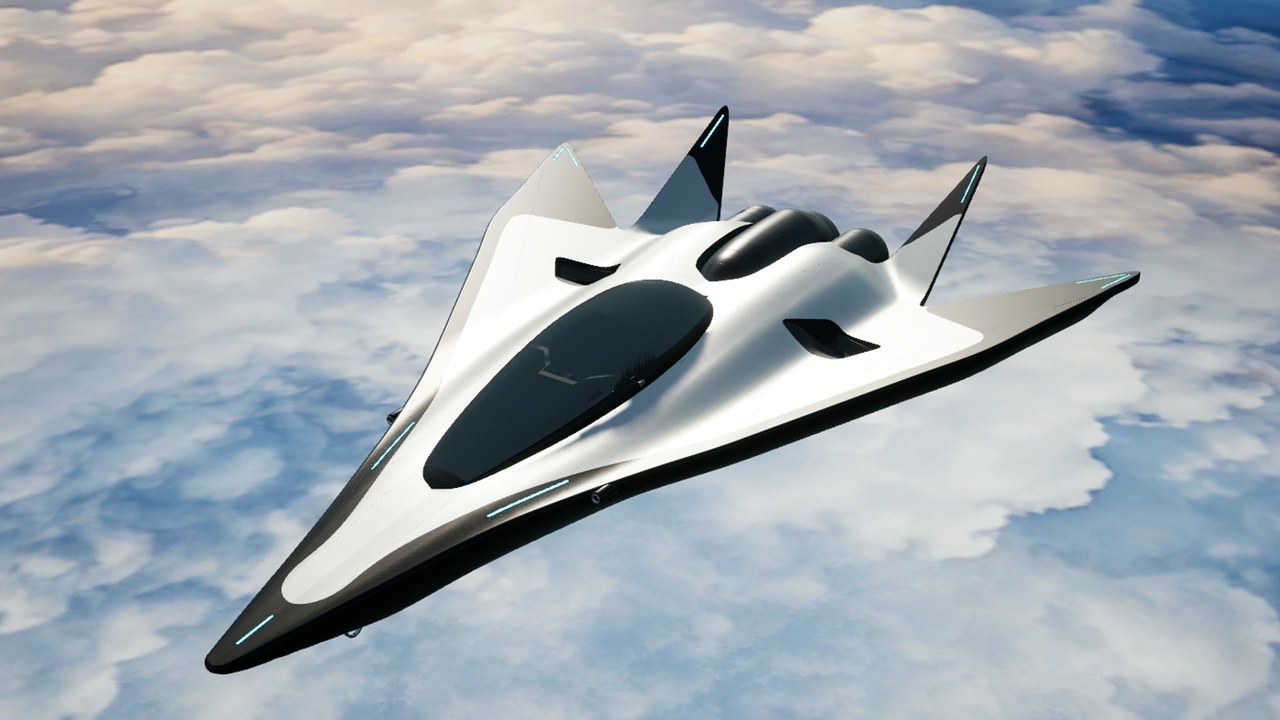
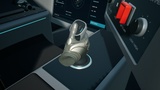
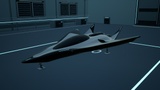
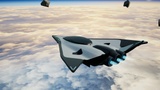
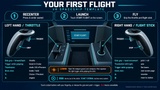
Fly the included spacecraft with a grabbable flight stick and throttle, animated controller-driven hands, or desktop keyboard/mouse controls. Launch from the station, explore above a curved cloud world, destroy asteroids and let autopilot bring you home.
PCVR + Native Quest 3.
Please contact me with any issues: [email protected]
Try it before you buy
Download the Windows demo — includes desktop and PC VR launchers.
Download the Quest demo — APK and installation instructions included.
Included flight features
Physical flight-stick and sliding-throttle interaction, animated OpenXR hands and seated recentering.
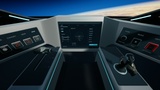
Touch cockpit buttons directly or point and press the trigger. Illuminated button states and haptic feedback make interactions clear.
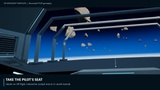
A 14-lesson interactive tutorial teaches the controls and ship systems from inside the cockpit.
Precision mode for strafe and lift, plus Cruise mode for faster flight and boost.
Automatic landing-gear retraction on takeoff and deployment during docking.
Return-to-station autopilot, collision rebound and shield/hull damage warnings.
Orange-red laser pulses, a guarded weapon-arm control and destructible asteroid targets.
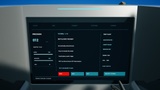
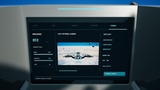
Five cockpit display pages: flight, navigation, combat, systems and a live camera directly behind the ship.
Customize without writing C++
Create a child Blueprint and duplicate the configuration Data Asset. Change handling, throttle response, seat and control positions, grip offsets, hull and cockpit colours, emissive lighting, exhaust, lasers, audio, meshes, input mappings and camera settings in the editor. Full C++ source is included for deeper changes.
What's included
Spacecraft exterior and interior, launch station, two asteroid designs, destructible targets, two demo maps, a curved cloud world and space sky, standard animated Epic example VR hands and original game sounds.
Hull, canopy, station and both asteroid meshes have three LODs; the other 33 static meshes have one LOD. Nanite is disabled. Separate lightmap UV channels and appropriate collision are supplied; demo lighting is movable.
Documentation and example project
Minimal example project — install the purchased plugin separately.
The guide covers installation, controls, Blueprint integration, handling, mesh and sound replacement, cockpit customization, packaging and troubleshooting. The plugin supplies its own gameplay content and configures the default input automatically; other vehicle templates are not required.
Engine dependencies and compatibility.
Provenance and media
Asteroid surface maps use credited CC0 Poly Haven material.