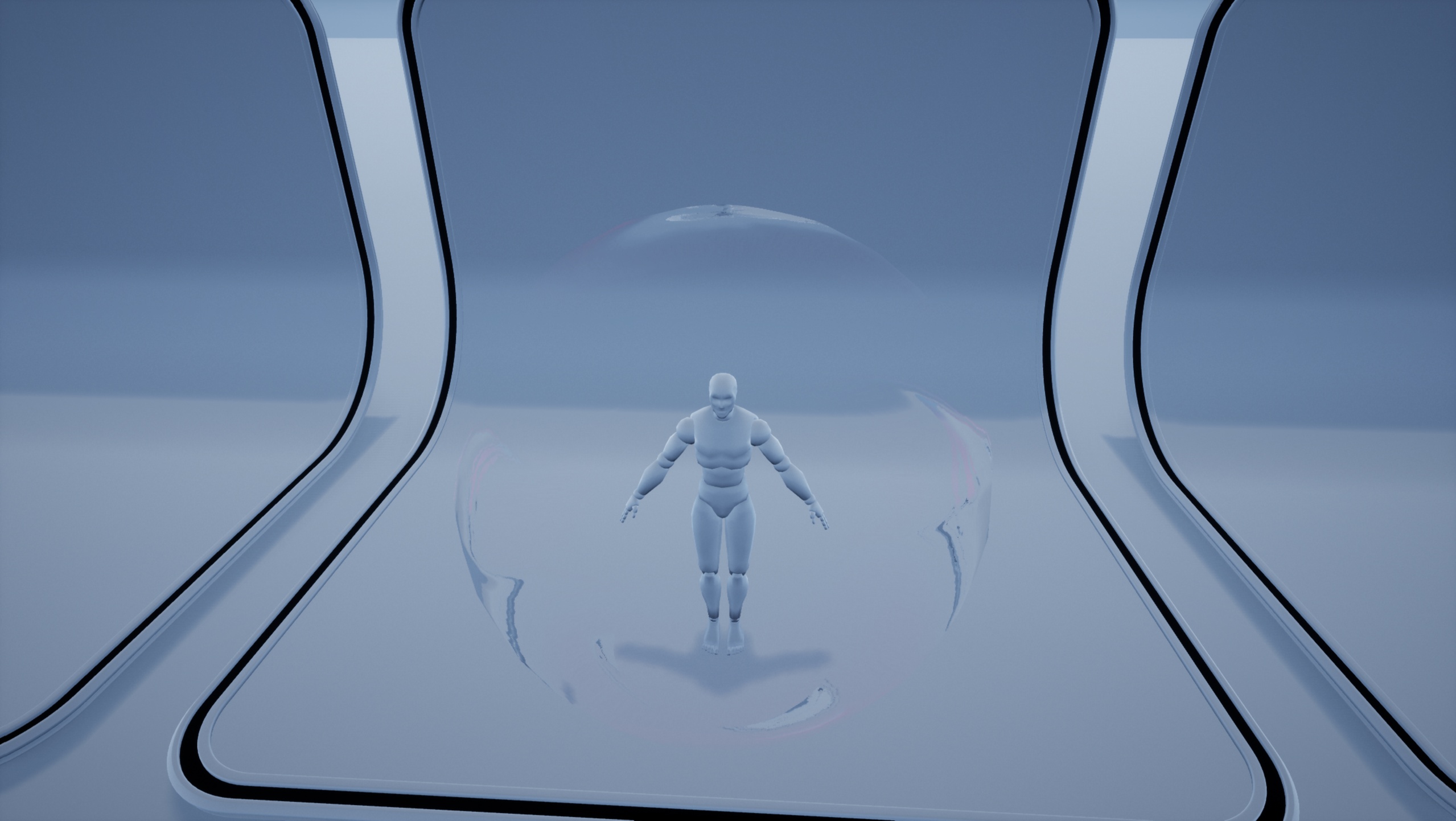












Description
🎥 Preview Video
A showcase video demonstrating all shield FX is available here:
https://youtu.be/Me0D2CPYZjY
1. Paladin Tactics: Asset User Guide
https://youtu.be/T9wlqprHxkM
2. How to Apply Assets to Your Character
https://youtu.be/y6wOX1phiPs
📦 Product Description
This package delivers a production‑ready shield FX system designed for immediate use in real game projects.
All effects, materials, textures, meshes, and blueprints are fully customizable and optimized for real‑time performance.
The system is built in UE4 to ensure maximum version compatibility, allowing seamless use across UE4.27 to UE5.7.
It converts cleanly using UE5’s Cascade‑to‑Niagara tool, guaranteeing stable results in all supported engine versions.
The asset includes complete shield logic, projectile interaction, impact reactions, and polished VFX created with both Cascade and Niagara.
All assets are open for modification, enabling developers to freely adjust and combine textures, meshes, materials, and particle systems.
A full preview video is available to demonstrate the actual in‑engine VFX.
✨ Features
Production‑ready real‑time shield FX
Projectile interaction and hit‑reaction logic
High‑quality VFX created with Cascade & Niagara
Blueprint actors ready for drag‑and‑drop use
Fully customizable materials, textures, and meshes
Optimized performance for UE4 and UE5
Smooth UE5 Cascade‑to‑Niagara conversion
Beginner‑friendly setup with installation guide included
🛠 Technical DetailsAsset Breakdown
Materials: 16
Material Instances: 10
Textures: 13
Static Meshes: 11
Particle Systems: 8
Blueprint Actors: 7
Audio Files: 0
Number of Blueprints
5 Blueprint Actors
Number of Niagara Systems
8 Cascade particle systems
Supported Engine Versions
Unreal Engine 4.27 and 5.0 – 5.7
Built in UE4 for maximum backward and forward compatibility, ensuring stable conversion and consistent behavior across all supported versions.
Documentation
PDF installation guide
In‑editor comments included
Dependencies
No external plugins required
ApexDestruction disabled to meet Fab requirements
📌 Installation & Usage
Add the asset pack to your project and open any level.
Drag BP_Shield and BP_PRJ into the scene.
Press Play to see the shield system working immediately.
❓ FAQ
Q. Can I use this in commercial projects?
Yes. You may use it in personal and commercial projects. Redistribution of the asset files is not allowed.
Q. Does it work in UE5?
Yes. The system converts smoothly using UE5’s built‑in Cascade‑to‑Niagara converter.
Q. Can I modify the assets?
All assets are fully open and customizable.
Q. Where can I get support?
Support is available via email or Discord:
https://discord.gg/VACGtCaDVu