Descripción
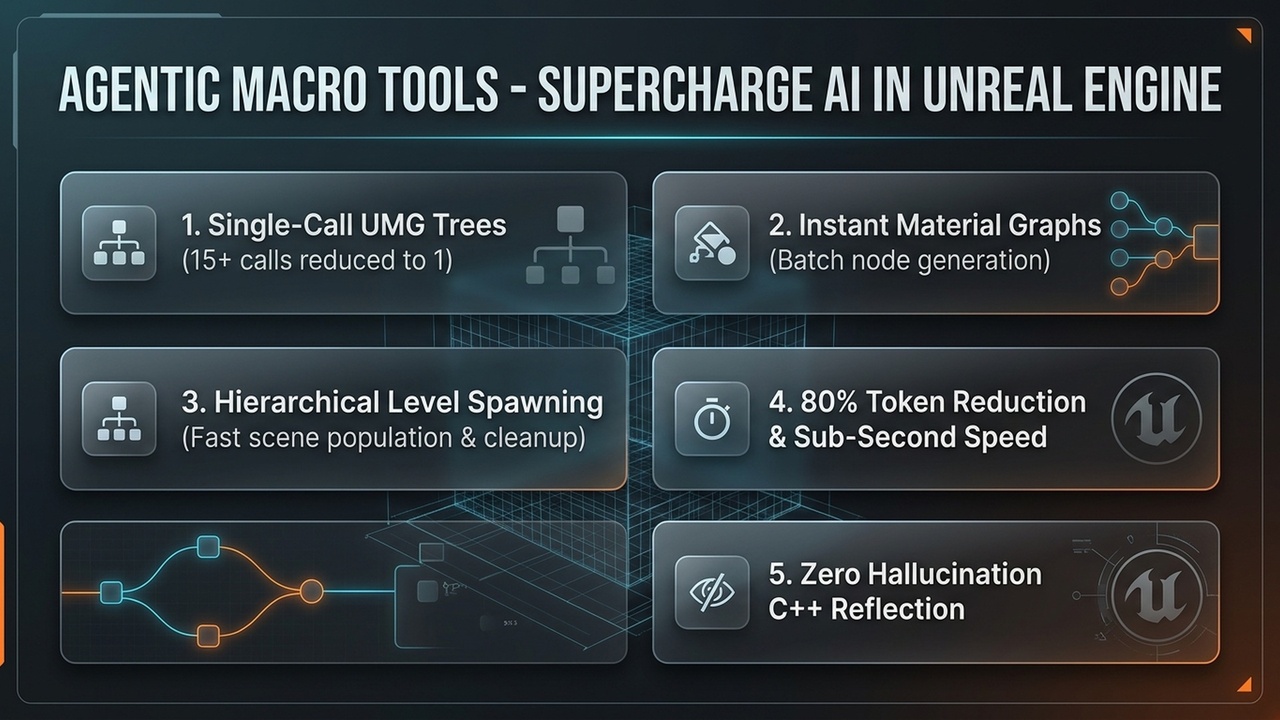
When AI agents (Claude, Cursor, Antigravity, custom LLM tools via MCP) interact with Unreal Engine using standard editor APIs, building an interface or scene typically requires 15 to 30+ sequential tool calls: adding widgets one-by-one, querying slots, assigning properties, and recompiling. This causes high token consumption, slow response times, and frequent state desynchronization.
AgenticLink - Agentic Macro Tools solves this by providing atomic, declarative macro toolsets for Unreal Engine. With a single tool call, your AI assistant can construct an entire hierarchical UMG widget tree, build complex material node graphs, or populate multi-actor level hierarchies.
Key FeaturesBatch UMG / UI Construction (UIBatchToolSet)
Single-Call Tree Building: Create or modify complete Widget Blueprints in one call with BatchBuildWidgetTree.
Shorthand Class Aliases: Agents can use intuitive shorthands (e.g., "Canvas", "Text", "Button", "Image", "VBox", "HBox", "Overlay") or project-specific UserWidget classes.
Canvas Slot Anchor Presets: Built-in layout presets ("full", "center", "top_stretch", "bottom_stretch", "center_stretch_h", etc.) eliminate tedious coordinate math for LLMs.
Project Widget Discovery: ListProjectWidgets scans the Asset Registry so AI assistants can discover and reuse your project's custom widgets by name (e.g., "WBP_HealthBar").
Bulk Property Tuning: BatchSetProperties allows fast updates across multiple widgets in an existing hierarchy without repetitive queries.
Batch Material & Instance Generation (MaterialBatchToolSet)
Graph Synthesis in One Step: BatchBuildMaterial creates material expression nodes, parameter defaults, and pin-to-pin wire connections simultaneously.
Material Instance Generator: BatchCreateMaterialInstance sets up child instances and applies scalar, vector (color), and texture overrides in a single atomic transaction.
Batch Level Population (LevelBatchToolSet)
Hierarchical Spawning: BatchPopulateLevel spawns, transforms (Location, Rotation, Scale), configures properties, and parents actors into clean hierarchies.
Iterative Scene Prototyping: Tag spawned actors (BatchTag) and use ClearGeneratedActors to let agents wipe and rebuild scene drafts cleanly without orphaned assets.
Engine Schema & C++ Reflection (AgenticReflectionToolSet)
Zero-Hallucination Introspection: Exposes Unreal Engine’s reflection system directly to AI tools.
Schema Queries: GetClassSchema, GetStructSchema, and GetEnumValues return JSON schemas of editable properties and valid enum values so agents query exact property names before generating operations.
Technical Information
Features:
Declarative batch UMG widget tree builder with auto-anchoring and shorthand aliases
Project widget discovery via Asset Registry
Batch Material node graph generator and Material Instance configurator
Hierarchical Level batch actor spawner with tagged clean-up
C++ reflection schema exporter (Classes, Structs, Enums) for LLM tool grounding
Native integration with ToolsetRegistry and AICallable metadata
Code Modules:
AgenticMacroTools (Type: Editor, LoadingPhase: PostEngineInit)
Number of C++ Classes: 5 (plus helper structs and presets)
Network Replicated: No (Editor-only utility)
Supported Development Platforms: Windows (Win64), macOS, Linux
Supported Target Build Platforms: Unreal Editor (5.8)
Dependencies: ToolsetRegistry, EditorScriptingUtilities, UMG, UMGEditor