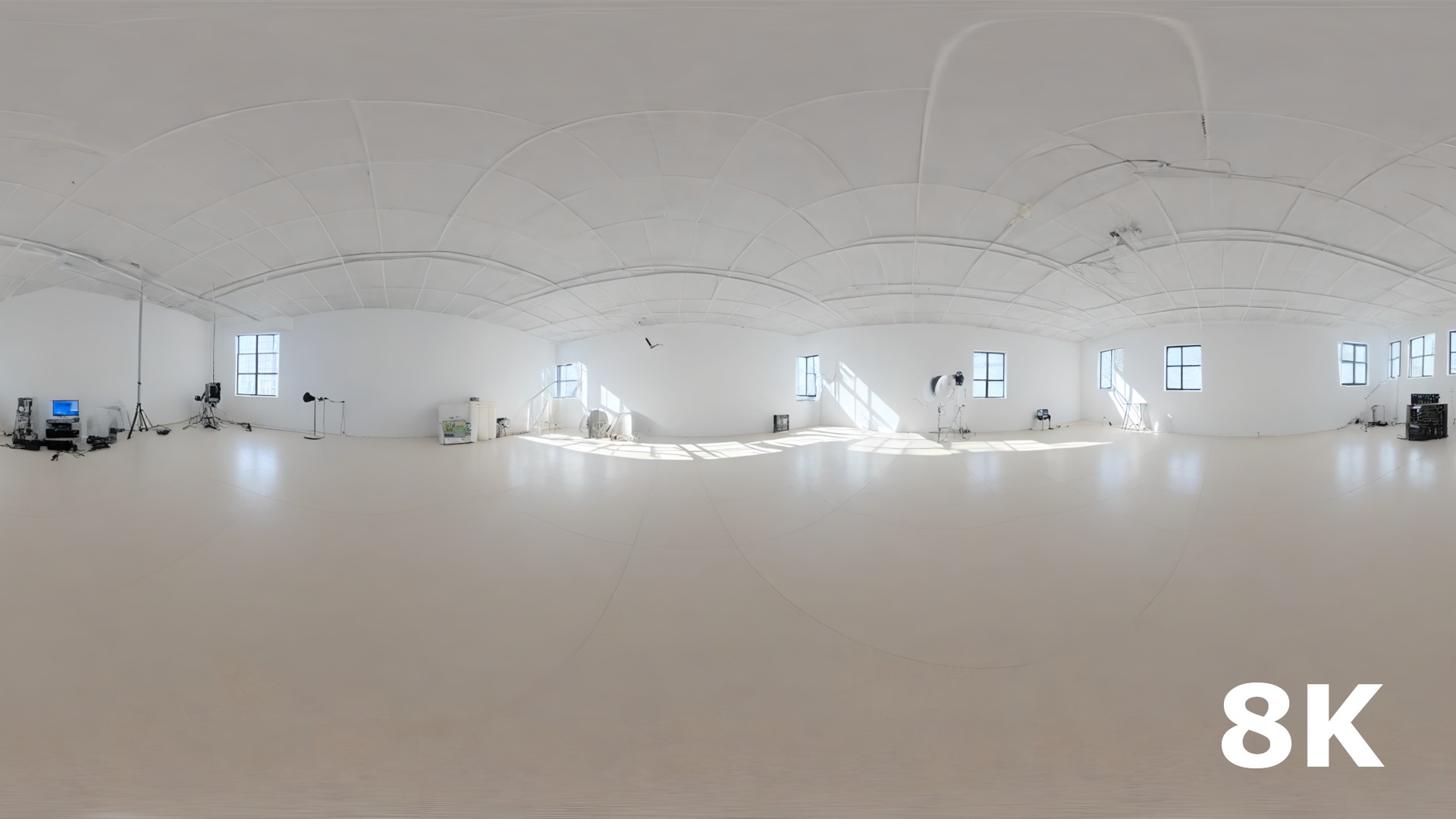





Description
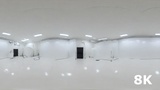
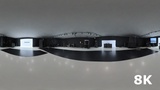
Professional Studio Lighting HDRI Pack is a collection of 10 high-quality 360° studio environments created for realistic product visualization, automotive rendering, architectural visualization, cinematics and game development.
The collection includes a variety of professional studio lighting setups, ranging from bright high-key commercial studios to dark premium environments, dramatic lighting setups and glossy automotive studios.
Each HDRI is designed to provide realistic environment lighting, reflections, highlights and soft shadows, allowing you to achieve professional studio-quality results without having to build a complete lighting setup from scratch.
✨ Features
10 unique professional studio HDRIs
360° equirectangular environments
Bright commercial studio setups
Dark premium studio environments
Automotive photography studio lighting
Large softbox and octabox lighting
Vertical strip light setups
Dramatic cinematic lighting
High-key product photography environments
Glossy reflection-focused studio setups
Warm luxury studio lighting
Realistic natural and artificial light combinations
High dynamic range environment lighting
Ideal for reflections and material presentation
Suitable for real-time and offline rendering
🎯 Perfect For
Product visualization
Automotive rendering
Unreal Engine projects
Game development
Architectural visualization
3D product presentations
Hard-surface assets
Jewelry and luxury products
Cinematic scenes
Virtual production
Material and shader previews
Includes HDRI + Depth Map
💡 Designed for Realistic Studio Rendering
Whether you need soft commercial lighting, dramatic contrast, clean high-key illumination or strong controlled reflections, this collection provides a variety of professional studio environments for different rendering situations.
Use the HDRIs to quickly establish realistic lighting and reflections for your 3D assets while keeping your workflow simple and flexible.
In order to use this pack, You will have to enable the FREE plugin HDRIBackdrop. The plugin is created by Epic and it is already installed in UE, so all you have to do is to go to Edit/Plugins - search for it and tick Enable.