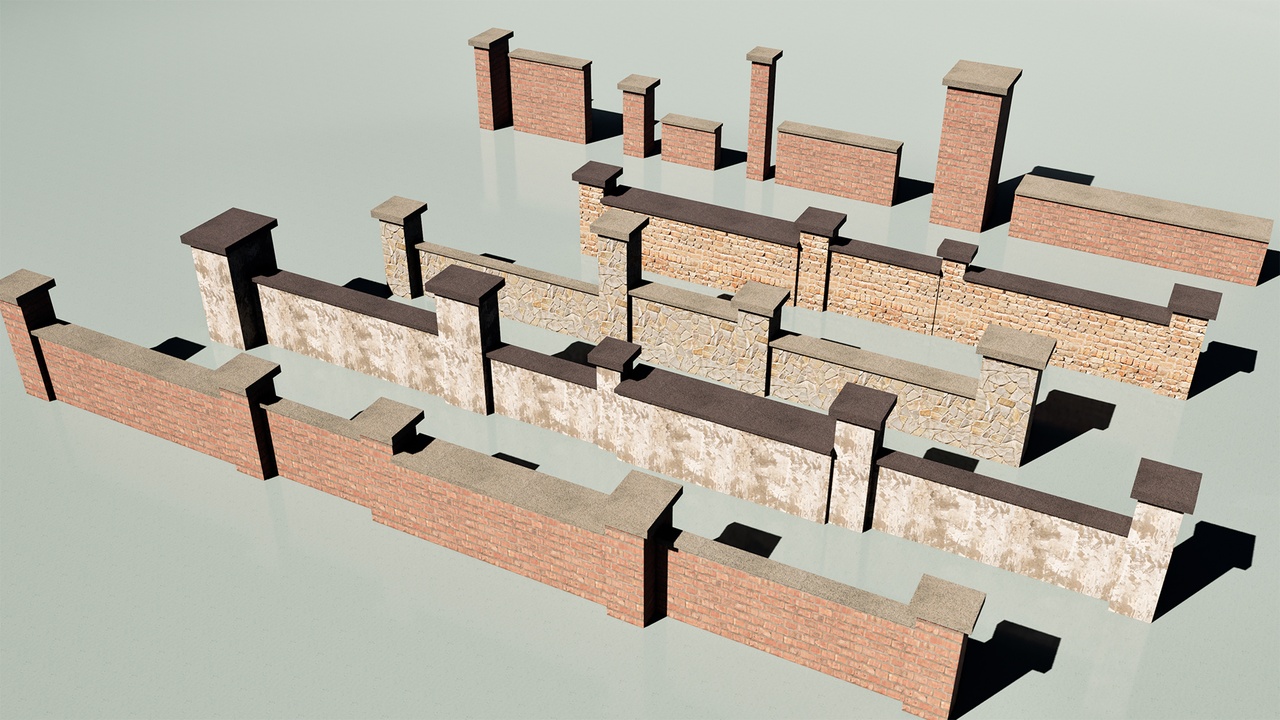
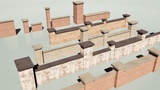
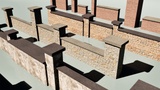
الوصف
📘 SmartWall System – User Guide (EN)
Blueprints:
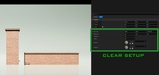
• BP_SmartWall_A – Column Generator
• BP_SmartWall_B – Wall Generator
Both blueprints share the same parameters, but differ in how the top cap (outline) expands.
⭐ Core Feature: Procedural Mesh + Automatic UV Mapping
SmartWall is built entirely using Procedural Mesh Components, not static meshes.
This gives the system its most important advantage:
✔ UVs automatically adjust when Size or Offset changes
• No stretching, no compression, no distortion.
• UVs are recalculated every time the mesh is regenerated.
• Materials always look clean and consistent.
✔ No material editor setup required
• No TextureCoordinate nodes
• No tiling adjustments
• No world-aligned textures
• No manual UV tweaking
Just assign your materials to the Top Material and Bottom Material slots — SmartWall handles the rest.
✔ Real‑time mesh regeneration
• Every parameter update redraws the mesh procedurally.
• Ensures clean geometry, correct UV flow, and stable shading.
✔ Performance‑friendly
• Lightweight procedural generation
• Nanite compatible
• Ideal for large scenes and modular workflows
🧩 1. Shared Parameters (A & B Blueprints)
Both BP_SmartWall_A and BP_SmartWall_B include the same six parameters:
1. Size in cm (Vector)
Defines the overall dimensions of the wall/column.
• X: Length
• Y: Thickness
• Z: Height
Changing this value regenerates the mesh and recalculates UVs automatically.
2. Offset in cm (Vector)
Applies a local positional offset relative to the pivot.
Useful for fine alignment when placing multiple modules.
UVs remain correct even when Offset changes.
3. Outline
Controls how far the top cap extends outward.
• Positive → Cap expands outward
• Zero → Cap aligns with the body
4. Thickness
Defines the vertical thickness of the top cap.
Does not affect the body height — only the cap’s Z thickness.
5. Top Material
Material applied to the top cap.
6. Bottom Material
Material applied to the main body.
🏗️ 5. How to Use
Drag the blueprint into the level.
Adjust Size to set real‑world dimensions.
Use Offset for fine alignment.
Set Outline to control cap overhang.
Adjust Thickness for cap depth.
Assign Top Material and Bottom Material.
Duplicate (Alt + Drag) to build modular systems.