Opis
Pixel Era 3.5 Demo 🎥
Documentation📖
Ultra-Efficient Texture & Material Reading + GPU Overlap Detection
Turn textures, render targets, materials and meshes into gameplay. Read colors, create interactive zones and detect overlaps through Blueprints or C++, with support for high volumes of requests on Tick.
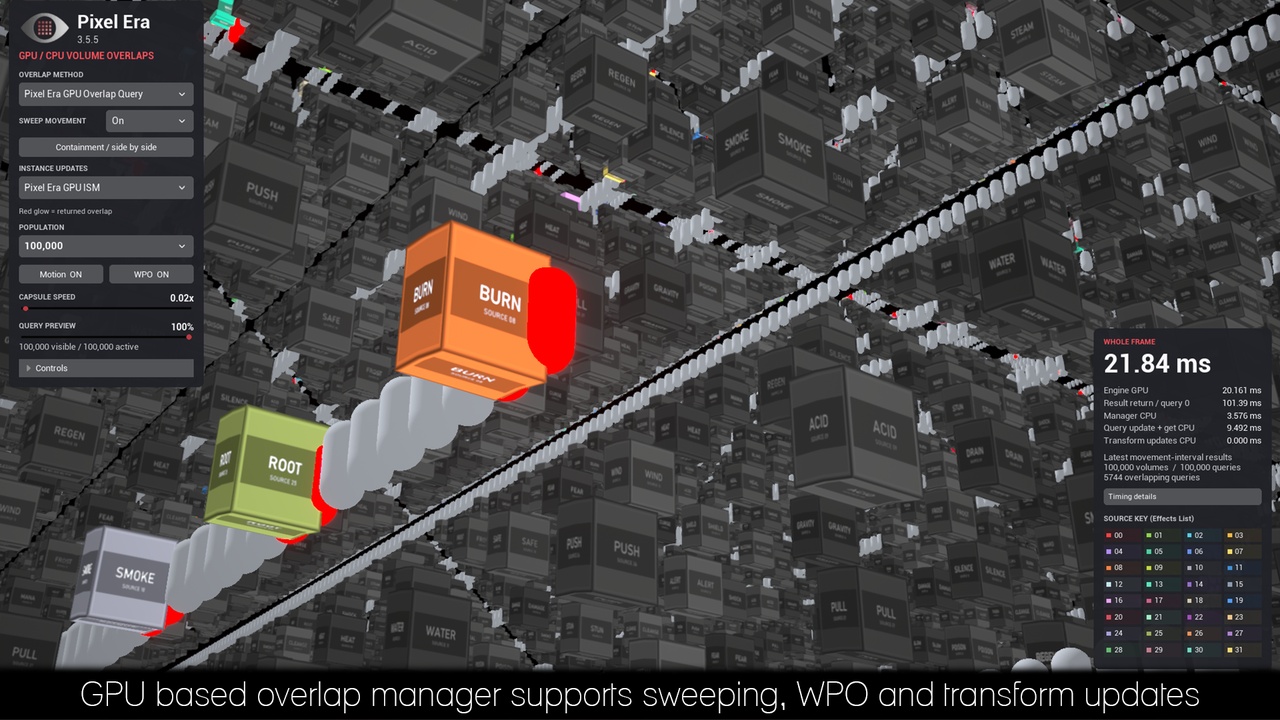
New in 3.5: GPU Overlap Detection
Turn your meshes into AoE abilities, damage fields, healing zones and custom triggers, with engine collision disabled on the source meshes.
Detect full containment: recognize a capsule inside a closed mesh, even when it touches none of its surfaces.
Follow moving and animated volumes: respond to transform changes and World Position Offset.
Distinguish overlapping effects: identify multiple sources at once, including volumes stacked at different heights.
Enable sweeping: detect crossings between sampled positions for very fast moving queries and source volumes.
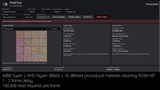
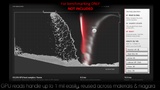
Super efficiency: Handles tens of thousands of static meshes easily while updating their transforms on the GPU rather than the CPU
Populate large scenes: spawn closed static meshes through Pixel Era Overlap Manager which converts them into cheap volumes for overlap queries, or simply spawn a static mesh with the appropriate MF in its material that the manager auto detects
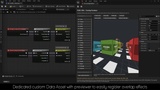
Organize and preview your effects in the Overlap Emulator asset. Add an Overlap Manager to your level, configure your source materials with the included material function, then attach Pixel Era Overlapper to the actors that will submit overlap queries - plug and play ready.
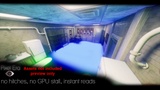
Through this actor component, it will fire Begin Overlap and End Overlap events with names of the source effects, or submit and retrieve queries directly through Blueprints and C++ in your own custom logic.
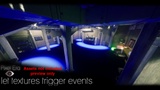
Turn Color Into Interaction
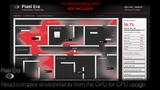
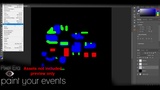
Paint gameplay zones: healing areas, hazards, stealth zones and enemy territories.
React to live simulations: respond to changing fire, water, heat and poison maps.
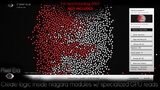
Drive Niagara and materials: control movement, appearance and effects with sampled colors.
Create interaction masks: define damage, armor and vulnerability through textures.
Use static or animated sources, four independent color channels, and RGBA8 or RGBA16F reads. CPU results arrive asynchronously; GPU-only effects can receive values directly in Niagara and material graphs.
Paint Your World
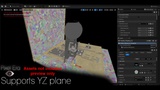
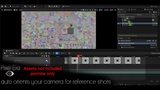
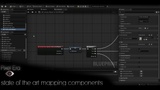
Define your Play Area, capture a reference image, and paint your logic in Photoshop or your preferred editor. Mapping Components turn world positions into texture-driven interactions across horizontal and vertical layouts.
Already using a minimap? Use its colors to drive gameplay and replace suitable overlap volumes.
Professional License: Includes author assistance with custom setup and C++ integration, subject to verification that your studio cannot complete the implementation independently.