

Descrizione
Blue Gem Earth
Showcase Video | v1.1 Usage Video
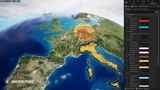
UPDATE 2026-03-20: Added road and railroad textures (80k). Added blueprint spawner (using data table) for city, airport and port locations!
Historical Questions and Reviews (pre-FAB).Have more questions? Please feel free to ask questions in our Discord.
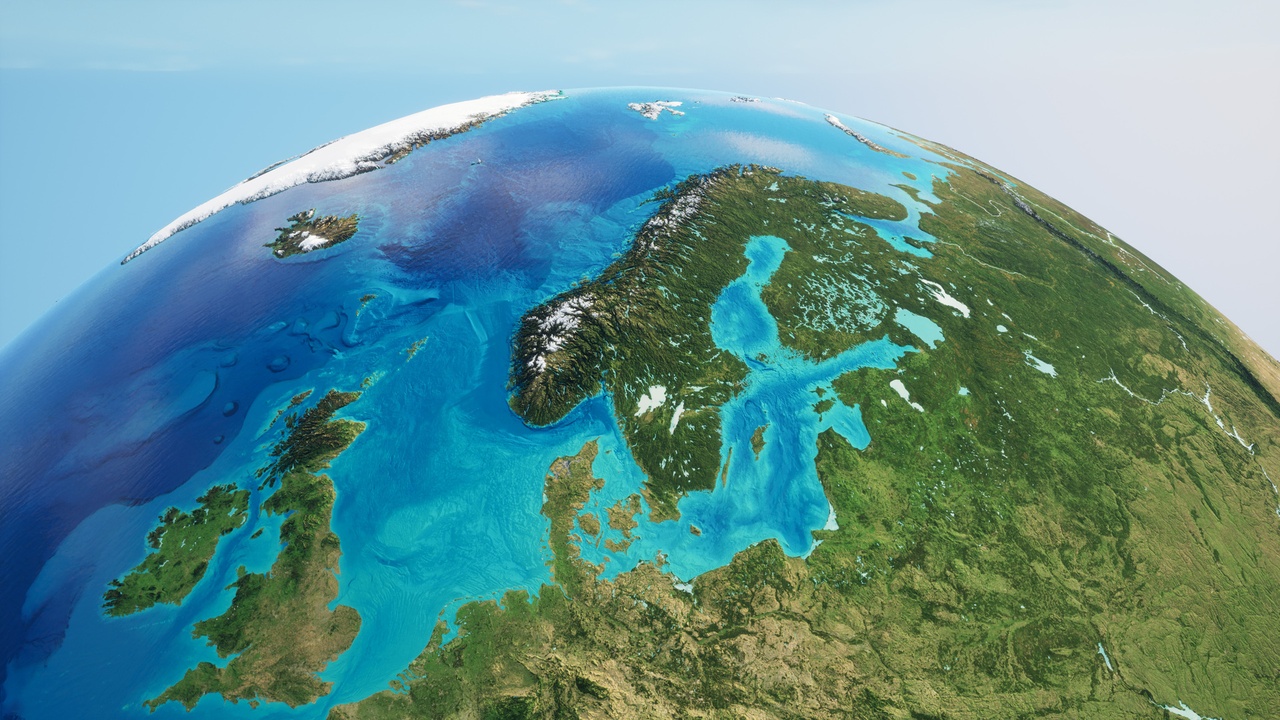
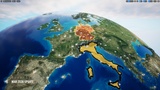
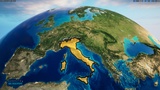
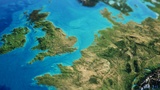
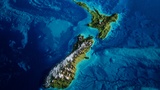
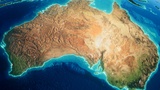
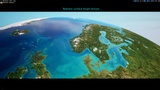
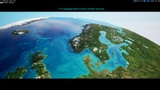
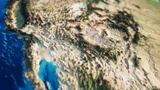
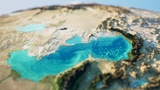
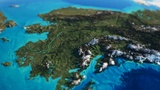
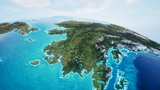
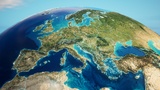
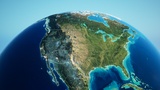
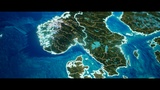
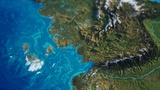
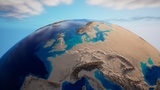
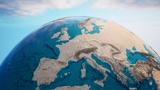
Blue Gem Earth is designed to help tell better stories about the world in geography-oriented games, YouTube videos and editorial presentations. Built with artistically crafted color maps that are draped over Nanite-powered terrain data, it's designed with raytracing, to run in real-time. Blue Gem offers visually striking, vertically exaggerated (~11x) or realistic topography and bathymetry heights (2 different levels), adding depth and dynamism to the appearance of the land and ocean floors, as the shadows cast over the surfaces. Additionally, it harnesses Epic's atmospheric lighting system, allowing dynamic lighting and shading adjustments based on the sun angle, turning the city lights on and off depending on the light visibility.
If you like it, please leave a review! It motivates us to improve the project. If you have suggestions for improvements please ask a question on this page, in our Discord channel or email us here. Thank you!
⭐5 good reviews → We'll create country labels and country border meshes for the vertically exaggerated version! - underway!
⭐6 good reviews → We'll create an ocean current mesh for the vertically exaggerated version!
Surface
The color map consists 81,920 pixels wide and 40,960 pixels high and has been hand painted to have many data processing artifacts removed. The normal map comprises 81,920 pixels wide and 40,960 pixels, and allows for normal flatness to be adjusted, changing the intensity of the terrain features to better suit the different artistic needs of the production.
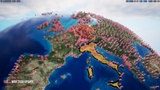
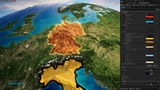
Country Borders [textures]
Adjustable Intensity
Adjustable Color
~80,000 x 40,000 pixels of texture
Internal Borders (state and province textures)
Adjustable Intensity
Adjustable Color
~80,000 x 40,000 pixels of texture
Unused textures that are unpacked will be removed in a update of the project.
The project includes the level sequence used for the showcase video.
Watch - v1.1 Usage Video
Discord - Openclay Creator Discord
Hardware
Nanite on PC requires the following;
NVIDIA: Maxwell-generation cards or newer
AMD: GCN-generation cards or newer
If you are looking to render out movie sequences, a graphics card with 16GB+ of dedicated VRAM is recommended - ideally 24GB+. If you are using UE 5.1 or great with DX12 and experiencing crashes, please use the following video to help render out sequences after UE 5:
Notes:
This project is ~11.3 GB in size.
This project does not include heightmaps or adjustable terrain height features.
Please press play and then stop in the editor to execute the recommended console variables.
This project is made from Static Meshes that are Nanite enabled.
This project is not suitable for first-person play or ground level use, both in terms of surface detail (lack thereof) and collisions.
This project is made of many meshes to create the planet, not a single planet mesh.
The meshes in this project are triangulated.
This project does not provide or support the terrain as a Landscape (the ground cannot be sculpted with Landscape tools).
Blue Gem requires SM6 to be enabled for Nanite if using Unreal Engine 5.1+. SM6 is enabled by default in Unreal Engine 5.1+.
Please see the Nanite documentation below for more information
https://docs.unrealengine.com/5.0/en-US/nanite-virtualized-geometry-in-unreal-engine/
If large seems are still present, navigate to your Unreal Engine Project Folder, and locate DefaultEngine.ini. In a text editor, such as Notepad or Notepad ++, edit this file. Change the following
from
[/Script/WindowsTargetPlatform.WindowsTargetSettings]
DefaultGraphicsRHI=DefaultGraphicsRHI_Default
to
[/Script/WindowsTargetPlatform.WindowsTargetSettings]
DefaultGraphicsRHI=DefaultGraphicsRHI_DX12
Disclaimer:
The translucent water meshes in this project are not Nanite enabled by default (this is intended). Enabling Nanite on the water meshes will stop them from being translucent. If you would like to like to learn more about the currently supported material Blend Modes for Nanite, please visit the link below:
https://docs.unrealengine.com/5.0/en-US/nanite-virtualized-geometry-in-unreal-engine/
Questions
If you are unsure if this product is right for you, please ask any questions here or in our Discord channel before purchasing, so we can help.