


説明
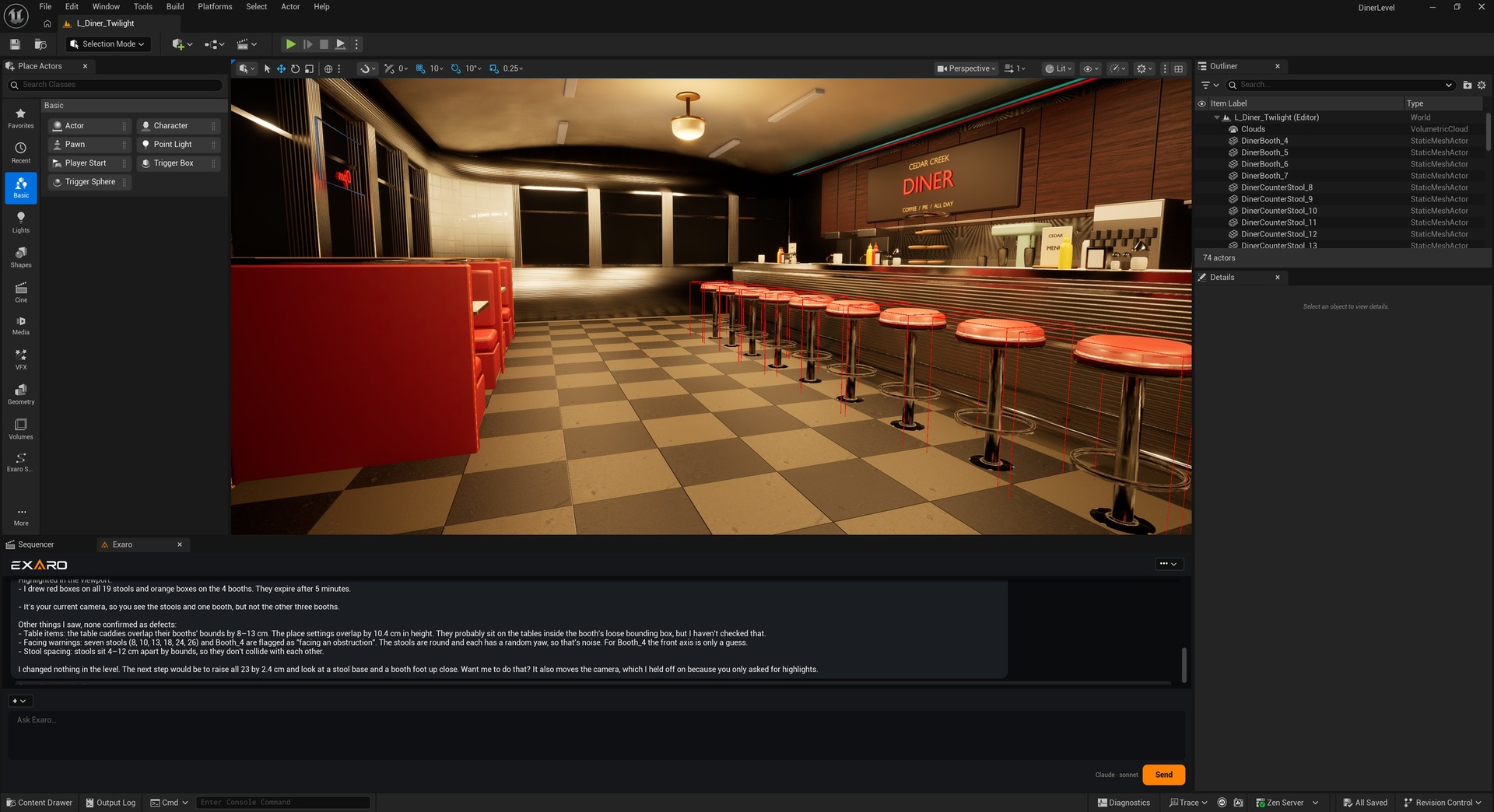
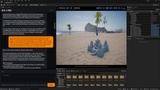
Exaro for Unreal turns an instruction into playable results inside the Unreal Editor. Chat with Claude, Gemini or OpenAI using your own API keys, or your own Claude Code / Codex / Gemini CLI subscription (CLI subscriptions run read-only in this edition), and let the AI inspect your whole project with the read-only tools.
This free edition reads and explains your project. Building and changing it — gameplay systems, levels, Blueprints, materials, animation, audio, UI — needs Exaro for Unreal Pro (one-time) or Exaro Studio from exarostudio.com (one purchase: Exaro for Unreal and Exaro for Blender, the game systems library and live AI workflows, with a year of updates included). With either, changes apply immediately as one undoable step (Ctrl+Z); review before applying is optional. Licences are activated inside the editor.
Once per session it connects to the Exaro content service for signed skills, recipes and layouts (data, not code; can be turned off in Editor Preferences).
Engine plugins this plugin enables (all ship with Unreal Engine; each is used by the plugin's code, so none can be disabled):
- UE 5.5 and 5.6 (14): Niagara, Paper2D, EnhancedInput, OnlineSubsystem, OnlineSubsystemUtils, AudioCapture, ProceduralMeshComponent (runtime gameplay components); GameplayAbilities, GameplayTagsEditor, CommonUI, MotionWarping, SequencerScripting, LevelSequenceEditor, VariantManagerContent (editor tools that create those asset types).
- UE 5.7 (26): the 14 above plus ControlRig, IKRig, PoseSearch, Chooser, Metasound, PCG, StateTree, SmartObjects, PropertyBindingUtils, EnvironmentQueryEditor, GeometryCollectionPlugin, PlanarCut (animation, audio, procedural, AI and destruction tools).
- UE 5.8 (27): the 26 above plus ModelContextProtocol (optional; exposes the tools through Epic's built-in MCP server).
Supported Unreal Engine versions: 5.5, 5.6, 5.7, 5.8 (Windows).
Documentation: https://exarostudio.com/docs/getting-started