





설명
Elevate your game’s finishing touch; every contributor deserves recognition.
🔗 Quick Links
Preview Backgrounds: Color | Images | Movie | Transparent
Playable Showcase Demo: Download
Resources: Video Tutorial | Documentation | Release Notes
Support: Join our Discord for bug/crash reports, feature requests, and general help
___
📖 Overview
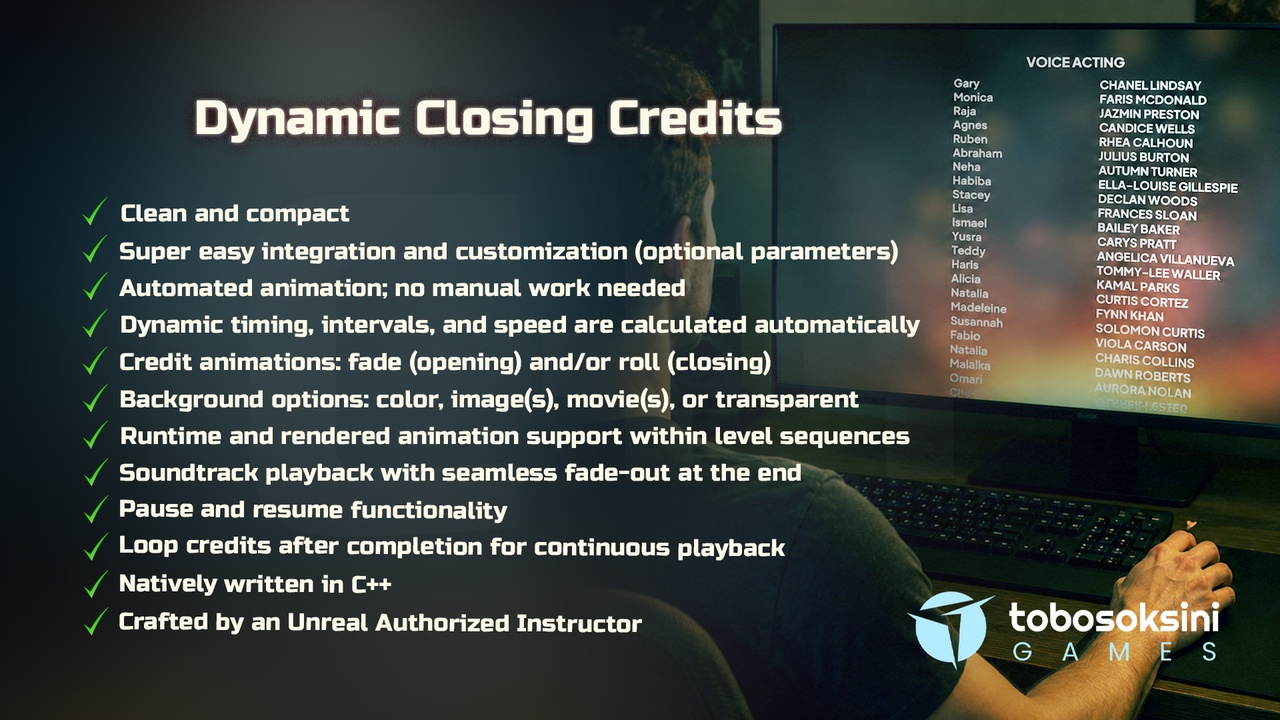
Dynamic Closing Credits (DCC) is a professional, performance-focused plugin for Unreal Engine that makes adding polished closing credits to any project straightforward and pain-free. Built entirely in native C++, it eliminates the need for complex Blueprints and graphs, keeping your project clean and your workflow efficient.
Getting started requires minimal effort; replace the text, optionally tweak a few parameters, and the plugin takes care of the rest. Timings, intervals, and animation speeds are all calculated dynamically, so there is no manual animation work involved.
Choose from two credit animation styles: fade and roll. Fade credits include a refined effect for individuals with multiple consecutive roles, where the name stays on screen while the roles transition in and out. Roll credits follow the classic scrolling format familiar to audiences everywhere. Backgrounds can be set to a solid color, a single or rotating selection of images, a single or rotating selection of movies, or left fully transparent for seamless integration with your existing UI.
Soundtracks can be queued to play throughout the credits, with an automatic fade-out as they reach the end. End-of-credits behavior is also configurable, giving you the option to hide the widget, quit the game, or transition to a new level.
Beyond playback, DCC gives you precise control over the credits lifecycle. Bind into begin and end events, assign a skip key so users can exit at any time, and pause or resume the credits, including both animation and audio, whenever needed. Automation properties allow the credits to activate and clean themselves up without requiring manual calls, keeping your code concise. A built-in debug mode surfaces on-screen messages during development, and all properties include descriptive tooltips directly in the Details Panel. Additionally, you can enable a loop mode so the credits automatically restart after finishing, ensuring continuous playback until explicitly stopped.
Ready-to-run example content is included, covering both fade and roll credit setups as well as a Main Menu integration example that demonstrates event binding and skip key functionality in practice.
___
⚙️ Setup Guide
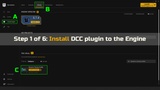
Install the plugin to the Engine
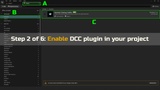
Enable it in your project
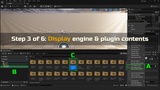
Display Engine and plugin contents
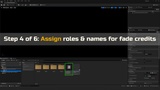
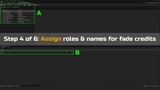
Assign roles and names for fade credits
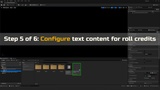
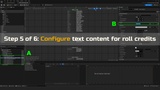
Configure text for roll credits
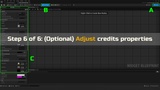
(Optional) Adjust properties
___
📝 Notes
Includes Unreal Engine logo (PNG, 310x334).
Demo music loop: Viking Calls by Marcus Dellicompagni (via PoundSound). See license details.
___
💬 Message from the Developer
Your rating on Fab helps other developers discover useful tools and supports our work.
Your feedback helps us refine tutorials and tools, so they’re clearer and more helpful for everyone. Thanks for supporting our work on Fab! 💖
🎁 As thanks, we’re giving away free access to our Udemy course: Solo Dev Version Control in Unreal Engine with Git & GitHub. To claim your free course, just reach out via email or join our Discord and ask about it!
___
🏅 Credentials
Created by an Unreal Authorized Instructor with 10+ years of C++ experience. Built to be reliable, efficient, and easy to integrate into any project.